circuit is open, the display will indicate “OL”.
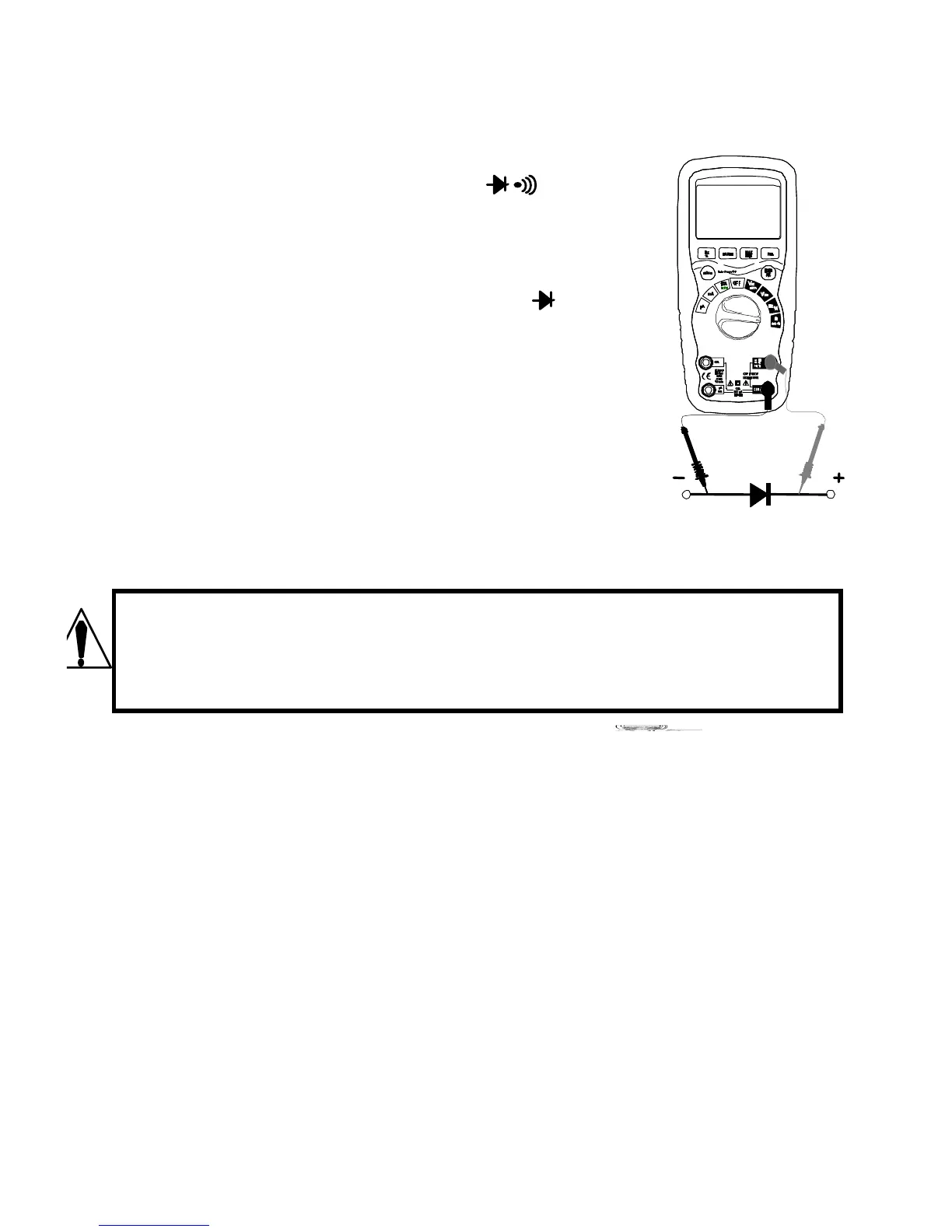
DIODE TEST
1. Set the function switch to the Ω position.
2. Insert the black test lead banana plug into the
negative COM jack and the red test lead
banana plug into the positive V jack.
3. Press the MODE button to indicate“ “ and “V”
on the display.
4. Touch the test probes to the diode under test.
Forward voltage will typically indicate 0.400 to
0.700V. Reverse voltage will indicate “OL”.
Shorted devices will indicate near 0V and an
open device will indicate “OL” in both polarities.
CAPACITANCE MEASUREMENTS
WARNING: To avoid electric shock, disconnect power to the unit
under test and discharge all capacitors before taking any
capacitance measurements. Remove the batteries and unplug
the line cords.
1. Set the rotary function switch to the
CAP position.
2. Insert the black test lead banana plug
into the negative COM jack.
3. Insert the red test lead banana plug into
the positive CAP jack.
4. Touch the test leads to the capacitor to
be tested.
5. Read the capacitance value on the
display
TEMPERATURE MEASUREMENTS



 To Next Page