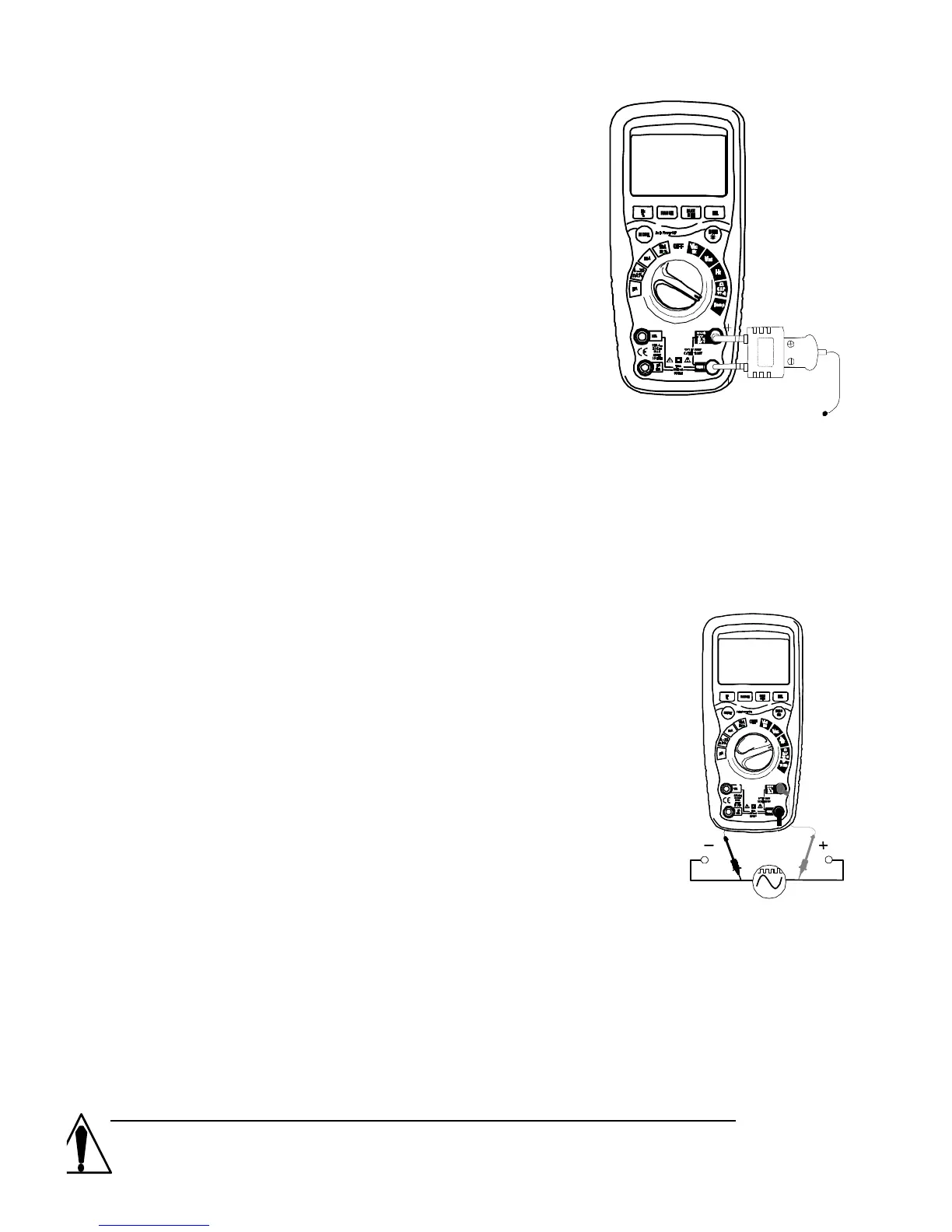
1. Set the function switch to the ºC or ºF
position.
2. Insert the Temperature Probe into the
positive ºF & negative Com input jacks,
making sure to observe the correct
polarity.
3. Touch the Temperature Probe head to
the surface you wish to measure.
Keep the probe touching the surface
under test until the reading
stabilizes (about 30 seconds).
4. Read the temperature on the display.
NOTE: The temperature probe is fitted with a type K mini connector.
A mini connector to banana connector adaptor is supplied for
connection to the input banana jacks.
FREQUENCY (Hz) MEASUREMENTS
1. Set the rotary function switch to the Hz position.
2. Insert the black lead banana plug into the
negative COM jack and the red test lead
banana plug into the positive Hz% jack.
3. Touch the test probe tips to the circuit under test.
4. Read the frequency on the display.
Maintenance



 To Next Page