SECTION 4 Operation
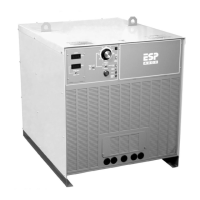
ESP 400C Plasma Power Source
ESP 400C Plasma Power SourceESP 400C Plasma Power Source
ESP 400C Plasma Power Source
4-6
12
ON
OFF
ON
OFF
12345678
SW2
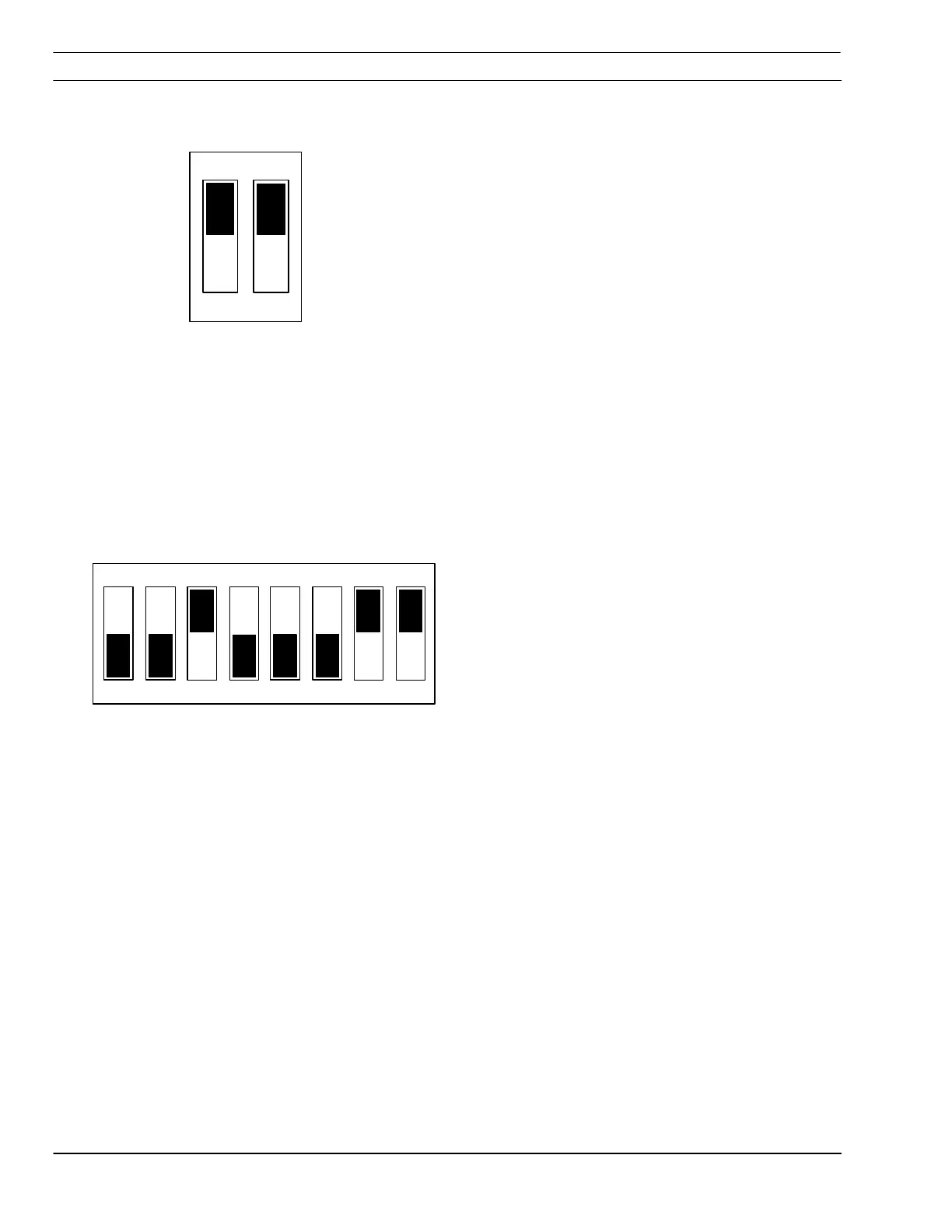
4.4.1 Enable/Disable Arc Initiation Timer
Factory default setting shown.
1. Remove access panel on the upper-right corner
of the front panel. Be sure to replace this panel
after adjustments have been made.
2. Locate SW1 and PCB1 and push both rocker
switches down to disable. To enable push both
switches up. (If one switch is up and the other
is down, arc initiation time is considered on.)
4.4.2 Adjusting Arc Initiation Timer
Minimum Start Current
Controlled by selection of positions 5 through 8 of
SW2. When a switch is pushed on, its value is
added to the factory set minimum value of 25A.
Switch #5 = 50A min. start current
Switch #6 = 25A min. start current
Switch #7 = 12A min. start current
Switch #8 = 6A min. start current
Default setting is with 7 and 8 on. 12A + 6A + 25A
= 43A
Dwell Time
Controlled by selections of positions 1 through 4 of
SW2 on PCB1. When a switch is pushed on, its
value is added to the minimum dwell time of 10
msec.
Switch #1 = 10 msec dwell time
Switch #2 = 20 msec dwell time
Switch #3 = 40 msec dwell time
Switch #4 = 80 msec dwell time
The default setting is with switch #3 on. 40 msec +
10 msec (minimum) = 50 msec
SW1
Factory default settings shown


 To Next Page