SECTION 6 Troubleshooting
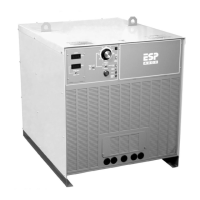
ESP 400C Plasma Power Sources
6-1
WARNING
!
6.1 General
Electric Shock Can Kill!
Do not permit untrained persons to inspect
or repair this equipment.
Electrical work must be performed by an
experienced electrician.
CAUTION
!
Stop Work Immediately If Power
Source Does Not Work Properly.
Have only trained personnel investigate
the cause.
Use only recommended replacement parts.
6.2 Fault Indicators
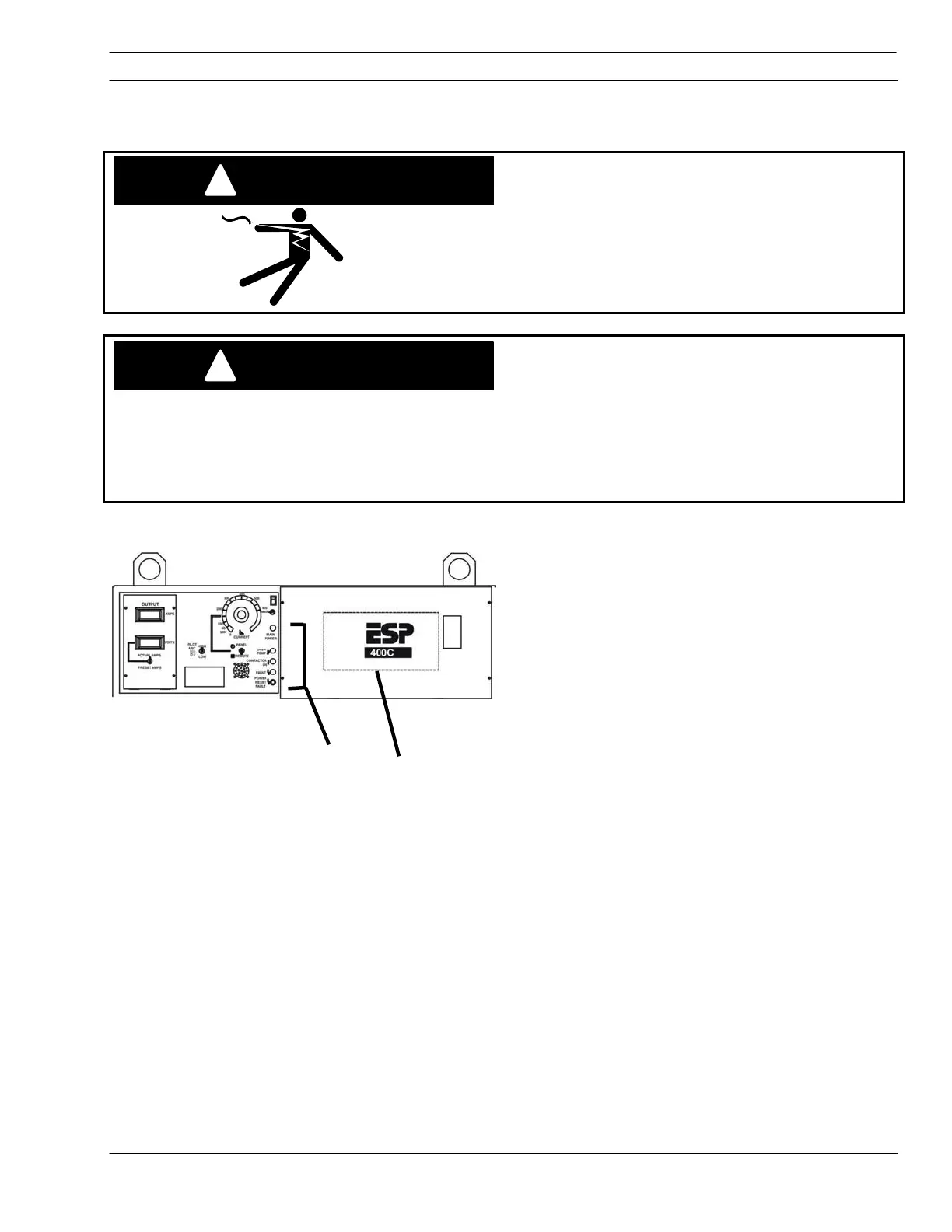
Fault indicators are found on the front panel
Used with the LEDs on PCB1 (located behind
the cover with the ESP label) problems can be
diagnosed.
NOTE: Momentary lighting (flashing) is normal
and does not indicated a fault.
Fault Indicator used with:
LED 3
LED 4
LED 5
LED 7
LED 8
Power Reset Fault Indicator used with:
LED 6
LED 9
LED 10
LED 11
LED 12
LED 13
Front Panel Fault Indicators
PCB1 Located
behind this panel.


 To Next Page