EasyManua.ls Logo

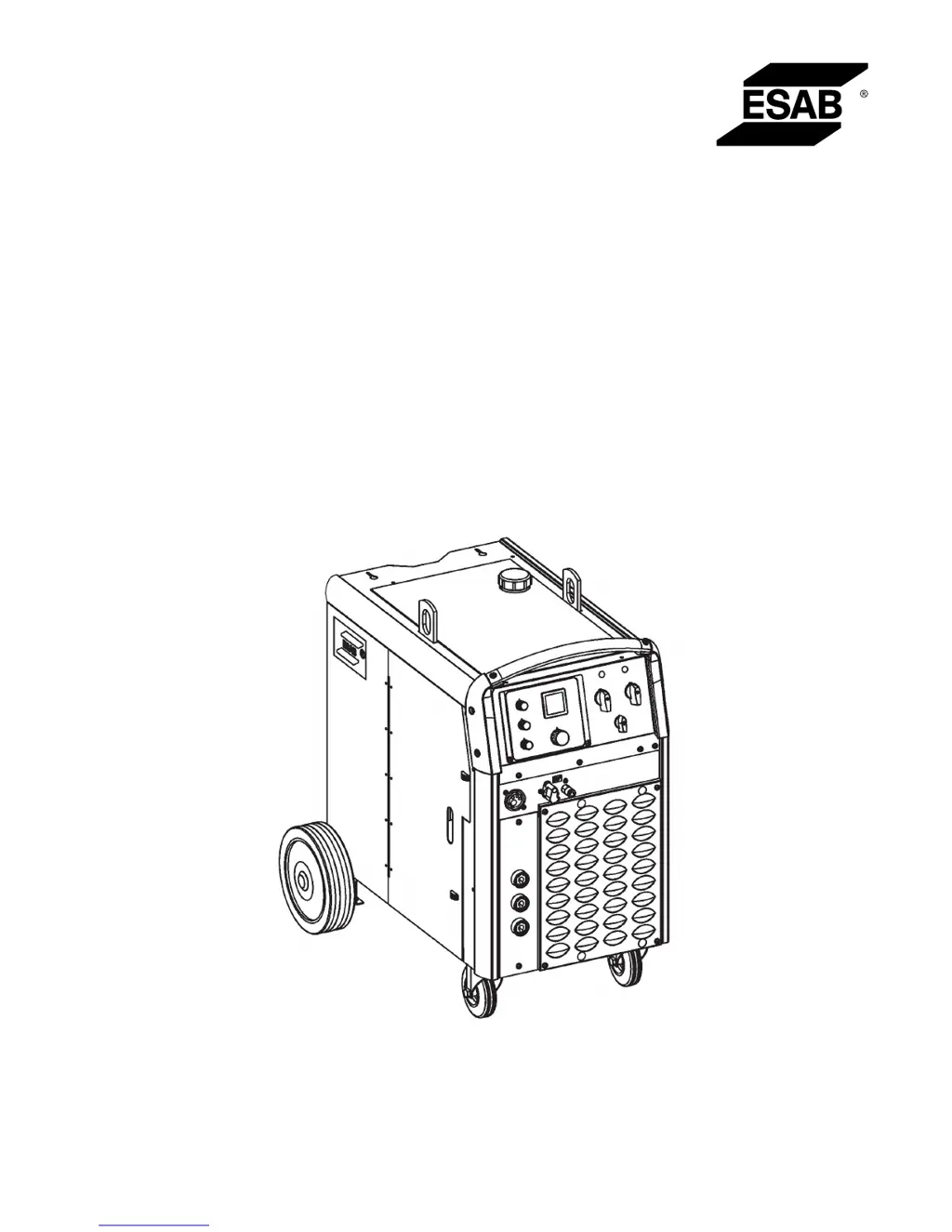
ESAB Origo Mig C420 PRO - User Manual

ESAB Origo Mig C420 PRO
30 pages
Print Icon
To Next Page IconTo Next Page
Loading...
Origo™
Instruction manual
0463 272 001 GB 20170310
Valid for: serial no. 627-xxx-xxxx, 120-xxx-xxxx
Mig C420 PRO

Questions and Answers

  • E
    Eric GreeneAug 2, 2025
    How to fix no arc on my ESAB Welding System?
    • E
      Erin HolmesAug 2, 2025
      If your ESAB Welding System has no arc, begin by ensuring the mains power supply switch is turned on. Then, verify that the welding current supply and return cables are correctly connected and that the correct current value is set.
  • R
    Ryan BlackwellAug 9, 2025
    Why is my ESAB Welding System's performance so poor?
    • T
      Thomas MartinezAug 9, 2025
      If you're experiencing poor welding performance with your ESAB Welding System, start by checking that the welding current supply and return cables are correctly connected and that the correct current value is set. Also, verify that the correct welding wires are being used and inspect the main power supply fuses. Finally, check the wire feed unit, ensuring that proper rolls are applied and the pressure of the wire feeder's pressure rollers is correctly set.
  • S
    Stephanie CainAug 16, 2025
    What to do if welding current is interrupted during welding with ESAB Welding System?
    • M
      Megan ColemanAug 17, 2025
      If the welding current is interrupted during welding with your ESAB Welding System, check whether the thermal overload trip has operated (indicated by the orange lamp on the front). Also, examine the main power supply fuses.
  • W
    watsonwilliamAug 25, 2025
    Why does thermal overload trip operate frequently on my ESAB Welding System?
    • W
      wgonzalezAug 25, 2025
      If thermal overload trips operate frequently on your ESAB Welding System, first check to see whether the air filters are clogged. Also, make sure that you are not exceeding the rated data for the power source, meaning the unit is not being overloaded.

Summary

SAFETY

Meaning of Symbols

Explains hazard symbols like Danger, Warning, and Caution for immediate and potential risks.

Safety Precautions

General safety rules for operating equipment, including personal safety and workplace conditions.

Specific Hazard Warnings

Details risks from electric shock, EMF, fumes, arc rays, and noise during operation.

INTRODUCTION

TECHNICAL DATA

INSTALLATION

OPERATION

Connection and Control Devices

Identifies and explains the function of front panel controls and connections.

MAINTENANCE

TROUBLESHOOTING

No Arc Troubleshooting

Checks for power supply, correct cables, and current settings.

Interrupted Welding Current

Verifies thermal overload operation and main power fuses.

Frequent Thermal Overload Trips

Checks air filters and unit load against rated data.

Poor Welding Performance

Checks cables, current, wire feed unit, and pressure settings.

CLEANING

DIAGRAM

WEAR PARTS

ESAB Origo Mig C420 PRO Specifications

General IconGeneral
BrandESAB
ModelOrigo Mig C420 PRO
CategoryWelding System
LanguageEnglish

Related product manuals