EasyManua.ls Logo

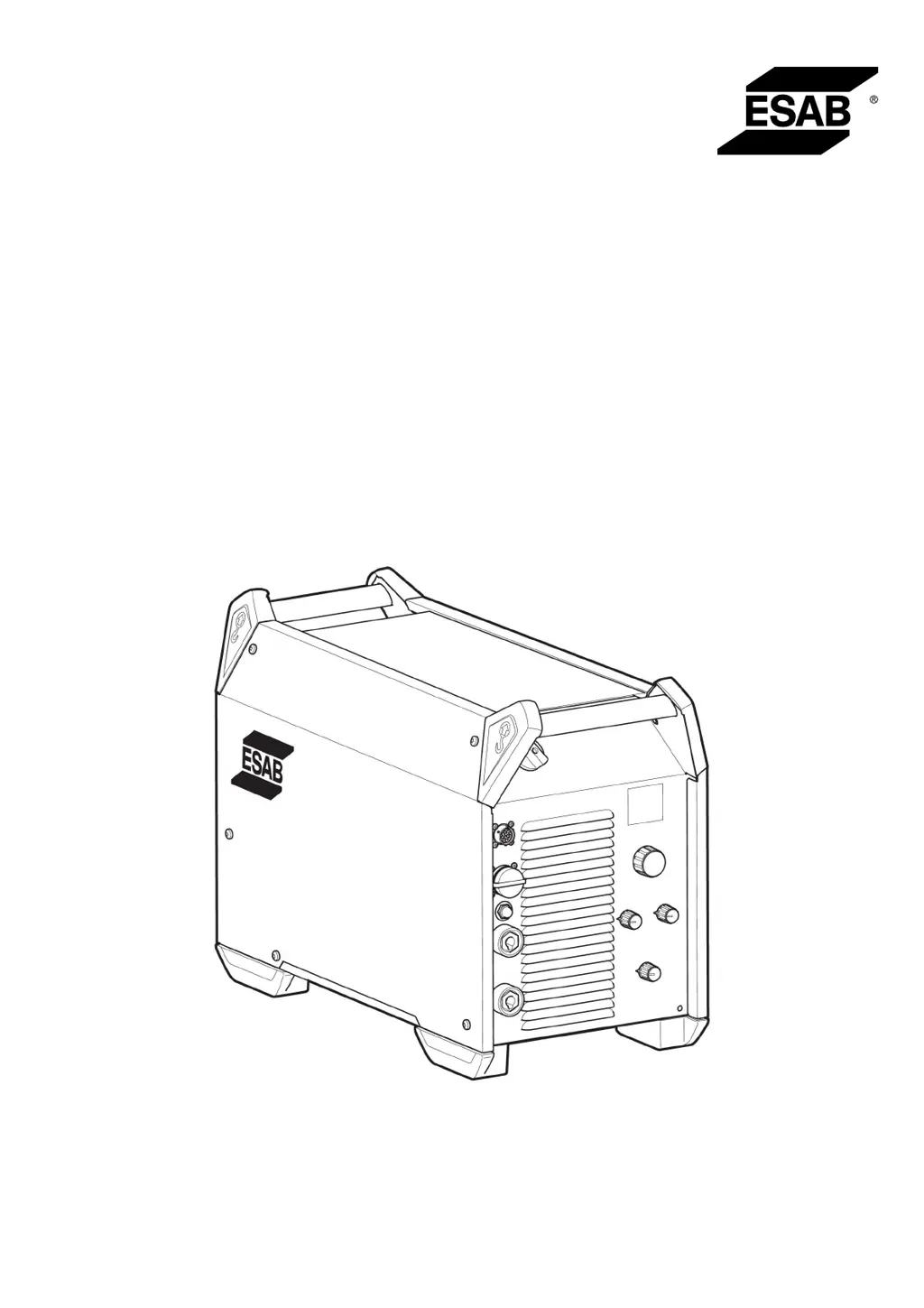
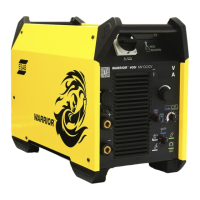
ESAB Warrior 400i CC/CV - User Manual

ESAB Warrior 400i CC/CV
30 pages
Print Icon
To Next Page IconTo Next Page
Loading...
Instruction manual
0463 362 201 GB 20221121
Valid for: serial no. 324-, 230-xxx-xxx
Warrior™400iCC/CV
Warrior™500iCC/CV

Questions and Answers

  • J
    Jeffrey MartinAug 1, 2025
    Why is my ESAB Warrior 400i CC/CV Welding System performing poorly?
    • D
      Dr. Julia BarrettAug 2, 2025
      If your ESAB Welding System isn't performing as expected, several factors could be at play. Start by verifying that the welding and return cables are correctly connected. Ensure that the correct current value is set, and that you're using the appropriate wire or electrode for the job. Also, check the mains power supply fuses and confirm the gas pressure in the equipment connected to the power source.
  • D
    David JonesAug 7, 2025
    What to do if the welding current is interrupted during welding with ESAB Warrior 400i CC/CV?
    • A
      Amanda GoodwinAug 7, 2025
      If the welding current is interrupted while using your ESAB Welding System, check if the overloading protection has been activated (indicated on the front panel). Also, inspect the mains power supply fuses and ensure that the return cable is securely fastened.
  • A
    Allison BowmanAug 13, 2025
    How to fix no arc on ESAB Warrior 400i CC/CV Welding System?
    • J
      jake23Aug 13, 2025
      If you're experiencing a 'no arc' situation with your ESAB Welding System, begin by ensuring the mains power supply switch is turned on. Next, check that the mains, welding, and return cables are correctly connected. Verify that the correct current value is set. Finally, inspect the mains power supply fuses.
  • H
    Heather LozanoAug 19, 2025
    Why does the overheating protection trip frequently on my ESAB Warrior 400i CC/CV?
    • J
      Jason ShortAug 20, 2025
      The overheating protection on your ESAB Welding System may trip frequently if the unit is being overloaded. Ensure that you are not exceeding the rated data for the power source.
  • V
    victor22Aug 26, 2025
    What to do if I see 'Err' on display in open circuit mode with ESAB Warrior 400i CC/CV Welding System?
    • E
      Erin CookAug 26, 2025
      If you see an 'Err' message on the display of your ESAB Welding System in open circuit mode, first check the mains power supply fuses. Next, verify that the voltage on the voltage selection label on the rear of the power source matches the nominal mains voltage. If these are correct, try restarting the power source using the main switch.

Summary

SAFETY

Meaning of Symbols

Defines hazard symbols like DANGER, WARNING, CAUTION.

General Safety Precautions

Lists user responsibilities and workplace safety requirements.

SAFETY TOPICS

Specific Hazard Warnings

Covers electric shock, EMF, fumes, arc rays, and noise hazards.

SAFETY TOPICS

Additional Safety Warnings and Cautions

Includes moving parts, fire, malfunction, and product cautions.

INTRODUCTION

Overview

Describes the product's purpose and applications.

Equipment Supplied

Lists items included with the power source.

TECHNICAL DATA

Product Specifications

Details electrical and physical parameters for both models.

TECHNICAL DATA

Operational Parameters Explained

Explains mains supply, duty cycle, and class ratings.

INSTALLATION

General Installation and Lifting Instructions

Covers professional installation and safe lifting procedures.

INSTALLATION

Location and Mains Supply Requirements

Discusses placement, cooling, and power connection.

INSTALLATION

Fuse Sizes and Generator Power Supply

Details fuse recommendations and generator usage.

INSTALLATION

Voltage Setting and Cable Connection Diagram

Illustrates voltage setting and cable installation.

OPERATION

Controls and Connection Devices

Identifies front panel controls and connectors.

Welding and Return Cable Connections

Explains how to connect welding and return cables.

OPERATION

Powering On;Off, Fan Control, and Symbols

Covers unit operation, fan control, and introduces symbols.

OPERATION

Symbols and Key Functions Explained

Details VRD, overheating, arc force, inductance, and TIG welding basics.

OPERATION

Welding Process Requirements

Explains TIG, Arc Air Gouging, MMA, and MIG/MAG process requirements.

MAINTENANCE

Routine Maintenance Schedule

Outlines recommended checks and cleaning intervals.

Cleaning Instructions Overview

Introduces the importance and factors for cleaning.

MAINTENANCE

Detailed Cleaning Procedure

Provides step-by-step instructions for cleaning the equipment.

TROUBLESHOOTING

Common Faults and Corrective Actions

Lists common problems and their solutions.

ORDERING SPARE PARTS

Obtaining Spare Parts and Service

Explains how to order parts and the importance of authorized service.

DIAGRAM

System Electrical Diagram

Shows the internal electrical components and connections.

ORDERING NUMBERS

Product and Documentation Numbers

Lists part numbers for models and documentation.

ACCESSORIES

Wire Feed Units

Lists various RobustFeed and Warrior Feed models.

ACCESSORIES

Control Units and Accessory Kits

Lists remote controls, foot controls, and outlet kits.

ACCESSORIES

Handling and Cooling Accessories

Lists wheel kits, trolleys, guide pins, and cooling units.

ACCESSORIES

Interconnection Cables

Details various interconnection cable options.

ACCESSORIES

Torches and Gouging Equipment

Lists TIG and Arc air torches.

ESAB Warrior 400i CC/CV Specifications

General IconGeneral
BrandESAB
ModelWarrior 400i CC/CV
CategoryWelding System
LanguageEnglish

Related product manuals