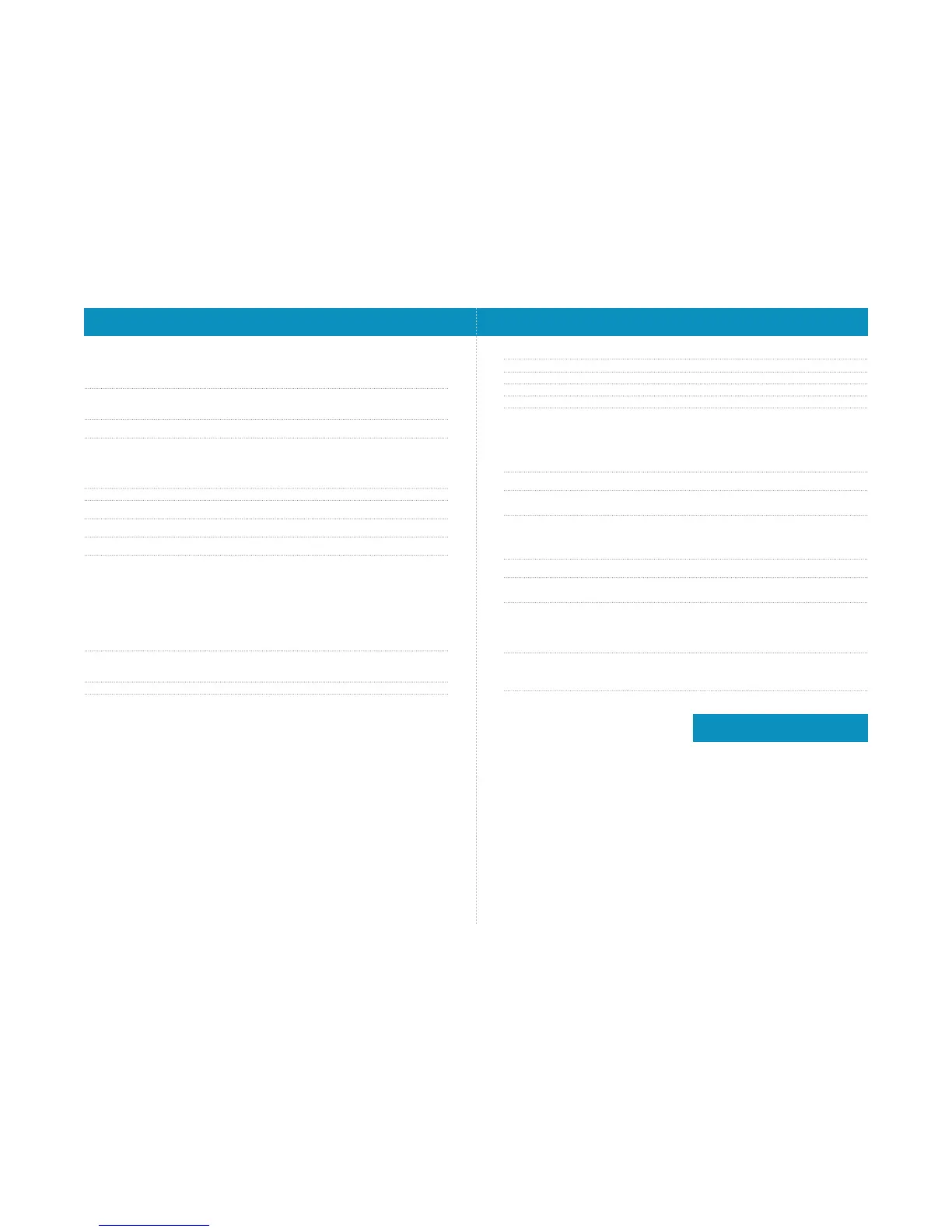
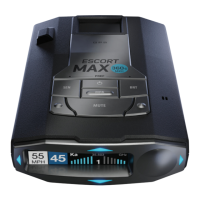
Settings & Preferences – Overview
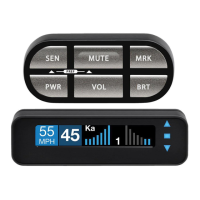
Press BRT to go from Press + or – to change
one category to the next your setting within a category
User Mode Advanced* Access and customize all Settings and Preferences
Novice Access and customize units and display color, (all other
Settings are set to factory defaults)
NOTE: Switch to Advance mode to view all Preferences
Pilot Mode Scanning* Scanning Bar with Full Word
Full Word Full Word: Auto, Auto NoX, or Highway
Arrow Mode Single* Displays blue threat-direction arrow for primary alert band
Multiple Displays threat-direction arrows for multiple alerts based on
Meter Mode settings.
Front radar alert band = blue, Rear radar alert band = red
Band Displays color-coded threat-direction arrows for multiple alert
bands, based on Meter Mode settings.
X = green, K = blue, Ka/Laser = red
Display Color Blue* / Green / Red / Amber Set color to match your vehicle’s dash display
Speed Display On* Displays current speed
Off Displays battery voltage
Cruise Alert 20 mph* Offers double-beep alert tones if traveling below specified speed
Off / 20-160 mph
Over Speed 70 mph* Reminds you when you exceed a specified speed
Off / 20-160 mph
Meter Mode Standard Primary alert band, with bar graph of signal strength
Standard FR1* Primary alert band, with front and/or rear bar graph(s) of
signal strength
Standard FR2 Primary and secondary alert bands, with front and/or rear
bar graph(s) of signal strength
Spec FR1 Primary alert band, with numeric frequency and front
and/or rear bar graph(s) of signal strength
Spec FR2 Primary and secondary alert bands, with numeric
frequencies and front and/or rear bar graph(s) of
signal strength
Expert FR Multiple alert bands, with front and/or rear bar graph(s) of
signal strength for each
Simple Caution (if traveling below Cruise Alert limit)
Slow Down (if traveling above Cruise Alert limit)
Tones Standard* Standard ESCORT alert tones
Standard+ Standard ESCORT alert tones for primary alert and
double-beep tones for additional alerts
Mild Mild doorbell chime alert tones
AutoMute Low / Med* / High / Off Automatically reduces audio to preferred volume during alert
Press and hold the BRT and SEN buttons to access Preferences. To exit Preferences, simply wait a few
seconds without pressing a button. A Completed message will display confirming your selection(s).
AutoLearn On* / Off Automatically stores and locks out false alarms
Units English* / Metric Units for distance and speed
Language English* / Espanol Language for voice and text
Voice On* / Off Voice announcements
GPS Filter On* / Off Enables GPS-powered features
AutoPower Off Power turns on or off depending on your vehicle’s ignition type
(constant power or switched)
1 Hour Powers off automatically after 1 hour
2 Hours Powers off automatically after 2 hours
4 Hours* Powers off automatically after 4 hours
8 Hour Powers off automatically after 8 hours
NOTE: AutoPower only works with constant power-ignition. If AutoPower is on,
the display screen goes blank after 30 minutes to save screen life.
Display screen will turn on automatically after you reach 10 mph
Band Enables Default* Default Settings for North America
Modified Customize the bands you want to monitor
Press SEN to modify Press + or – to change
band preferences and go from your setting within a category
one category to the next
X Band On* / Off
K Band On* / Off
Ka Band On* / Off
Ka-POP On / Off*
Laser On* / Off All laser guns used in North America
TSR On* / Off Automatically rejects traffic-flow-sensor false alarms
Marker Enables Default* All markers on
Modified Customize the types of locations you want to mark for future reference
Press SEN to modify marker Press + or – to change
preferences and go from your setting within a category
one category to the next
Other On* /Off Other location
Redlight On* / Off Red light camera
Red & Speed On* / Off Red light & speed camera
Speed Camera On* / Off Speed camera
Speed Trap On* / Off Speed trap
Air Patrol On / Off* Known aircraft patroled areas
NOTE: User cannot mark an Air Patrol location
Clear Locations Marked Clear all user-marked locations. Press SEN button to confirm
Lockouts Clear all lockouts. Press SEN button to confirm
Defender Clear all DEFENDER Database data. Press SEN button to confirm
Format Clear DEFENDER Database, all markers, and all lockouts.
*Default Setting
To restore ESCORT Max 360 to its original factory
settings, press and hold BRT and MRK while turning
the power on. A “Restored” message will display,
acknowledging the reset.
Restore Factory Settings



 To Next Page