Operation
9 10
DOWNLOAD AND CONNECT TO DRIVE SMARTER
®
1 Power on MAX 360c MKII.
2 Install and run the Drive Smarter
®
app on your smartphone.
3 In the Drive Smarter
®
app, press the Account button then
select “Add Detector”.
4 Follow the prompts in the Drive Smarter
®
app to connect
MAX 360c MKII and your mobile Wi-Fi hotspot.
Note: the first time you run the app, you will be prompted to
register a new account.
Installation
Attach EZ Mag Mount
™
to MAX 360c MKII
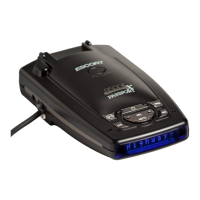
MAX 360c MKII
Lock Mount
Connect and Power On
To 12V Power Source
1
4
3
Flip Tab Down
Mount
Windshield
2
drivesmarter.com/downloads
Drive Smarter®











 To Next Page