20
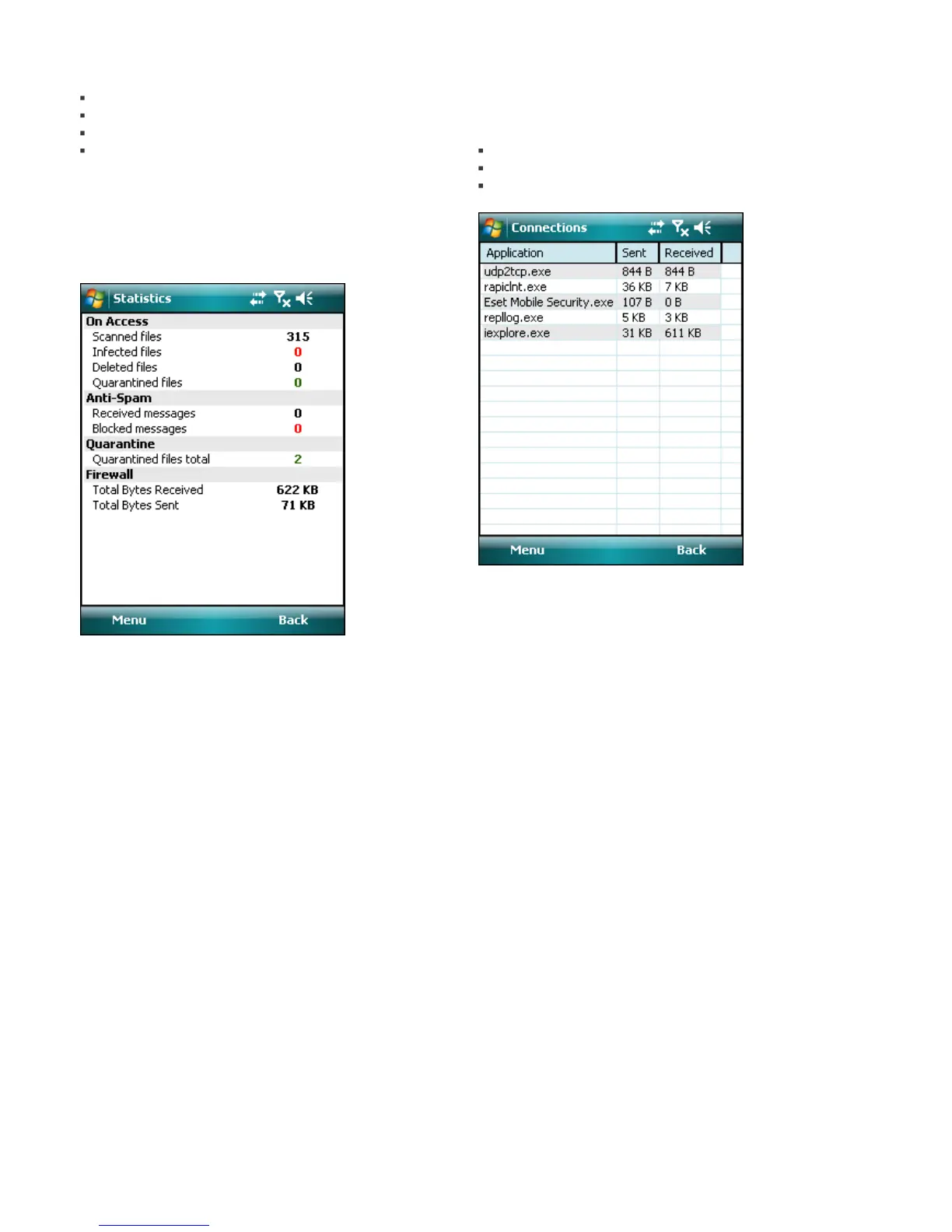
The Statistics screen (Menu > View > Statistics)
displays a summary of:
files scanned by the On-access scanner
received and blocked messages
quarantined files
received and sent data through firewall
If you wish to reset current statistics, tap Menu > Reset
counters.
NOTE: All statistical data get calculated starting from the
latest restart of the device.
Statistics
The Connections section (Menu > View > Connections)
displays the applications used for sending and receiving
data.
Information includes:
name of the process
amount of data sent
amount of data received
Connections



 To Next Page