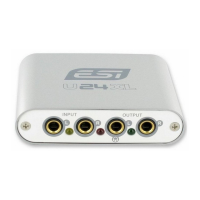
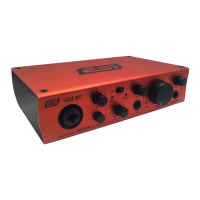
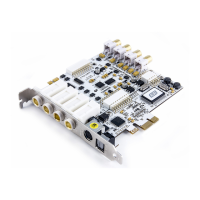
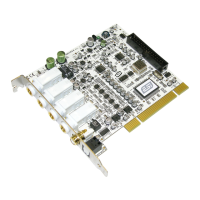
MAYA44 ESI
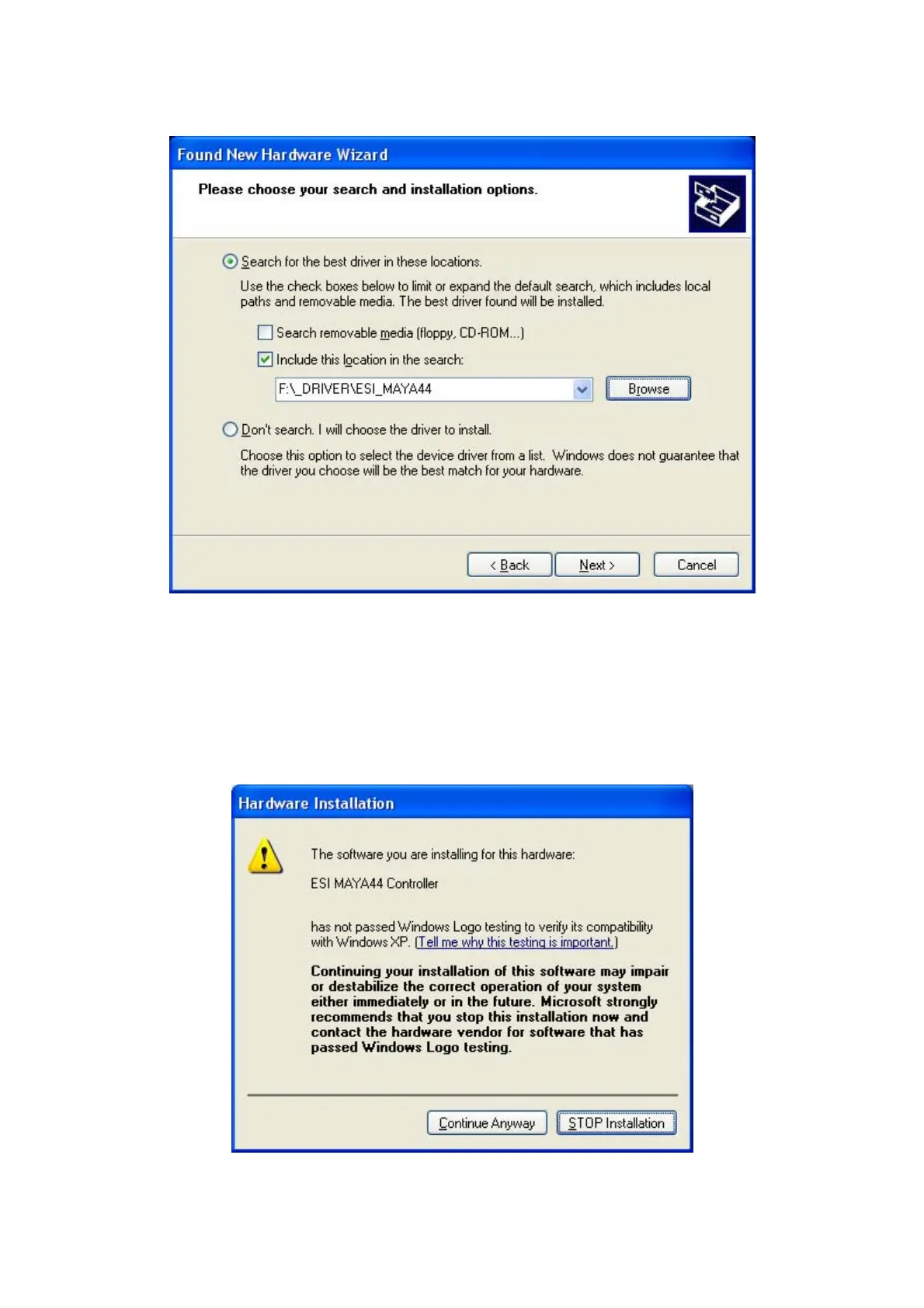
NOTE: If you are installing drivers from the downloaded driver update, locate your downloaded driver files.
Click on the folder containing the MAYA44 drivers and click OK and click Next.
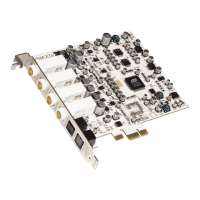
With Windows 2000 and XP installations, a message might appear stating “The software has not passed
Windows Logo testing to verify its compatibility with Windows XP.” Though the message appeared, the
driver is completely tested and verified by ESI and is safe to use. You can ignore the message and select
Continue Anyway. The installation will continue and the drivers will be copied to your computer.
10


 To Next Page