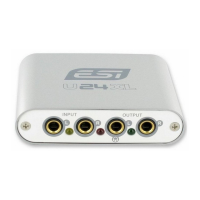
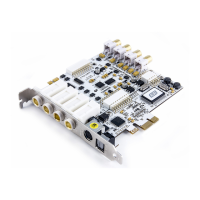
MAYA44 ESI
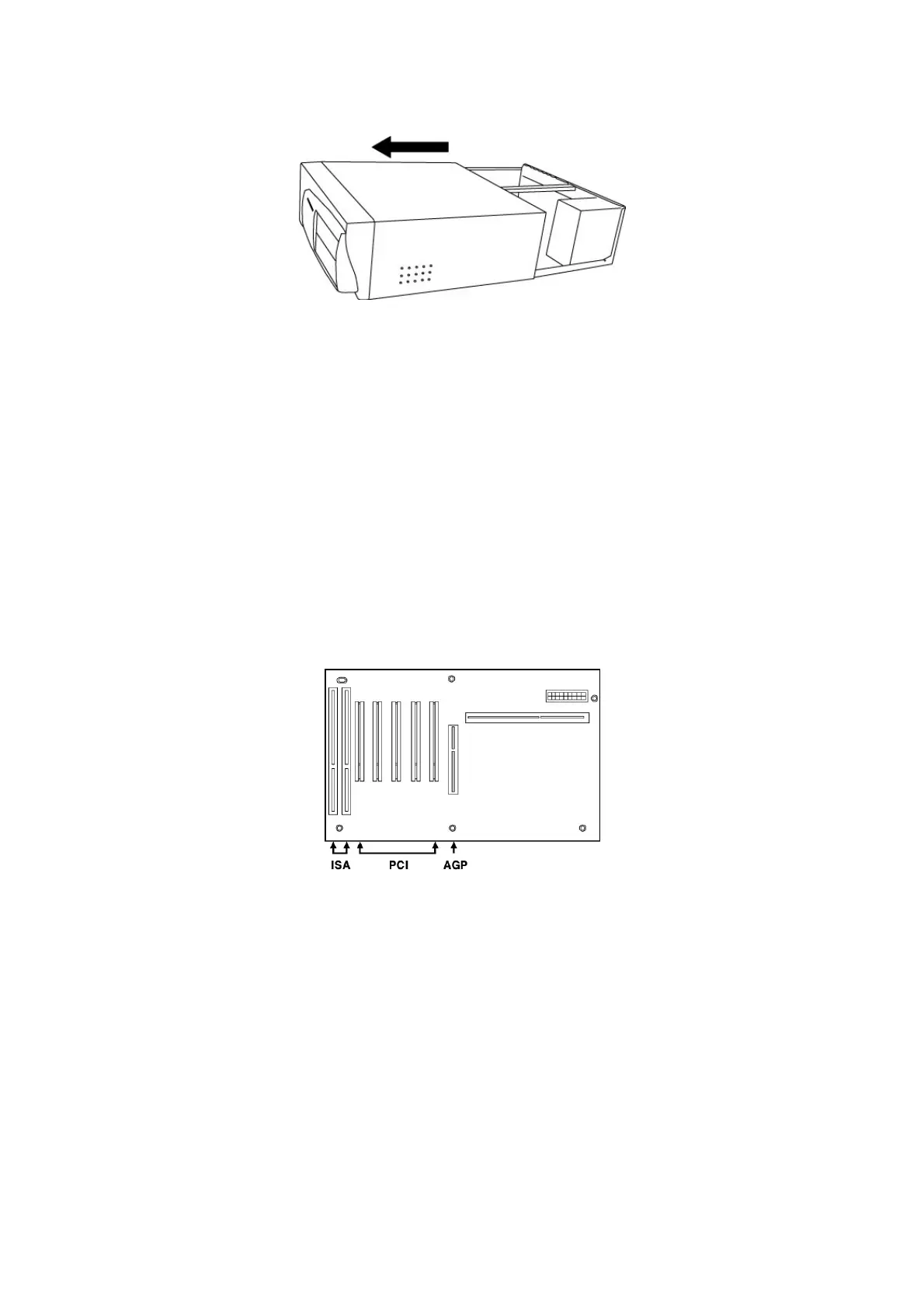
Figure 2. Removing the computer cover
To avoid possible static shock damage to the computer parts, discharge it by touching the computer case or
something grounded. We recommend you use an anti-static device such as an anti-static wristband.
When holding the MAYA44 card, touch only the guide or the edge of card. Do not grab the card by the
board or connector.
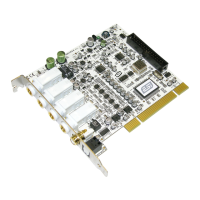
2.3. PCI Card Installation
Find an empty PCI slot on the motherboard
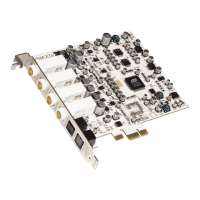
Figure 3. Typical PC Motherboard Slot Configuration
WHERE IS THE PCI SLOT? - Most computers have three different types of slots. The PCI slot is most
common and is used for different types of devices including sound and graphics cards. Usually, the PCI slot
is white. The AGP slot is used only for the graphics card and is typically brown.
6


 To Next Page