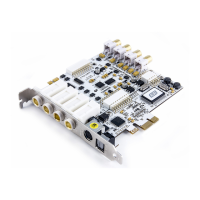
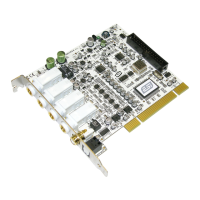
MAYA44 ESI
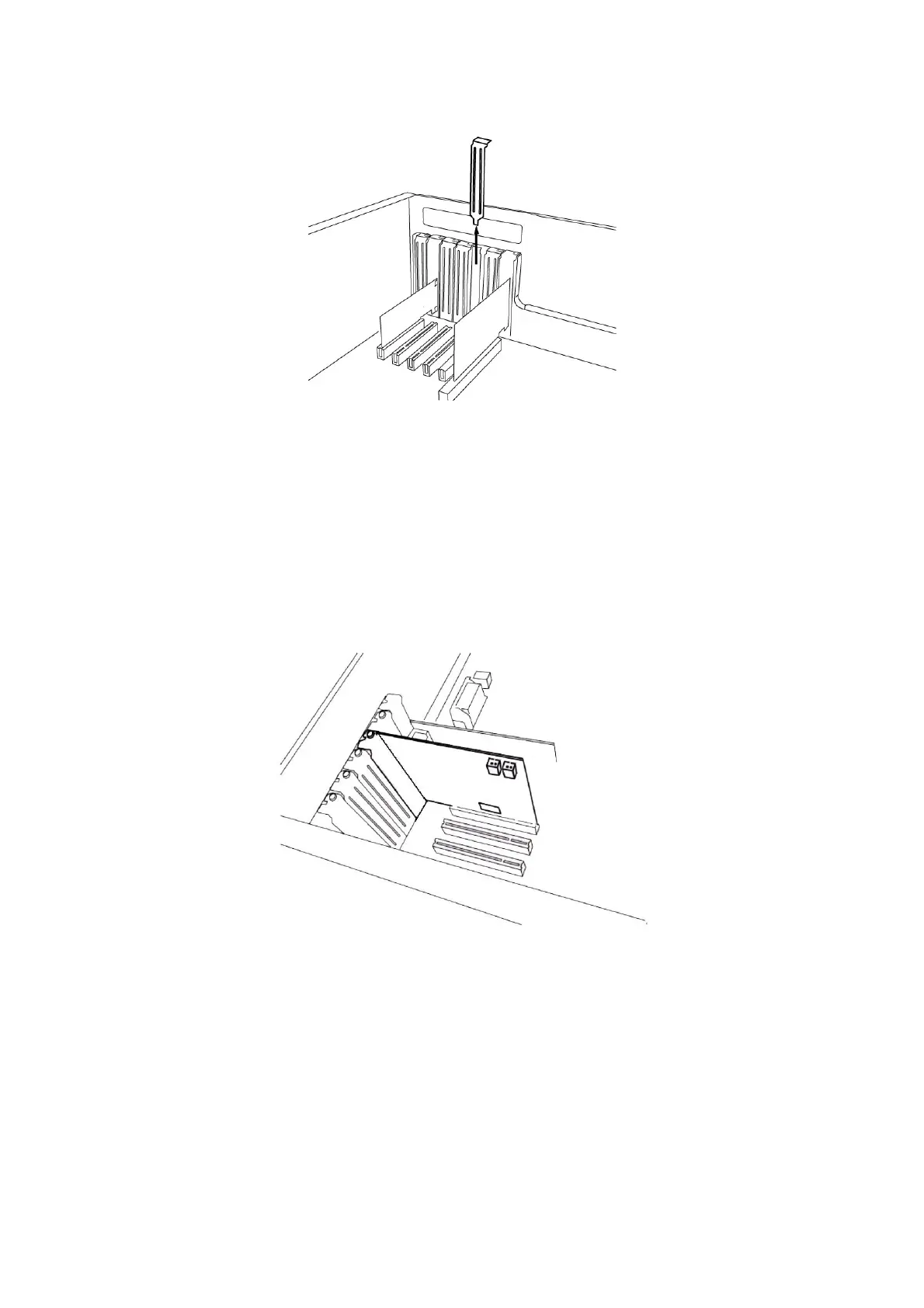
Figure 4. Removing the PCI Slot faceplate
If a faceplate or cover is behind the PCI slot, you can remove it by removing the screw holding it in place or
by prying it off with a screwdriver.
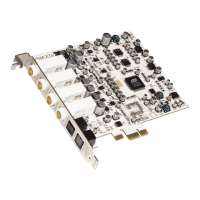
Insert the MAYA44 card into the PCI slot, firmly pushing the card into the slot until it is seated securely.
Replace the screw, and tighten.
Figure 5. MAYA44 Installed in a PCI slot
4. Close the computer case.
7


 To Next Page