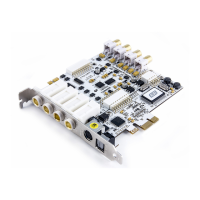
MAYA44 ESI
7. Working with Applications
This chapter contains the basic configuration examples for some popular software applications. Please refer
to the specific software’s manual for detailed information
7.1. Cubase SX and Nuendo
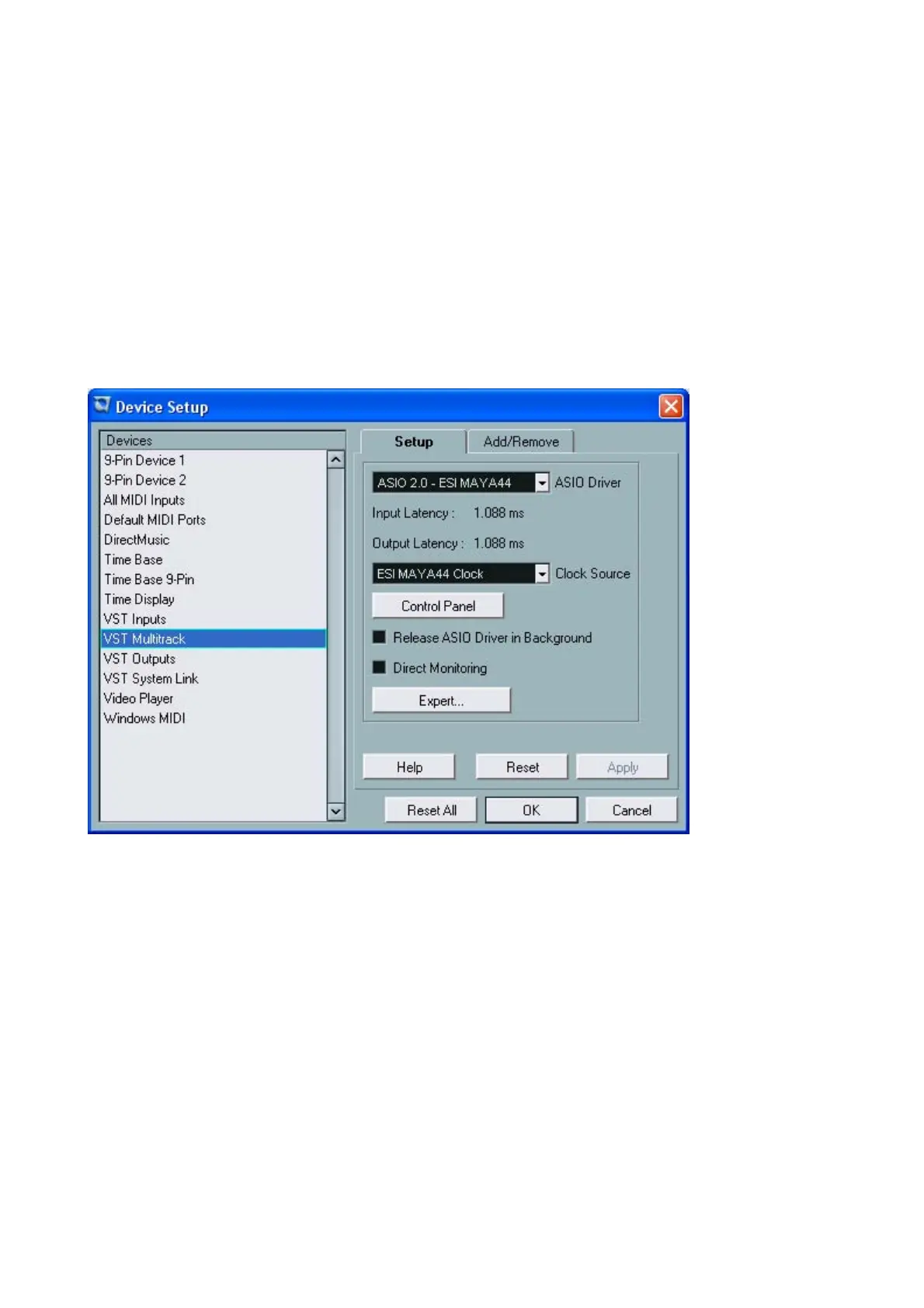
After launching Cubase SX, go to Device -> Device Setup -> VST Multitrack. Select ‘ASIO 2.0 – ESI
MAYA44’ for the ASIO device. Clicking ASIO Control Panel will not do anything here. Make sure you
click Apply button after changing the settings.
In Cubase, logical input 0/1 is MAYA4I’s input 1/2(also, input 2/3 is 3/4).
25


 To Next Page