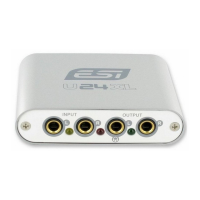
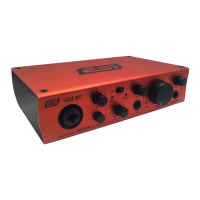
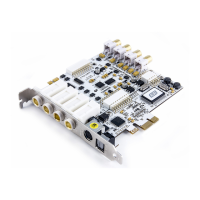
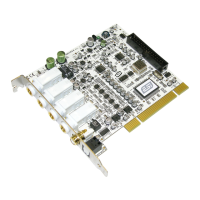
MAYA44 ESI
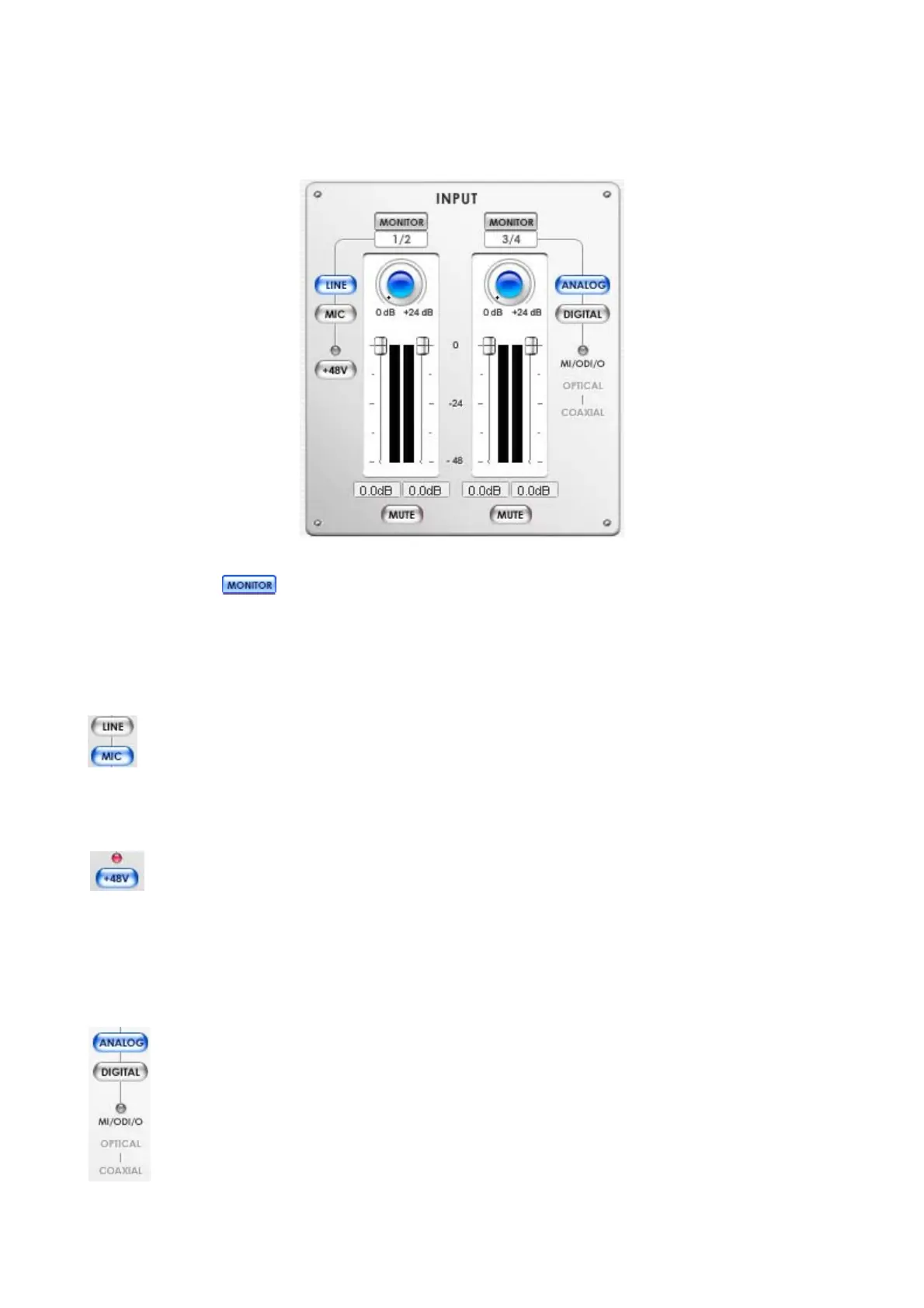
6.2. Input section
Monitor button
Selecting this button enables monitoring from the selected source.
Line / MIC button
Selecting either line input or microphone input for input 1/2.
When selected, lights blue.
+48V Phantom power button
20
By selecting this button, the +48 volt phantom power will be applied to input 1/2 for condenser
microphone. (Warning: Make sure this button is not lit so the phantom power will not applied
to dynamic microphone. Appling the phantom power to dynamic microphones or other
devices might cause damage).
ANALOG, DIGITAL button
When optional MI/ODI/O add-on card is connected, you can switch between analog and digital
input for input 3/4.
Otherwise, it stays on analog.
(NOTE: When monitoring digital input through input 3/4, the digital signal comes through DAC
resulting the wave out is not mixed together.)


 To Next Page