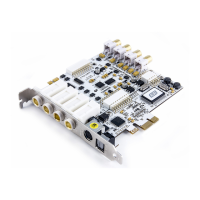
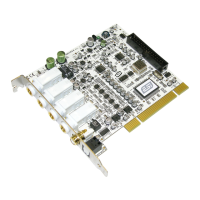
MAYA44 ESI
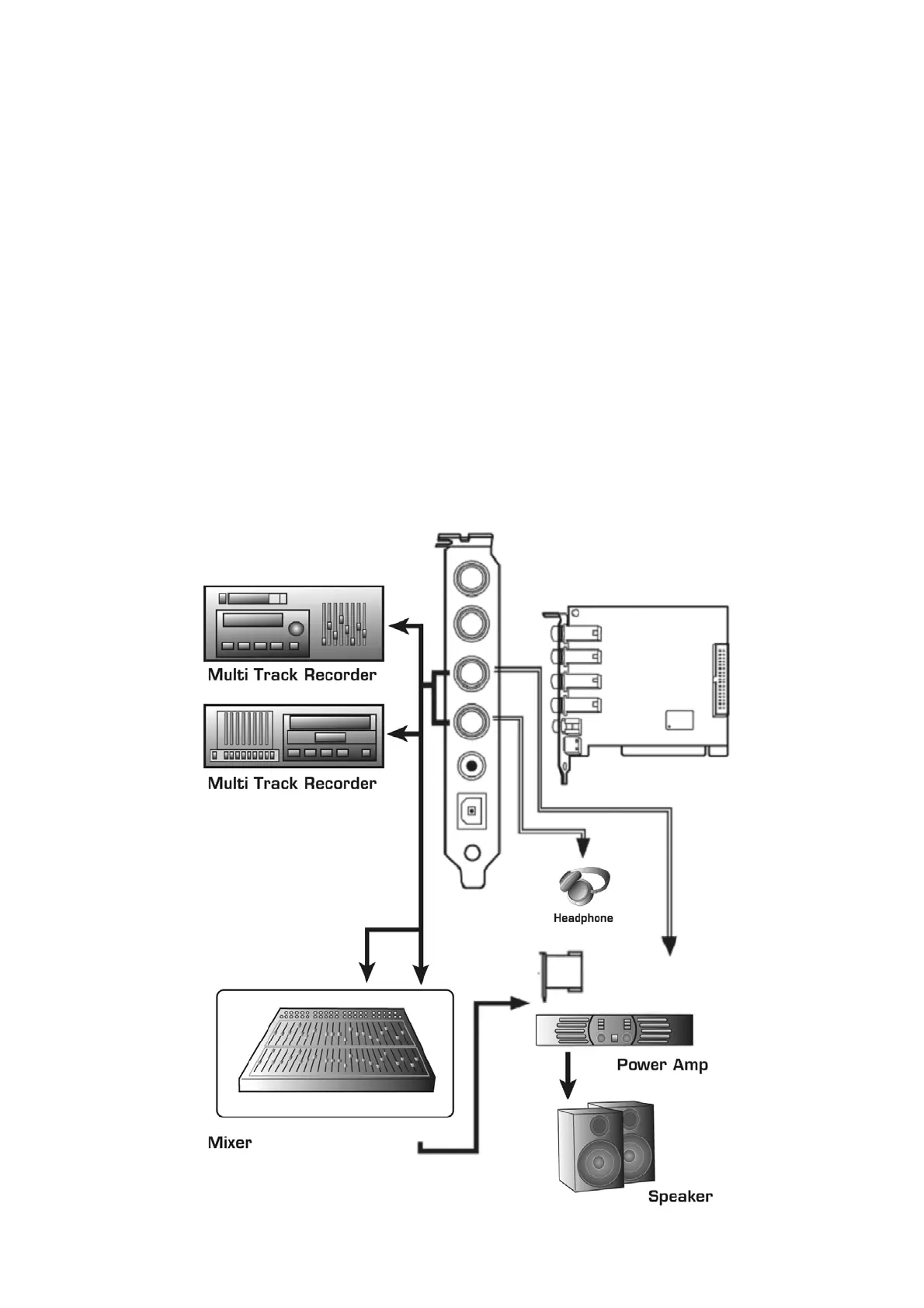
3. Analog Output ports (1 ~4) have two different mode.
- Using 4 Output ports
In this case, analog outputs 1~4 works as output ports of a wave device. You can set up these in your
application or Windows Multimedia properties. This mode is usually used for multiple outputs when you use
a mixer or a multi-track recorder. You can use these in multi-track recording programs such as Cubase and
Cakewalk.
*** In the below picture, Indicated as black arrow connection.
- Output 1 and 2 use as 2 Channel Main monitoring mode / Using Headphone
You can use this mode when you don’t have a mixer or you want 2-channel mix down and master output.
Output 1 and 2 become stereo master output of the MAYA44. The merit is that you can monitor all Inputs
and outputs of the MAYA44 through Output 1/2. Simultaneously, Output 3/4 become as headphone
monitoring out. Select headphone button on the control panel, you can monitor output 1/2 using headphone.
*** In the below picture, Indicated as black and white arrow connection.
16


 To Next Page