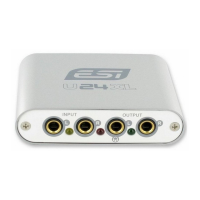
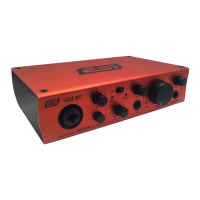
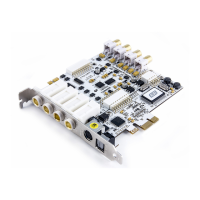
MAYA44 ESI
The MAYA44 uses internal digital mixer on-board. Some recording applications that can only use Windows
default mixer may not compatible with MAYA44.
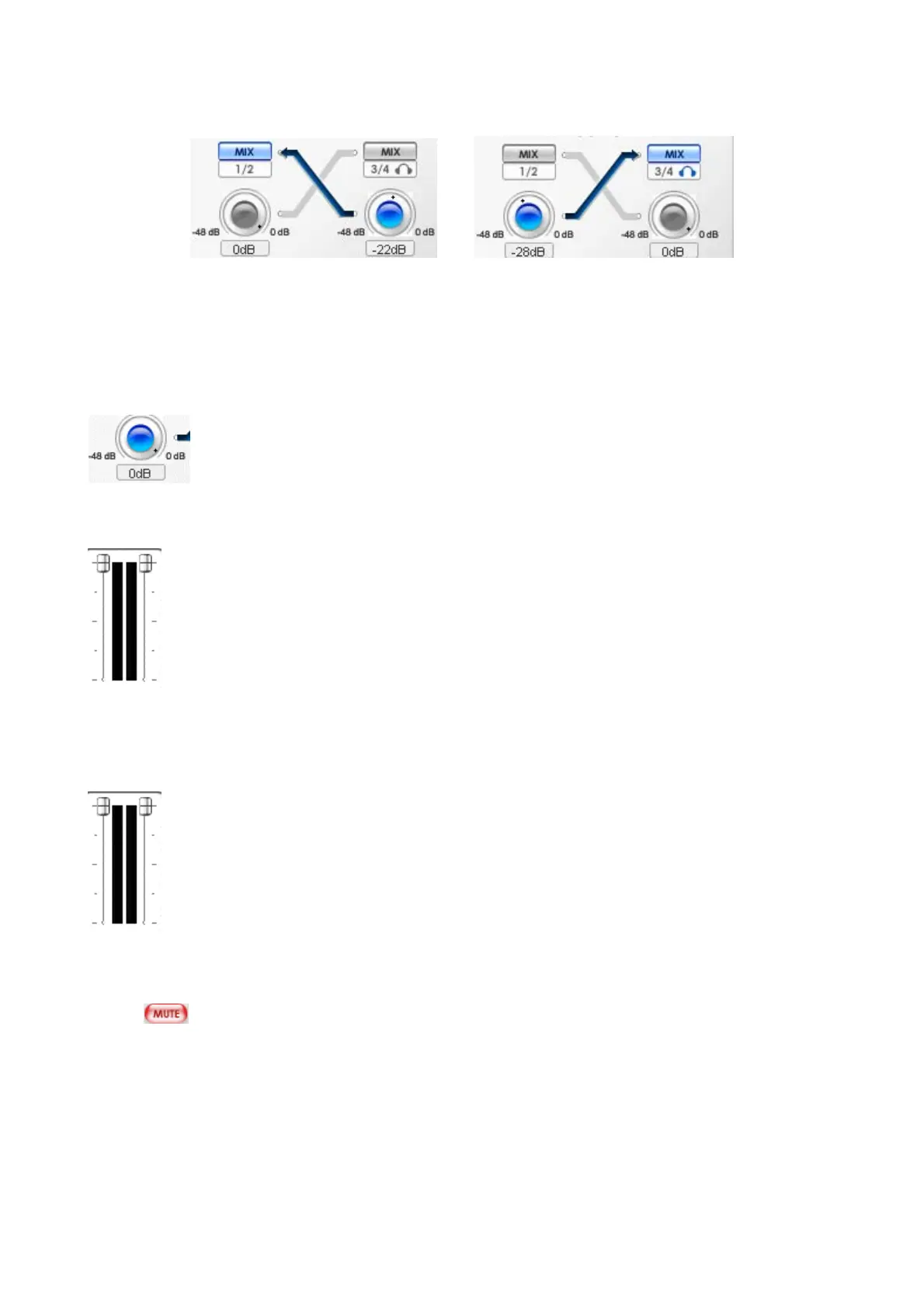
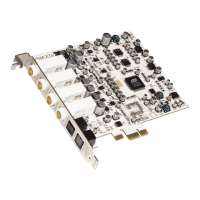
MIX level control knob
Adjust the amount of level that you wish to send out to another channels.
NOTE: This control should not be confused with the gain knob of the input section
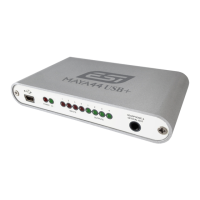
FADERS
Display and change the output level for each source. The level can be set using the mouse, mouse wheel, or
cursor keys. Click the dB indicator to mute and un-mute the output.
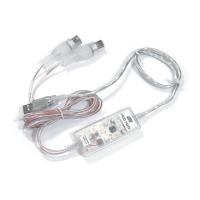
MASTER FADER
Display and change the level of the final output. The level can be set using the mouse, mouse, or cursor keys.
Click the dB indicator to mute and un-mute the output.
Mute
Select this button to mute each signal source.
22


 To Next Page