EasyManua.ls Logo

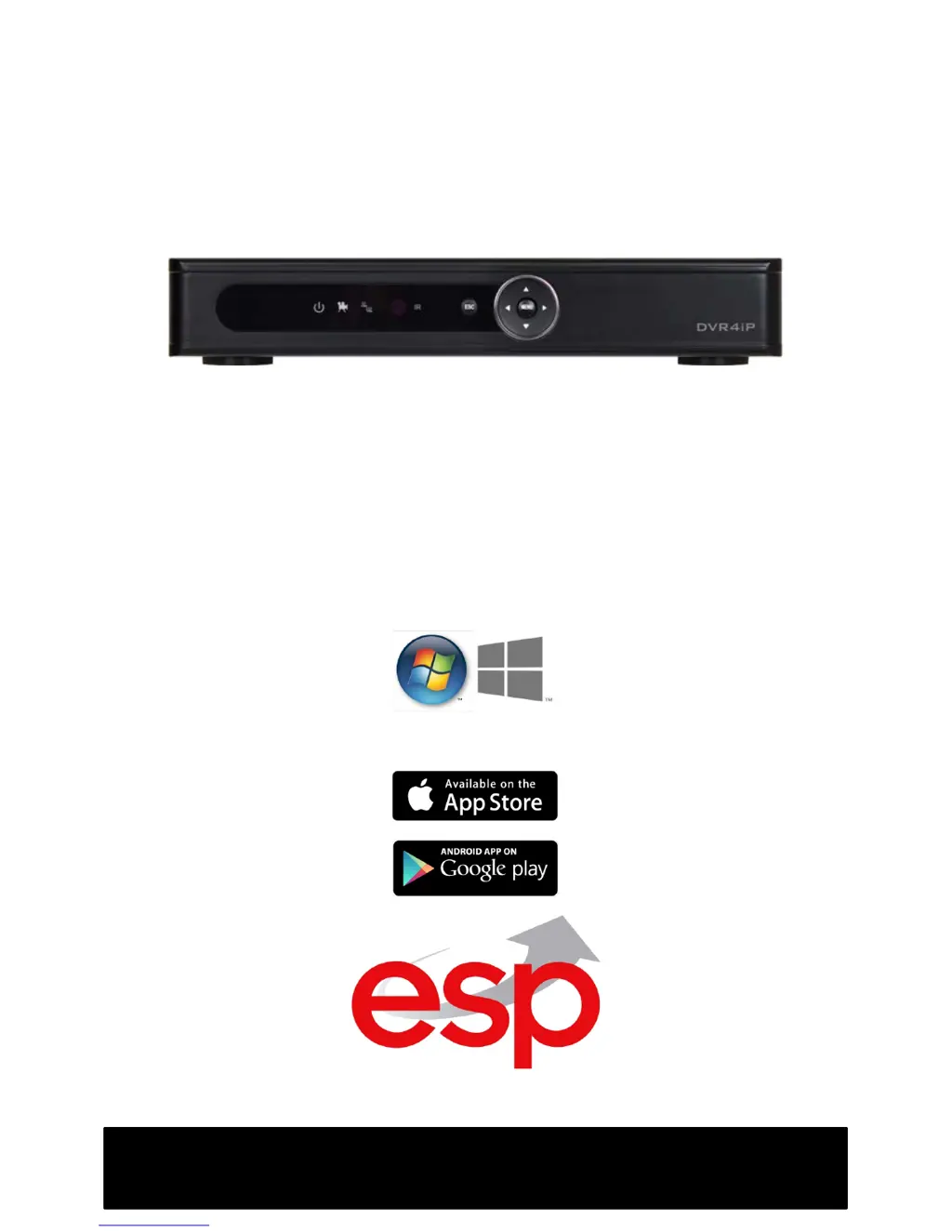
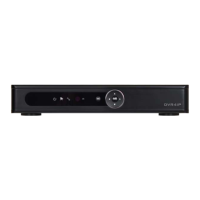
ESP DVR4i Pro - User Manual

ESP DVR4i Pro
9 pages
Print Icon
To Next Page IconTo Next Page
Loading...
REMOTE ACCESS SETUP
GUIDE
DVR4iPro - DVR8iPro
Digiview 4iPro - Digiview 8iPro
Compatible with
Windows XP, Vista, 7, 8

Questions and Answers

  • S
    Sherry GriffinAug 9, 2025
    How to fix ESP DVR4i Pro connection issues over 3G or broadband?
    • J
      Jesus LiuAug 10, 2025
      If your ESP Security System connects via local Wi-Fi or a wired network but fails over 3G or broadband in a different location, verify the router's port forwarding settings. Ensure that the ports are directed to the DVR IP address, not the public IP address.
  • D
    David GonzalezAug 14, 2025
    What to do if ESP DVR4i Pro login screen doesn't load and asks to install Active-X?
    • K
      Kelsey HowardAug 14, 2025
      If your ESP Security System's login screen doesn't load and displays a message about installing the IE Active-X plugin, install the Active-X plugin from the provided CD. If you're using Windows 8, enable Compatibility Mode by going to Tools -> Compatibility Mode within Internet Explorer.
  • J
    Joshua ChoiAug 19, 2025
    Why is video not displayed after successful login to ESP DVR4i Pro?
    • A
      angela75Aug 19, 2025
      If you successfully log in to your ESP Security System but the video isn't displayed, and the mobile app shows 'buffering' without displaying images, verify that the indicated options are selected. Also, check the Active-X settings within Internet Explorer and ensure the DNS servers are correct in your network settings.
  • T
    Theodore HurstAug 25, 2025
    What to do if ESP Security System connection fails over local wired network?
    • T
      Theresa GlennAug 25, 2025
      If your ESP Security System fails to connect over a local wired network: * Check the network cable. * Make sure the corresponding light on the router is on or flickering. * Double-check that your DVR network configuration matches the existing network settings.
  • B
    Brandon SanchezAug 30, 2025
    Why is there no text on the login button in Internet Explorer for ESP Security System?
    • J
      Jasmine LynchAug 30, 2025
      The issue where no text is displayed on the login button or next to username/password input fields on the ESP Security System login screen in Internet Explorer is due to incorrect Active-X settings in Internet Explorer.
  • R
    raymarilynSep 4, 2025
    Why images from ESP Security System will not display in Firefox, Google Chrome, Safari?
    • C
      Caleb HolderSep 4, 2025
      Images from your ESP Security System will not display in Firefox, Google Chrome, or Safari because the DVR is only compatible with Internet Explorer.

ESP DVR4i Pro Specifications

General IconGeneral
Video Inputs4 channels
Video OutputHDMI, VGA
Hard Drive Support1 SATA HDD
Compression FormatH.264
Remote AccessYes
Remote ViewingYes
Motion DetectionYes
Recording Resolution1080p
Storage CapacityUp to 6TB
Mobile App SupportYes
Power Supply12V DC

Related product manuals