Need help?
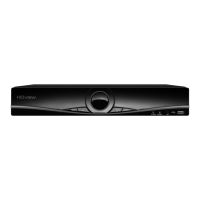
Do you have a question about the ESP HDview and is the answer not in the manual?
Lists and explains the various input/output ports on the DVR's rear panel, such as video, audio, and power.
Explains the default continuous recording mode and HDD overwrite feature for uninterrupted recording.
Details how to configure motion detection recording, including channel selection and schedule setup.
 General
| Brand | ESP |
|---|---|
| Model | HDview |
| Category | Security System |
| Language | English |


 To Next Page