6
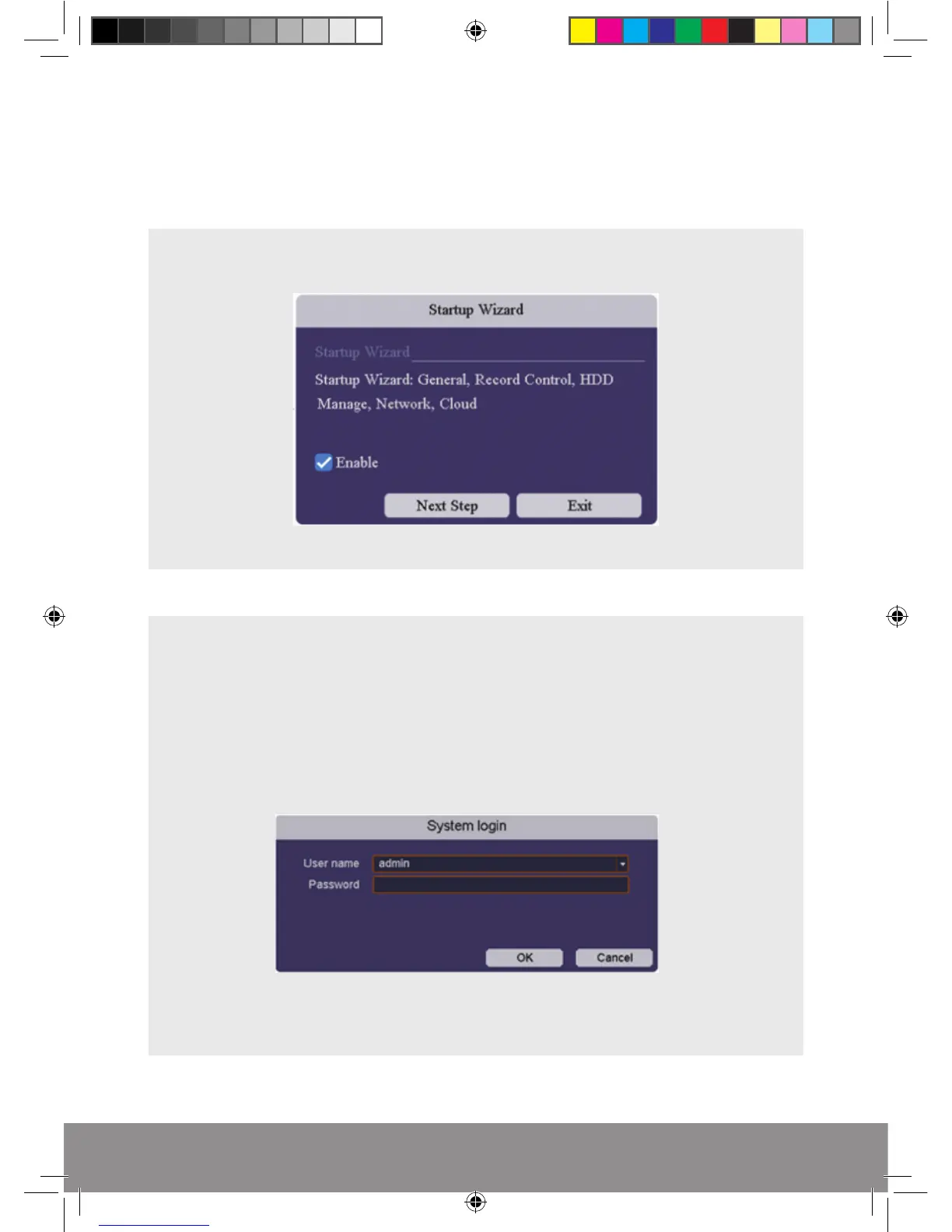
START-UP WIZARD
The Set-up Wizard takes the user through basic system settings. More advance
options and settings are found in the Main Menu.
INTRODUCTION
LOG-IN
An opportunity to change the password is provided within the Main Menu.
The default settings are:
User Name: admin
Password: ‘leave blank, there is no default password’
RekorHD DVR Manual.indd 6 09/05/2017 16:38:45



 To Next Page