Main Menu Operation
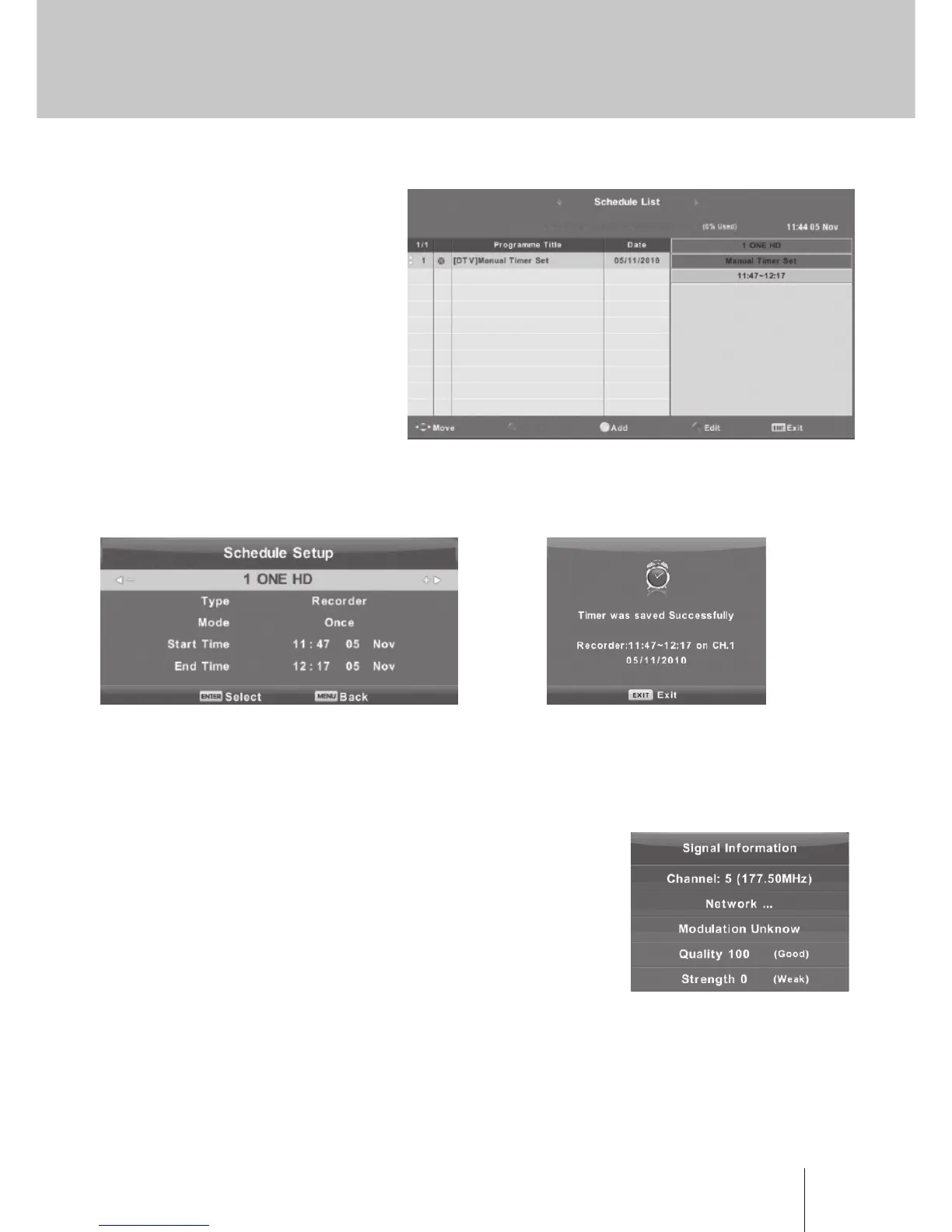
Schedule List
Press ▼ / ▲ button to select
Schedule List, then press Enter button
to enter sub-menu. It is available in
source.
Press the Yellow, button to enter the
interface below.
When the time appointment is conict, it
will produce a warning message.
Signal Information
Press ▼ / ▲ button to select Signal Information, press the Enter button to see the detail information
about the signal. Only available when there is signal in DTV.
CI Information (Need to support the CI function)
Press ▼ / ▲ button to select CI Information, then press the Enter
button to display detail if you has inserted the CI card.



 To Next Page