EN - 46
EN
5.3 START / STANDBY MODE
Start (Cleaning)
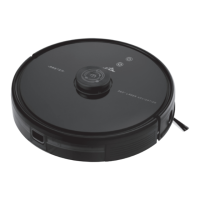
Press the C1 button to start the vacuum cleaner.
Standby mode (Pause)
The vacuum cleaner enters standby mode whenever it is switched on. When the vacuum
cleaner is in operation (cleaning), press the C1/C2 button to put it into standby mode. This
will interrupt the cleaning process.
5.4 CLEANING MODES AND DEVICE FUNCTIONS WITHOUT USING THE ETA SMART
APPLICATION
Smart automatic cleaning
Press the C1 button. During cleaning, the vacuum cleaner moves gradually and
systematically in the space according to the programmed route. It divides the space into
individual segments. As soon as the vacuum cleaner cleans the entire available space, it
automatically searches for the charging station.
Return to the charging station
The vacuum cleaner has a function of automatic return to the charging station after cleaning.
You can also use the C2 button to send the vacuum cleaner to the charging station.
Reset
If the vacuum cleaner gets stuck (the vacuum cleaner does not work properly and does
not respond), press the RESET button A10. This switches off the vacuum cleaner. You can
then switch the vacuum cleaner on again and work with it.
5.5 USING THE MOPING ATTACHMENT
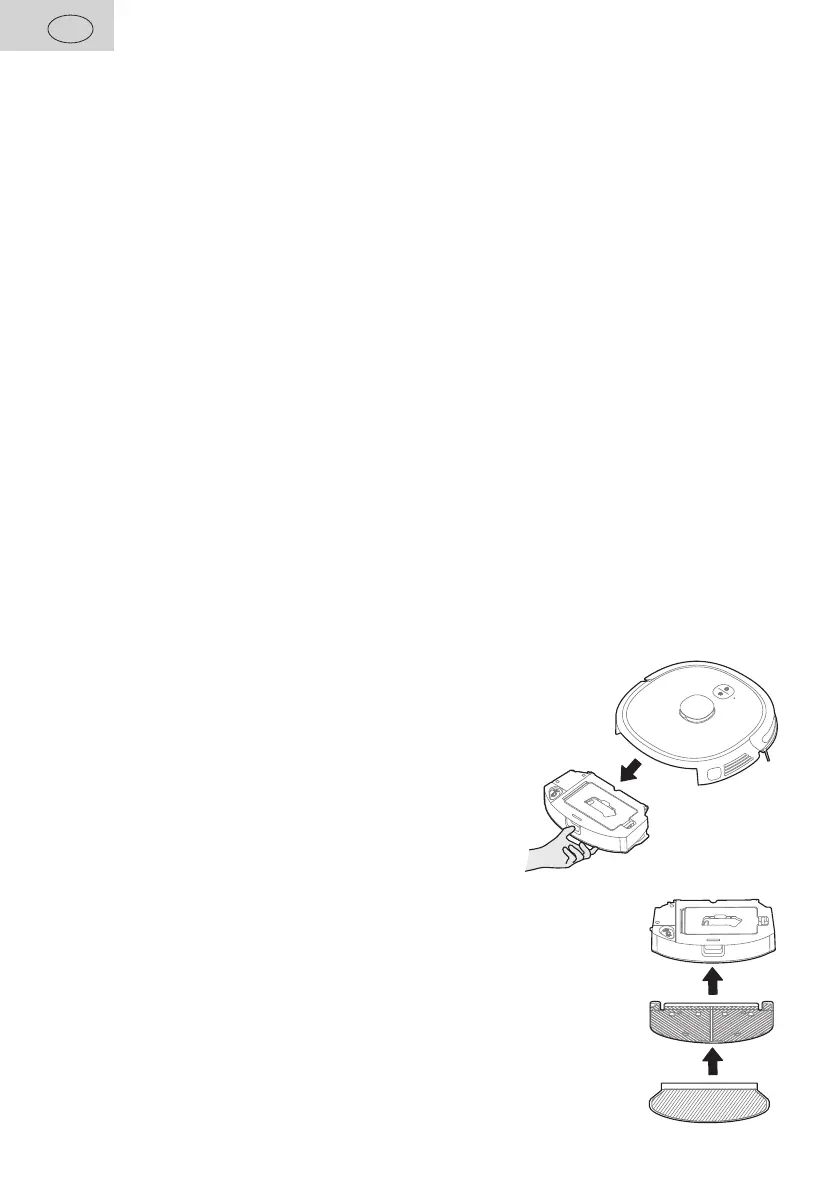
1. Remove the 2 in 1 Dirt Tank B from the vacuum cleaner,
open the rubber stopper B5 and fill the tank with water.
2. Attach the F1 mop to the lower part of the moping attachment correctly.
Soak and wring the mop before use. Then attach the mopping
attachment to container B.


 To Next Page