16 SolaPix 37 User Manual
Configure the Fixture
You can configure SolaPix 37 fixtures through the onboard user interface.
Navigate the User Interface
1.
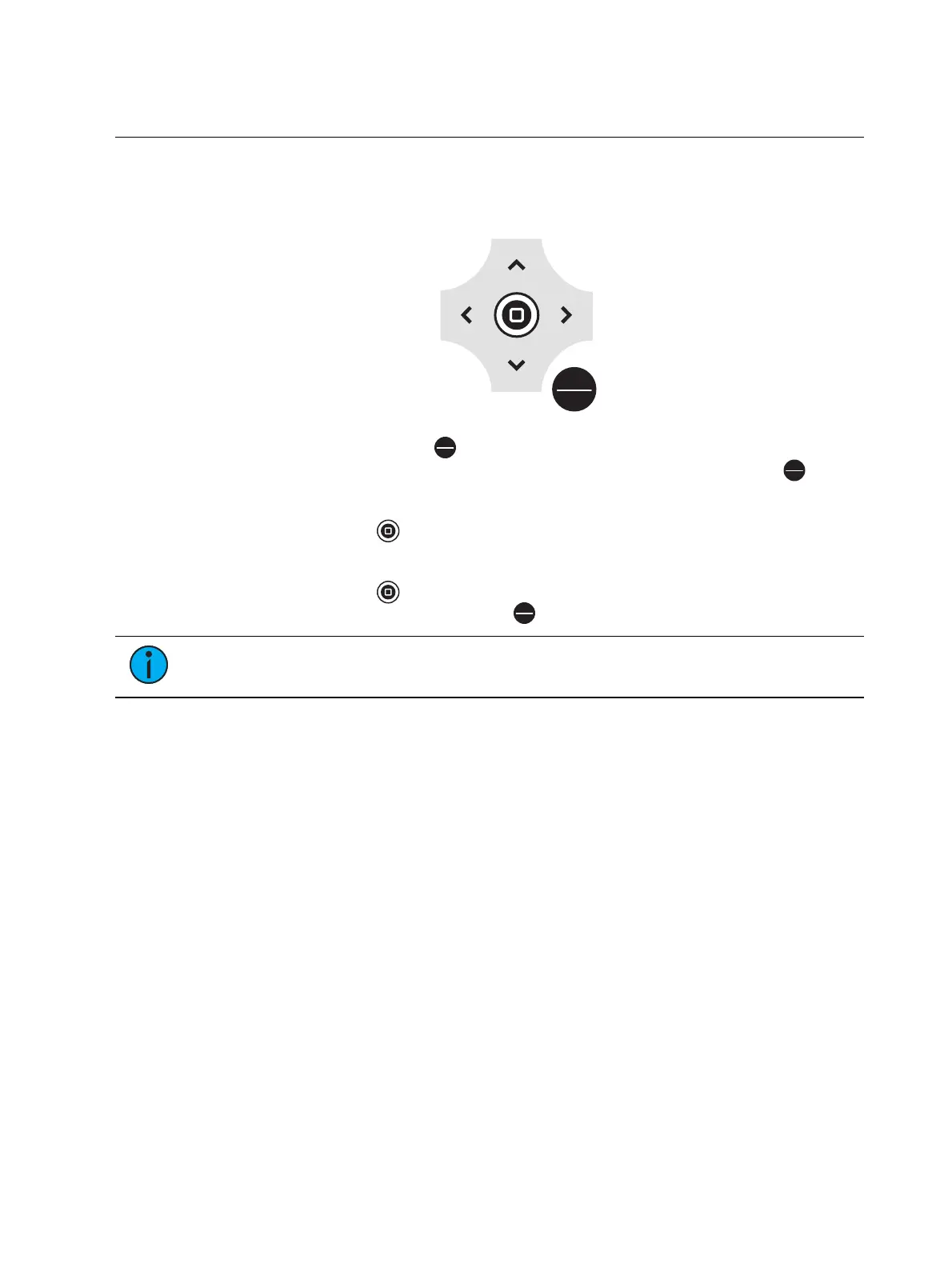
Press the [MODE/ESC] button
to access the main menu. (The display is powered by
battery when the fixture has no power; press and hold the [MODE/ESC] button
for
three seconds to access the main menu.)
2. Browse the menu by pressing the up, down, left, or right navigation buttons.
3.
Press the Enter button to select a menu item.
4. Modify the selection by pressing the up, down, left, or right navigation buttons according
to the selection.
5.
Press the Enter button to confirm a modified selection.
6. To exit the menu, press the [MODE/ESC]
button.
Note:
If you press the Enter button to confirm a selection and push no other buttons,
the user interface returns to the default display after 15 seconds.


 To Next Page