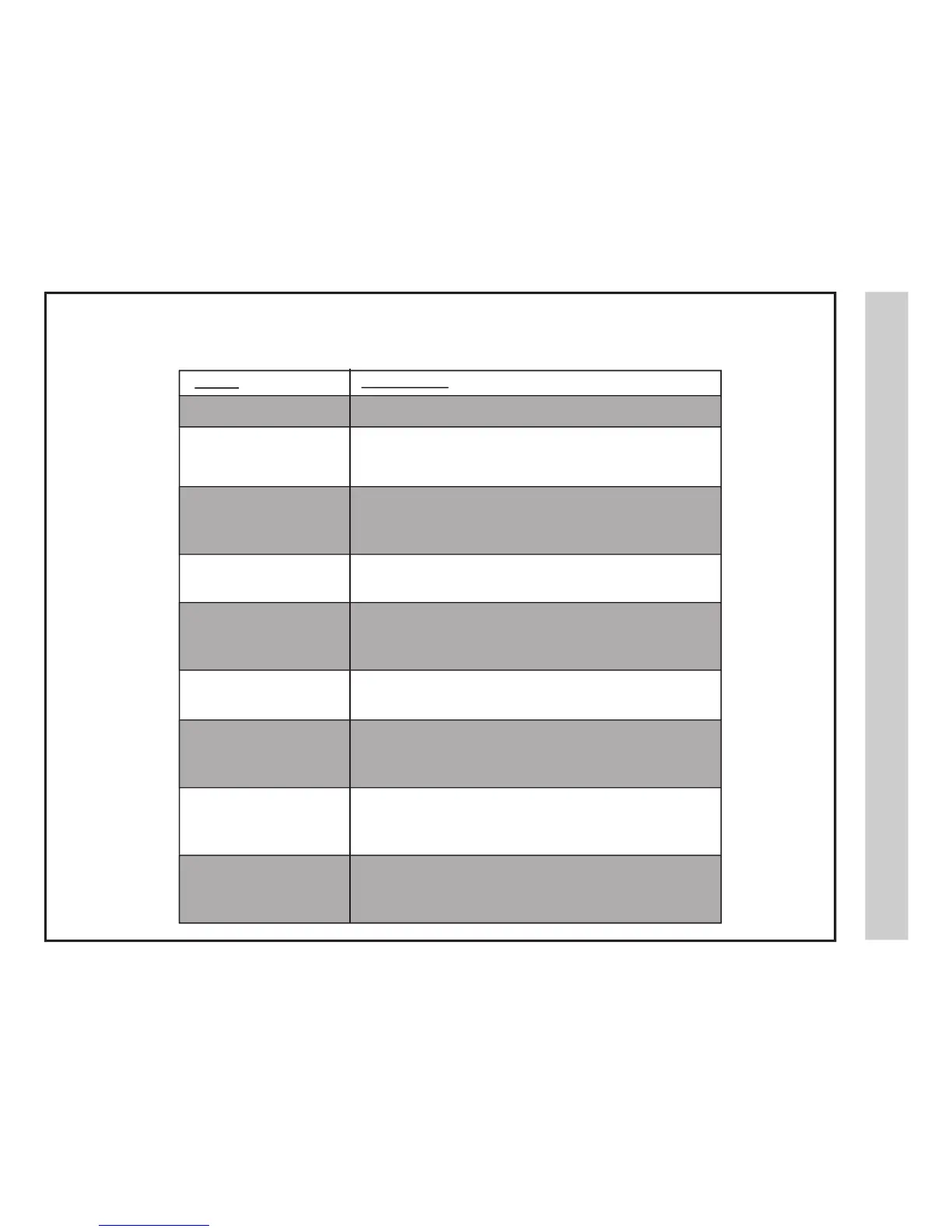
Check for a possible solution to a symptom before contacting a customer service representative.
Cannot receive certain
channels through the
antenna
TV signal is blocked on certain
channels
Video noise or choppy picture
Remote control does not
function
• Check the video installation of your external A / V equipment.
See pages 10-15.
• Perform Channel Scan to add channels into the TV tuner memory.
See page 18.
• Readjust your antenna and retry Auto Channel Scan.
• Signal from the TV station may be weak in your area.
• Perform Channel Scan to add channels into the TV tuner memory.
See page 18.
• Check whether the channel was deleted. See page 27.
• Check parental control settings. See pages 25, 26.
• Restore default settings. See page 22.
• Readjust the antenna. Keep the TV away from electronic noise sources such
as neon lights and microwave appliances.
• Check that connected audio cables are fully inserted.
• Verify you have selected the correct audio source from your
amplifier. See page 16.
• Mute function may be enabled, press mute on the remote to disable.
• The “Text” option is enabled and no text is available.
• Press the CCD button on the remote control to turn off.
• Batteries in the remote control may need replacing.
• Re-attach the AC plug to wall outlet.
Digital TV channel signal strength may be weak, try another channel.
Press INPUT button to verify the desired input selected.
Re-connect the antenna or cable wiring.
Restore default settings. See page 22.
• Replace batteries with new ones.
• Check that battery polarity is correct.
• Point remote directly at the TV’s IR receiver. See page 7.


 To Next Page