ADVANCED PLAYBACK
REPEAT
Press once to repeat the CHAPTER;
Press twice to repeat the TITLE
Press three times to cancel the repeat function
A-B REPEAT
Press A-B to begin the function and mark the “A” start-point. Press A-B again to mark the “B” end
point and complete the setting. The selected A-B section will be repeated. Press the A-B button a
third time to cancel this function.
VOLUME AND MUTE
Press the VOLUME “+” button to increase volume. Press the VOLUME “-“ button to decrease
volume. Press the MUTE button once to mute the audio and “MUTE” will display on the TV
screen. Press the MUTE button a second time and the audio will return to normal.
AUDIO
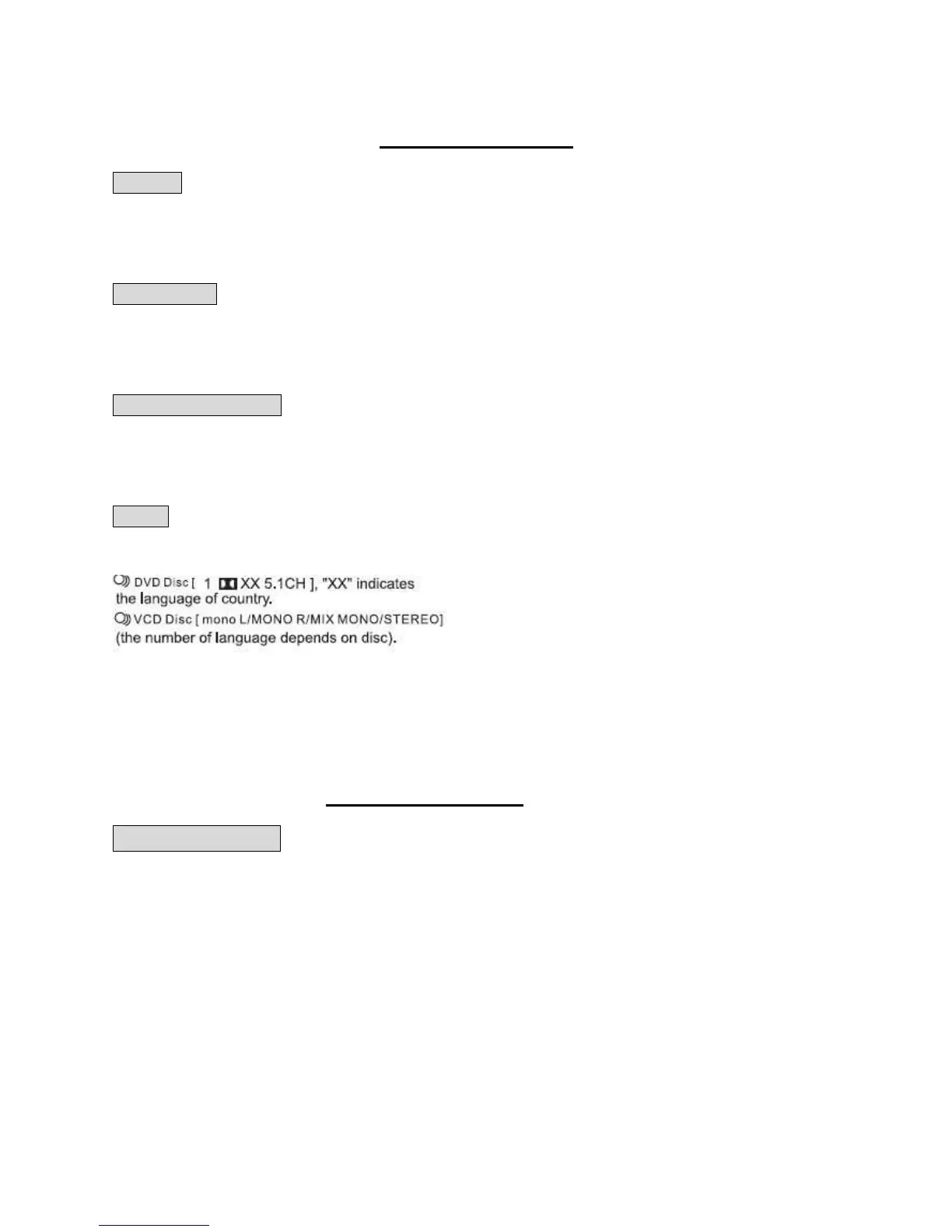
Press this button on remote control to change the Audio mode.
For example:
MUSIC PLAY BACK
MP3 PLAYBACK
Place a MP3 disc on the disc tray, the player will immediately begin to read the disc and a
navigation menu will be displayed automatically if the disc has been properly burned.
In the menu, use the NAVIGATION UP/DOWN buttons to choose the desired folder and then
press the “ENTER/PLAY” button to confirm and the folder menu will open. In the folder, use the
NAVIGATION UP/DOWN buttons to select the desired track/file, and then press “ENTER/PLAY”
to play the selected track/file. From the track/file menu, use the NAVIGATION LEFT button to
return to the previous menu. Press the PREV or NEXT buttons to go to the previous or next
menu page.


 To Next Page