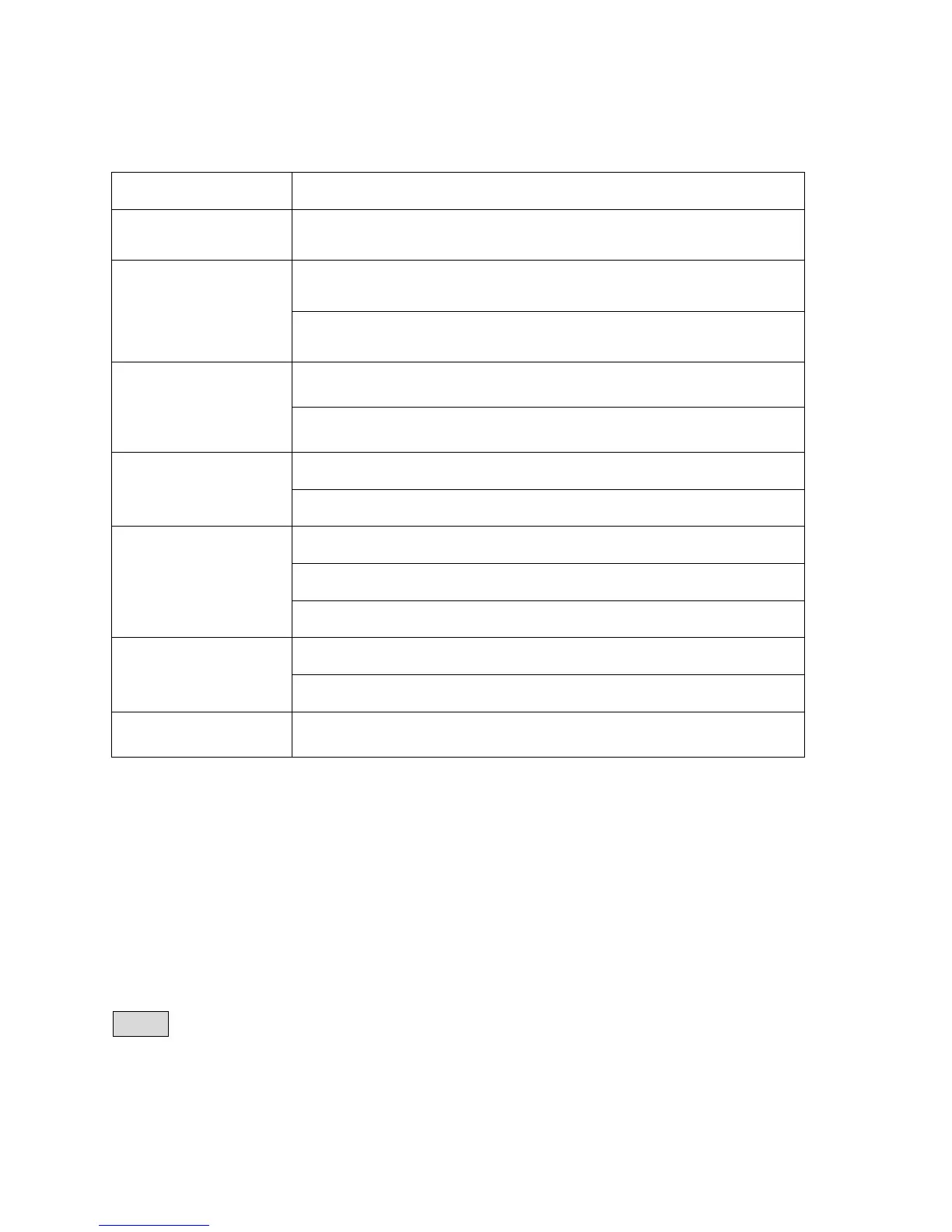
SYMPTOMS AND SOLUTIONS
SYMPTOMS SOLUTIONS
No power Ensure power supply is connected.
No picture
Make sure the connection between the player and TV is secure.
Make sure the TV is in good working condition.
No sound
Make sure the connection between the player and other devices
are secure.
Make sure the TV and AMP are in good working condition and
properly set up.
Fail to Play
Ensure disc is properly inserted.
Clean the disc.
Fail to respond to
remote control
Remove obstacles between remote control and unit.
Aim remote control at the sensor on the front panel
Check batteries and replace them if necessary.
Picture
Disturbance
Check the disc for dirt and scratches. Clean or replace disc.
Shut down the unit, wait ten seconds, and restart the unit.
Fail to work with
buttons
Power surges or brown outs other electrical phenomena.
Shut down the unit, wait ten seconds, and restart the unit.
Note:
There are many functions available on DVD discs and the functions vary per Disc version
and encoding.


 To Next Page