MPEG-4 DISC FUNCTION INSTRUCTION
MPEG-4 is the forth video and audio encoding standard released by MPEG (The abbreviation of
“Moving Pictures Expert Group”). VCD is based on MPEG-1 technology and DVD is based on
MPEG-2. MPEG-4 takes advantage of narrow bandwidth, pursuing the best picture quality by
compressing and transmitting the data in frame restructured technology. The audio data is
compressed by WMA standard. MPEG-4 is the most advanced compression technology
standard in AV field. It has the highest compression rate. By MPEG-4 technology, we can encode
and compress a DVD film into one or two CD-R disc with pretty good picture quality, or can burn
several films that has same quality as VCD into one CD-R disc, or burn several films that has
similar quality to DVD into DVD-ROM disc.
Note:
1. The MPEG-4 discs in market now have many different formats, such as Xvid, AVI, RM etc. but
some discs with “MPEG-4”logo in market are not encoded by MPEG-4 technology. It is
normal that some of the disc can’t be played well in this player because of the incorrect
encoding standard.
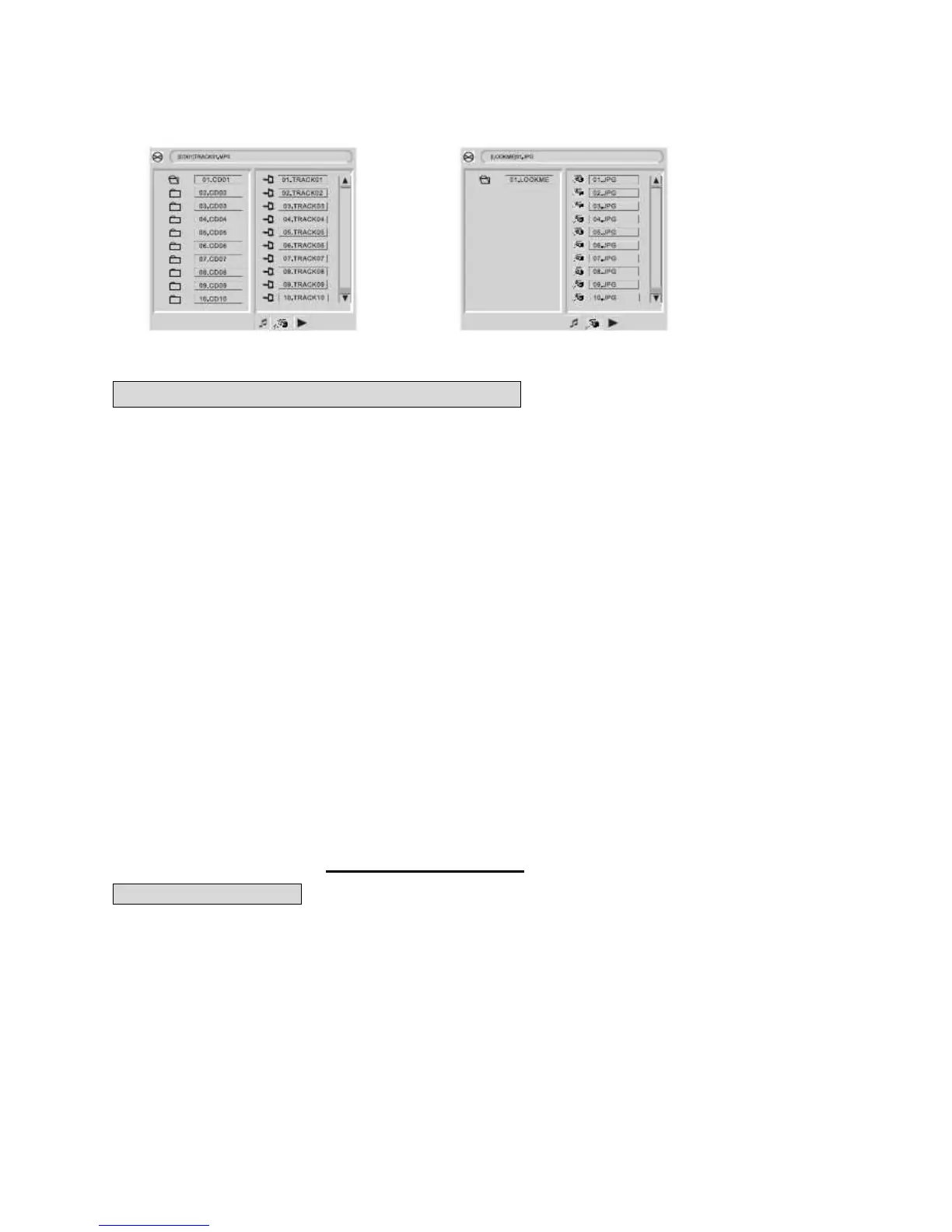
2. The MPEG-4 files are displayed as a list in the screen; choose the icon using the cursors and
press “ENTER/PLAY” button to playback the movie.
As AVI is the MPEG-4 format, and MPEG is the MPEG-1 format, please do not mix the AVI and
MP3/JPEG together in a disc. The player will only recognize MP3 or JPEG in that case. However
MP3 and JPEG can be included in one disc together.
PHOTO PLAYBACK
PHOTO CD PLAYBACK
PLAYBACK (normal)
When a photo CD is inserted into the unit, an automatic slide show is launched. Each photo in
the picture CD will be displayed consecutively in a slide-show fashion and will be scaled to fit in
the whole TV screen. Press the “PROG “ button to select from the various slide-show transition
modes provided. The transition effect can be selected for each photo if desired.
To display an image indefinitely, press the “PAUSE” button. To view the next or previous picture,
press the “NEXT” or “PREV” buttons. To resume the slide show, press the “ENTER/PLAY”
button.


 To Next Page