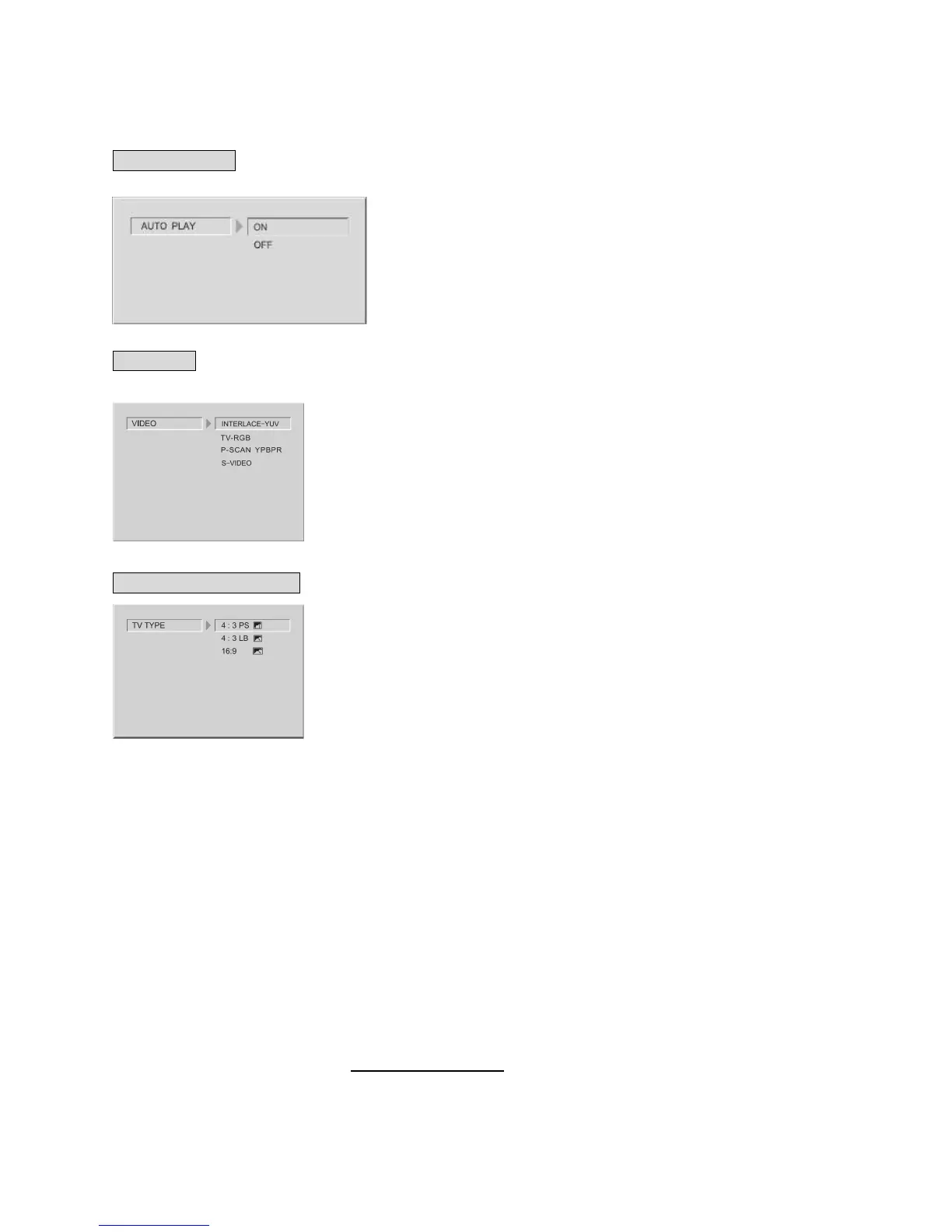
1.2 AUTO PLAY
1.3 VIDEO
VIDEO: Sets the video output.
1.4 TV (SCREEN) TYPE
The TV (SCREEN) TYPE will select the different display format ratio to be shown on the TV
screen. (Please see page 21: Multi-image ratio mode).
Note:
● No matter which display format is selected, a picture recorded in standard 4:3 format always
displays in the 4:3 aspect ratio.
● The display format of DVD titles may vary; please refer to the information that accompanies
your specific DVD title.
● If the DVD title is recorded in 16:9 wide display format while the TV is a standard 4:3 screen,
horizontal compression of the image will result.
● Some DVD titles may be recorded in special formats. In such cases, the DVD titles will always
appear on the screen in their original format, regardless of which TV display format you select.
SYSTEM SETUP


 To Next Page