EasyManua.ls Logo

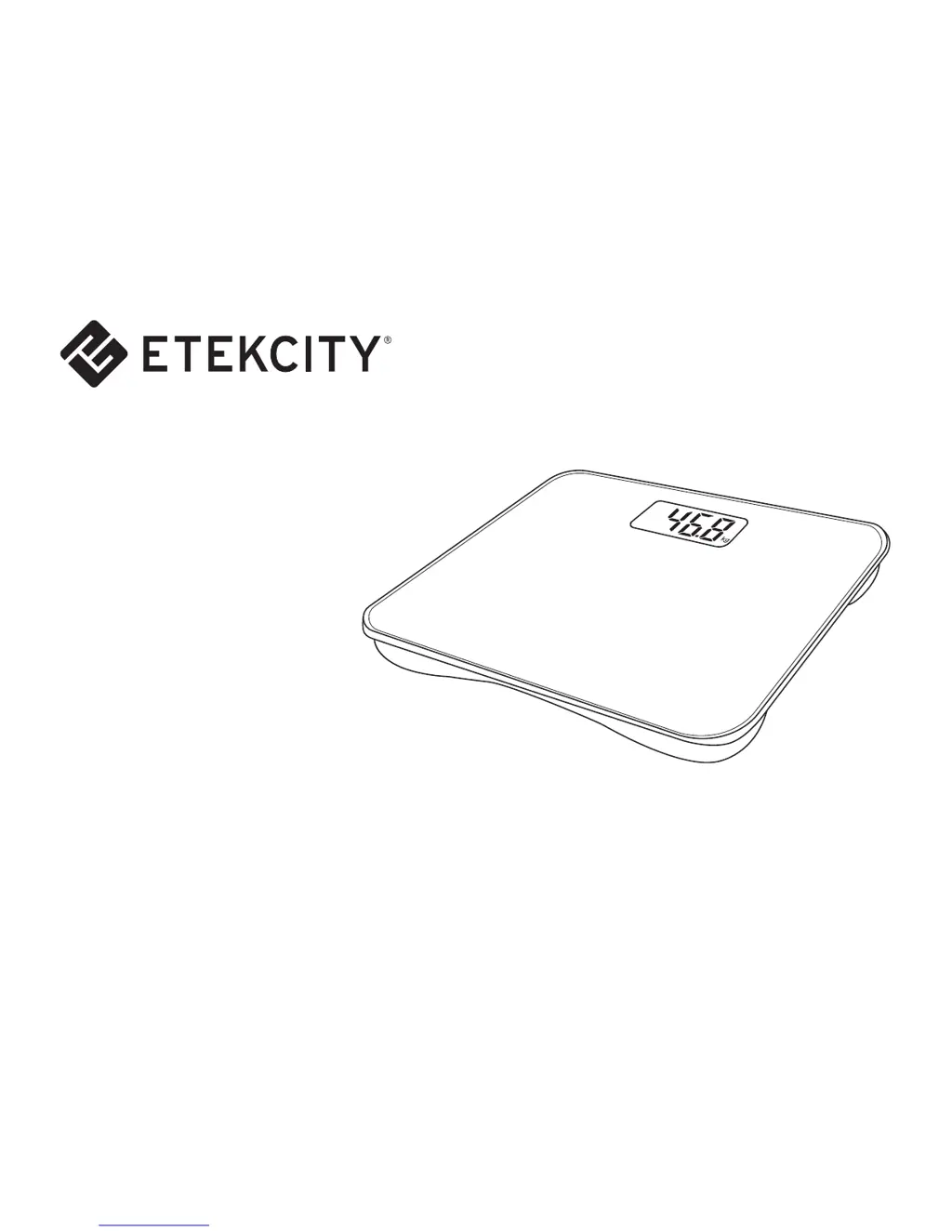
ETEKCITY EB4410B - User Manual

ETEKCITY EB4410B
18 pages
Print Icon
To Next Page IconTo Next Page
Loading...
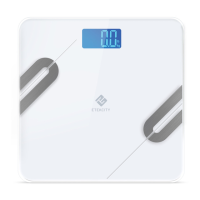
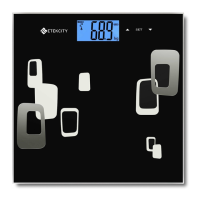
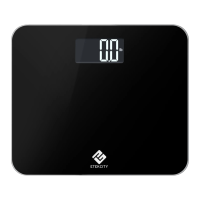
Digital Body
Weight Scale
Model No.: EB4410B
Questions or Concerns?
Please contact us: (855) 686-3835
support@etekcity.com

Questions and Answers

  • M
    Michaela FreemanAug 2, 2025
    What to do if my ETEKCITY Scales are not turning on?
    • K
      Kevin GrantAug 2, 2025
      If your ETEKCITY Scales aren't turning on, it could be due to several reasons: * The batteries may be incorrectly installed. Try taking out the batteries and reinstalling them with the correct polarity. * The batteries may need to be replaced. Replace the batteries. * The light does not come on when stepping on scale. The scale may be broken.
  • W
    wesleymeyerAug 7, 2025
    Why does my ETEKCITY EB4410B show “Err”?
    • J
      Julie RobertsonAug 7, 2025
      The “Err” message on your ETEKCITY Scales indicates one of two things: * The maximum weight capacity has been exceeded. Step off the scale to avoid damage. * The item being weighed is too light. Remove the item and use a smaller scale to measure the object.
  • J
    Joyce DayAug 11, 2025
    What does “Lo” mean on my ETEKCITY Scales?
    • J
      Jennifer JosephAug 11, 2025
      The “Lo” message on your ETEKCITY Scales means the battery is low. Replace the batteries as noted in the Battery Replacement section.
  • A
    Anthony SandovalAug 16, 2025
    How to fix 'C' error on ETEKCITY EB4410B?
    • K
      Kelly MartinAug 16, 2025
      Please place the ETEKCITY Scales on a flat surface and wait for it to be cleared before using it.
  • S
    Sydney OrtegaAug 21, 2025
    What to do if my ETEKCITY Accessories scale shows “Err”?
    • R
      Rachel LeeAug 21, 2025
      If your ETEKCITY Accessories scale displays “Err”, it indicates the scale is overloaded, exceeding its maximum weight capacity of 440 lb (200 kg). To prevent damage, step off the scale immediately.
  • T
    Tara DavisAug 27, 2025
    What to do if my ETEKCITY Accessories scale shows “Lo”?
    • D
      Dean LongAug 27, 2025
      If your ETEKCITY Accessories scale displays “Lo”, it means the battery power is low. Replace the batteries with new ones.

Summary

Safety Information

General Safety Precautions

Covers essential safety rules for operation, handling, cleaning, storage, and battery usage.

Main Functions

Function Diagram

Diagram illustrating the key components and features of the digital weight scale.

Set-Up

Battery Installation

Instructions for installing the batteries to activate the scale.

Operation

Normal Weighing Mode

Step-by-step guide on how to perform a standard weight measurement.

Converting Weight Units

Battery Replacement

Specifications

Package Contents

List of items included in the product package.

Troubleshooting

Common Error Messages

Identifies common error messages and their corresponding solutions for troubleshooting.

Customer Support

Contact Information

Details for contacting Etekcity customer support, including address, phone, email, and hours.

Warranty Information

Terms and Policies

Details the warranty terms, conditions, and exclusions for the product.

Exceptions and Exclusions

Lists specific situations that are not covered by the product warranty.

ETEKCITY EB4410B Specifications

General IconGeneral
Weight Capacity:440 lb (200 kg)
Graduation:0.2 lb (0.1 kg)
Weight Units:lb
Battery:4 x 1.5V AAA batteries
Platform:Tempered Glass
Auto-off:15 seconds
LCD Display:3.9 x 2.0 in / 100 x 50 mm
Weight and Dimensions IconWeight and Dimensions
Dimensions:11.8 x 13.8 x 0.9 in / 30 x 35 x 2.3 cm

Related product manuals