EasyManua.ls Logo

ETEKCITY EB4074C - User Manual

ETEKCITY EB4074C
16 pages
Print Icon
To Next Page IconTo Next Page
Loading...
1
Questions or Concerns? (855) 686-3835 • support@etekcity.com
Digital Body Weight Scale
Model No.: EB4074C

Other manuals for ETEKCITY EB4074C

Questions and Answers

Summary

Safety Information

Main Functions

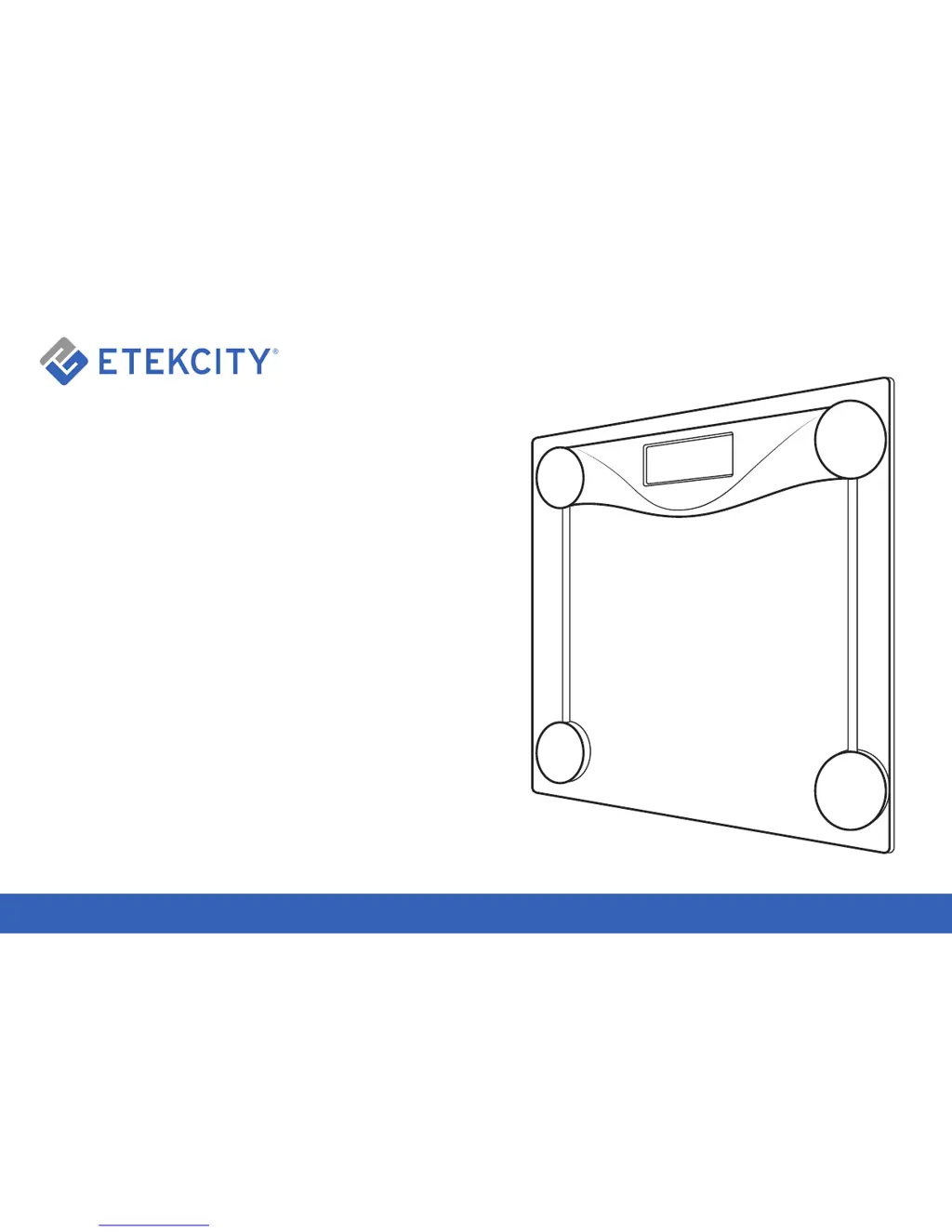
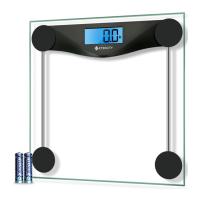
Scale Platform

The main surface of the digital scale where users stand for weight measurement.

Digital Display

The screen on the scale that shows weight readings and other information.

Unit Selection

Function to switch between measurement units like pounds (lb) and kilograms (kg).

Set-Up

Operation

Weight Measurement

Instructions on how to correctly step on the scale and obtain weight readings.

Converting Weight Units

Procedure for changing the scale's unit of measurement from pounds to kilograms.

Body Measuring Tape

Guidance on using the included tape measure for body measurements.

Maintenance

Battery Replacement

Steps for safely removing and installing new batteries in the digital scale.

Recalibrating the Scale

Specifications

Troubleshooting

Warranty

Warranty Terms and Policy

Details of the product's warranty coverage, limitations, and conditions.

Additional 1-Year Warranty

Information on how to register for an extended one-year warranty.

Defective Products & Returns

Procedure for contacting support and returning a product if it proves defective.

Customer Support

ETEKCITY EB4074C Specifications

General IconGeneral
Weight Capacity:400 lb (180 kg)
Graduation:0.2 lb (0.1 kg)
Weight Units:lb
Battery:2 x 1.5V AAA batteries
Platform:Tempered Glass
Auto-off:15 seconds
LCD Display:2.9” x 1.1” (74 x 28 mm)
Weight and Dimensions IconWeight and Dimensions
Dimensions:11.8” x 11.8” x 0.7” (300 x 300 x 18mm)

Related product manuals