EasyManua.ls Logo

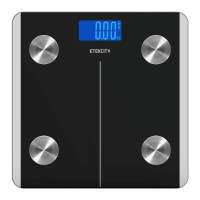
ETEKCITY EB4074S - User Manual

ETEKCITY EB4074S
16 pages
Print Icon
To Next Page IconTo Next Page
Loading...
1
Questions or Concerns? (855) 686-3835 • support@etekcity.com
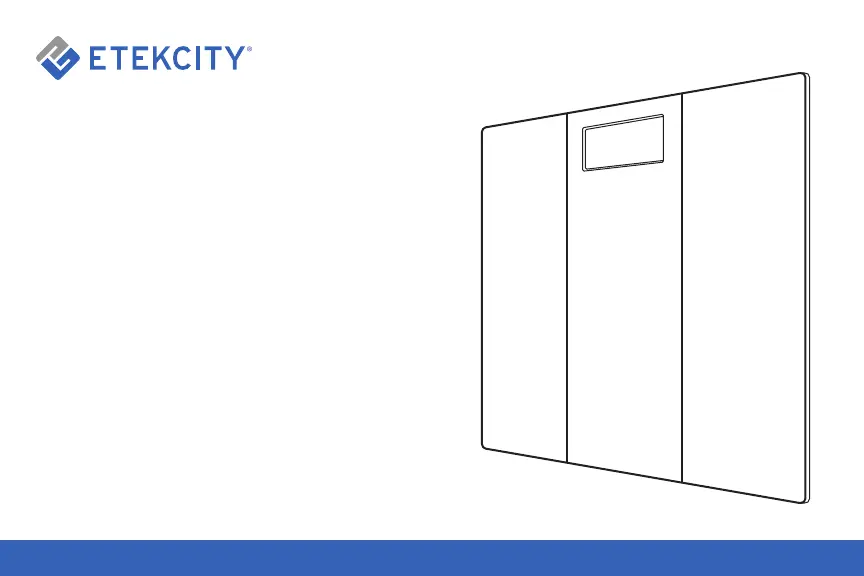
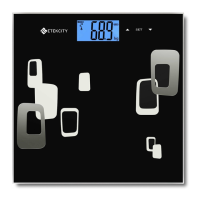
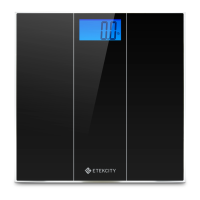
Digital Body Weight Scale
Model No.: EB4074S

Questions and Answers

  • J
    jennifermendozaAug 7, 2025
    What to do if my ETEKCITY Scales show 'Err'?
    • J
      Justin CameronAug 7, 2025
      If the ETEKCITY Scales display “Err”, it means you have exceeded the maximum weight capacity of 400 lb (180kg). To prevent damage, step off the scale immediately.
  • X
    xfordAug 18, 2025
    Why do my ETEKCITY Scales show 'Lo'?
    • D
      David WalkerAug 18, 2025
      If your ETEKCITY Scales display “Lo”, this indicates that the battery power is low. You should install new batteries to resolve this issue.
  • C
    coreydanielAug 27, 2025
    How to fix 'C' error on ETEKCITY EB4074S Scales?
    • B
      barreracalebAug 27, 2025
      To resolve a “C” error on your ETEKCITY Scales, apply weight to power on the scale. Then, step off and wait for the LCD screen to display ‘0.0’. After that, step back on the scale to weigh yourself.

Summary

Safety Information

Main Functions

Scale Set-Up

Scale Operation

Weight Measurement

How to properly use the scale to measure your weight for accurate results.

Converting Weight Units

Scale Maintenance

Battery Replacement

Procedure for replacing the scale's batteries when needed.

Clearing the Scale

Product Specifications

Troubleshooting Guide

Product Warranty

Customer Support

ETEKCITY EB4074S Specifications

General IconGeneral
Weight Capacity:400 lb (180 kg)
Graduation:0.2 lb (0.1 kg)
Weight Units:lb
Battery:2 x 1.5V AAA batteries
Platform:Tempered Glass
Auto-off:15 seconds
LCD Display:2.9” x 1.5” (74 x 38 mm)
Weight and Dimensions IconWeight and Dimensions
Dimensions:11.8” x 11.8” x 0.7” (300 x 300 x 18mm)

Related product manuals