22
3.4 VA (For selected models only)
3.4.1 TA
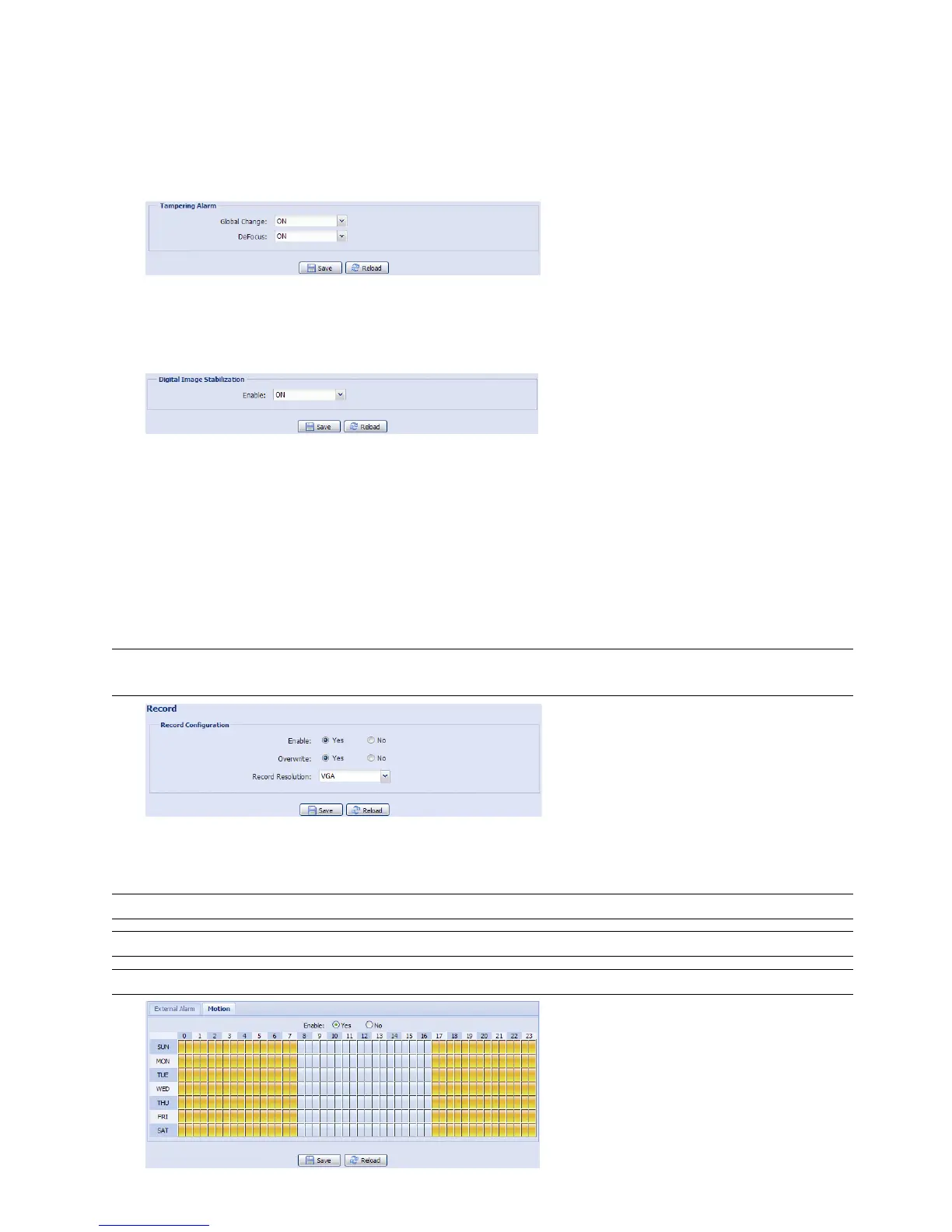
TA, tampering alarm, should be used with the mini-guard control switch for alarm system integration. For more
details, please check with your distributor or installer.
3.4.2 DIS
DIS, digital image stabilization, is used to reduce blurring associated with the motion of a camera during
exposure.
3.5 Record
3.5.1 Record
In “Record Configuration”, you can:
Enable or disable the alarm record function. When “Enable” is set to “No”, the alarm record function is
disabled even if you enable it in other configuration pages.
Select if the data should be overwritten when the memory storage is full.
Select the video resolution for event recording.
Note: The higher resolution you choose, the more accuracy and higher image quality the recording will
be, but the faster the memory storage is consumed and become full
3.5.2 Record Timer
To schedule alarm and motion recording, enable it, and select the day and time for recording.
Note: The timer must be enabled for the record function to work properly.
Note: The timer for external alarms is for selected models only.
Note: The selected time will be yellow-colored.



 To Next Page