EasyManua.ls Logo

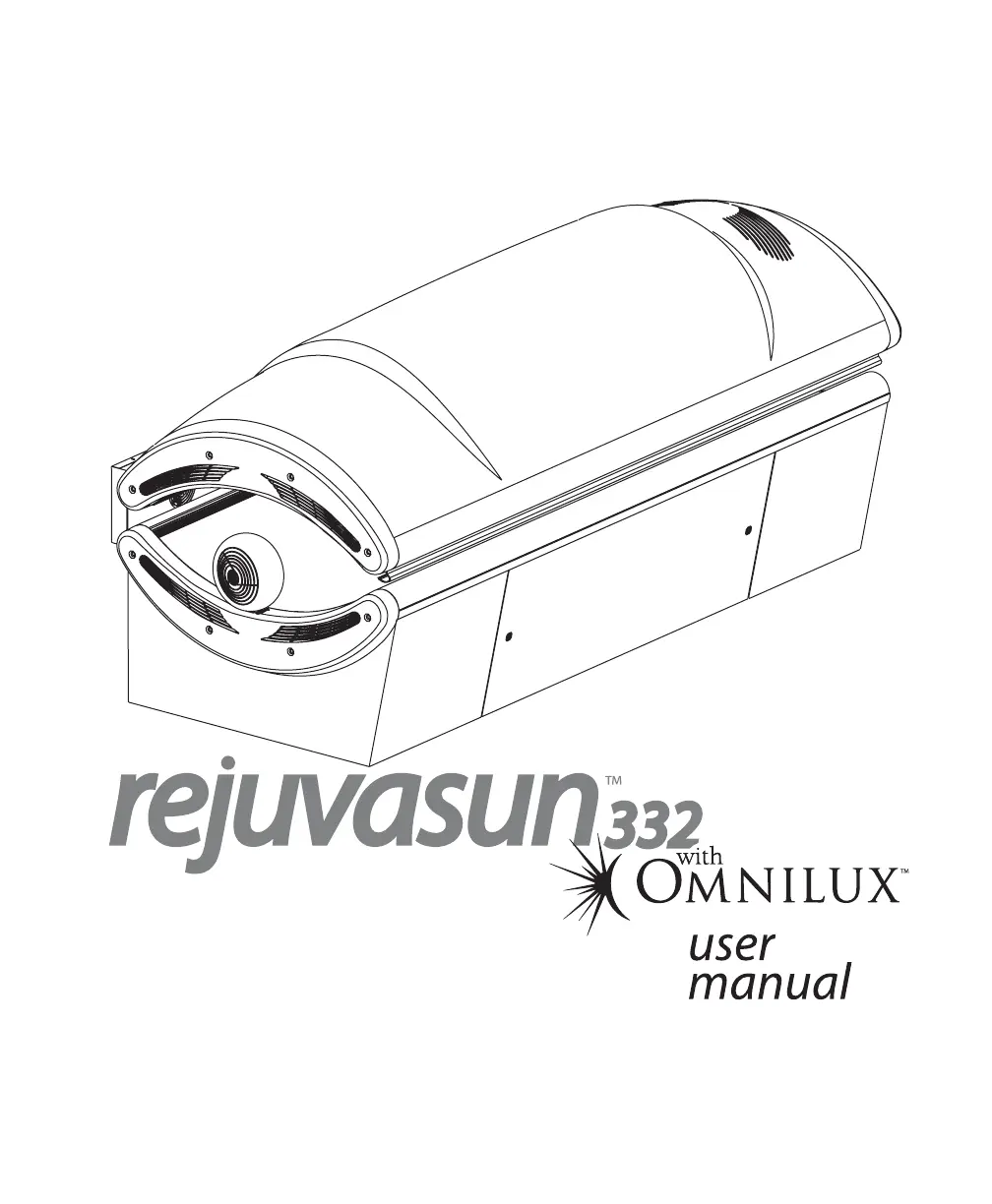
ETS REJUVASUN 332 - User Manual

ETS REJUVASUN 332
36 pages
Print Icon
To Next Page IconTo Next Page
Loading...
28940-01A

Questions and Answers

  • T
    Tracy WalkerAug 16, 2025
    How to prevent loss of session time on ETS REJUVASUN 332 due to power outages?
    • G
      gpatrickAug 16, 2025
      If you have a T-Max® Manager, you can change parameter 23 from “0” to “1”. This allows the ETS Personal Care Products tanning bed to remember the remaining session time and resume after power is restored.
  • R
    Ryan DuncanAug 19, 2025
    What to do if I can't get into “id” mode on my ETS REJUVASUN 332 Personal Care Products bed connected to a T-Max® remote system?
    • J
      Jennifer MccoySep 12, 2025
      To resolve this issue, disconnect the remote plug(s) from the ports at the back of the ETS Personal Care Products sunbed, wait 90 seconds, and then try again.
  • J
    johnsonmaryAug 22, 2025
    Why won’t my ETS REJUVASUN 332 bed work with the T-Max® Manager remote system?
    • M
      Melissa HowardAug 22, 2025
      Ensure the bypass plug is plugged only into the ETS Personal Care Products bed at the end of the series, as the bypass or terminator plug may be installed in an inappropriate location.
  • J
    John YangAug 26, 2025
    How to fix an ETS REJUVASUN 332 Personal Care Products sunbed that won’t function properly with a T-Max® 1A?
    • M
      Melinda MeyersAug 26, 2025
      If the T-Max® 1A and the ETS Personal Care Products sunbed are over 100 feet apart, SunStar® Bypass plugs or terminator plugs may be needed. Install the plugs in the open remote port in the sunbed and the T-Max® 1A.
  • M
    Mary BradfordAug 28, 2025
    What to do if the ETS REJUVASUN 332 Personal Care Products bed lights don't come on after the delay time with the T-Max® Manager?
    • W
      William MontgomeryAug 28, 2025
      If the auto start feature of the remote system is disabled, see the instructions provided with your remote system.
  • K
    Katie MossAug 31, 2025
    What to do if the first ETS Personal Care Products bed doesn't register an “id” when auto-addressing?
    • G
      Grant TorresAug 31, 2025
      When using the auto address feature of the T-Max® Manager you must wait 10 seconds from the time you start the auto address function before addressing the first bed.
  • A
    Andrew MarksSep 3, 2025
    What to do if my ETS REJUVASUN 332 Personal Care Products bed connected to T-Max® Manager indicates “0” and tanning time but lamps don't come on?
    • C
      Christopher RogersSep 3, 2025
      The auto start function of T-Max® Manager may be turned off. Press the timer button to turn on lamps.
  • J
    jcarrollSep 6, 2025
    How to fix Er 91 error on ETS REJUVASUN 332 timer display?
    • R
      Robert HubbardSep 6, 2025
      Disconnect and reapply power to the unit. This may resolve the timer software error causing the Er 91 display on your ETS Personal Care Products.
  • J
    Jose TaylorSep 9, 2025
    What to do if the ETS Personal Care Products timer display shows Er 92?
    • N
      Nicholas RoySep 9, 2025
      Contact servicer.
  • K
    karen99Sep 12, 2025
    What does it mean if the ETS Personal Care Products timer display indicates Er 93?
    • L
      Linda CowanSep 12, 2025
      Contact servicer.

Summary

48 MONTH “GOLD MEDAL” WARRANTY

Safety Information

General Safety Warnings

Covers DANGER and WARNING statements regarding UV radiation and electrical hazards.

Installation

Electrical Connections

Instructions for connecting the sunbed's power cords and remote system cables.

Remote System Connectivity

Details on connecting and configuring various remote control systems like T-Max®.

Operation

Using Your Sunbed

Instructions on operating the sunbed controls, understanding the timer, and fan settings.

Troubleshooting

Sunbed Not Tanning

Solutions for issues like the sunbed failing to tan, including cleaning and voltage checks.

Lamp Lighting Issues

Troubleshooting steps when lamps do not illuminate or the timer display is blank.

ETS REJUVASUN 332 Specifications

General IconGeneral
BrandETS
ModelREJUVASUN 332
CategoryPersonal Care Products
LanguageEnglish

Related product manuals