EasyManua.ls Logo

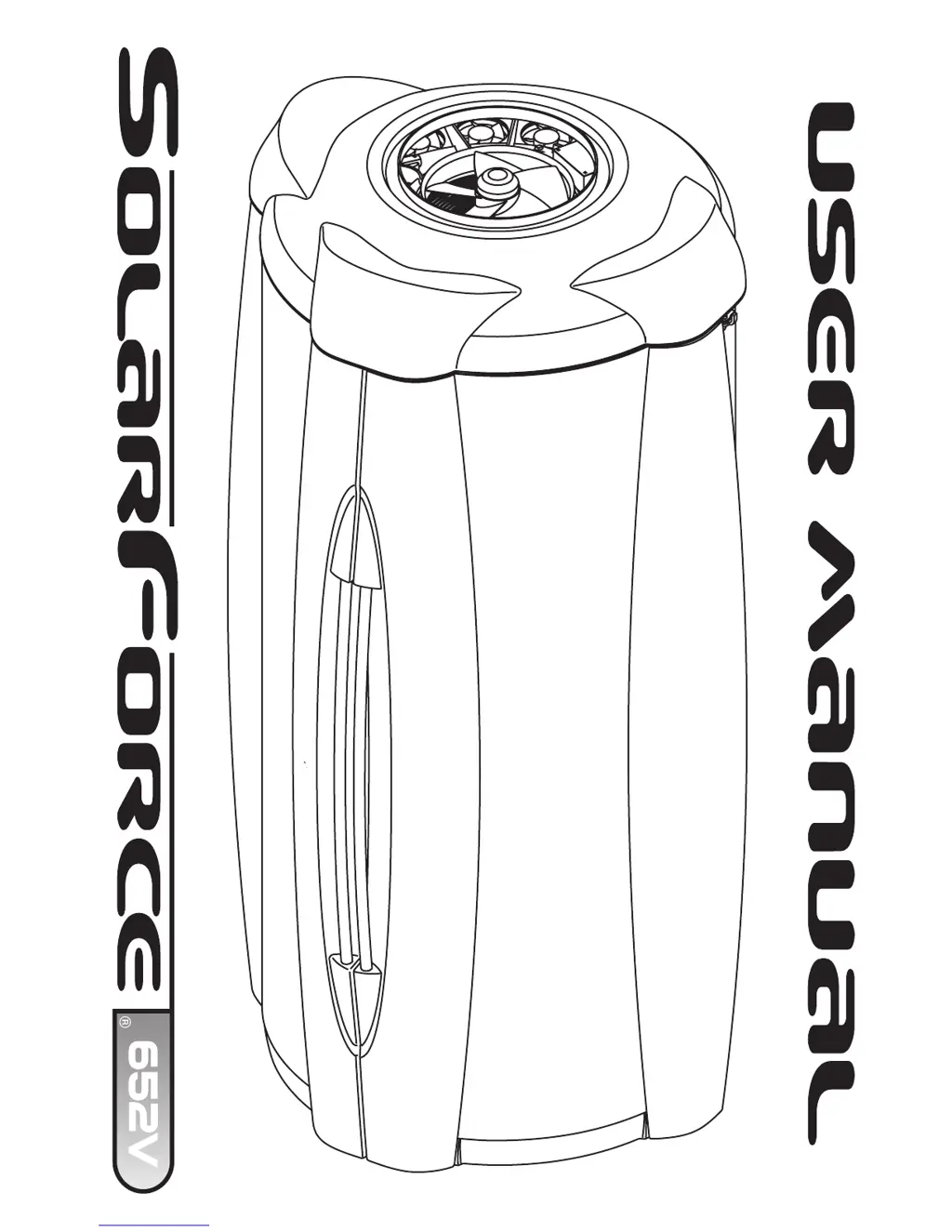
ETS SolarForce 652V - User Manual

ETS SolarForce 652V
44 pages
Print Icon
To Next Page IconTo Next Page
Loading...
25809-02A

Questions and Answers

  • C
    cmooreAug 1, 2025
    Why is my ETS SolarForce 652V Personal Care Products booth not tanning?
    • Z
      Zachary JenkinsAug 1, 2025
      The tanning booth may not be tanning due to several reasons: the booth might be dirty, there could be low voltage, or the lamps might be old. To resolve this, first clean the booth. Then, ensure that the supply voltage is between 208 and 230V AC. Finally, if the lamp hours are greater than 800, replace the lamps.
  • T
    tfrostAug 6, 2025
    What to do if my ETS SolarForce 652V Personal Care Products booth is getting too hot?
    • D
      David ProctorAug 6, 2025
      If the booth is getting too hot, there could be several reasons. First, ensure the body fan is on high. Second, make sure the ambient temperature of the salon room is below 80° at all times. Next, check the air filters and change them if they are dirty. Finally, the input voltage, with the unit running, must be less than 230VAC.
  • N
    Nicole TaylorAug 11, 2025
    What to do if ETS Personal Care Products lamps fail to light and the timer display is blank?
    • C
      Christina MartinezAug 11, 2025
      If the lamps fail to light and the timer display is blank, it could be due to the unit being unplugged or a tripped circuit breaker. First, make sure the unit is connected to a power source. Second, check the source of AC power and reset the circuit breaker or replace the fuse.
  • C
    Corey WheelerAug 16, 2025
    How to fix one or more lamps that fail to light in ETS Personal Care Products?
    • C
      Christine MartinAug 16, 2025
      If one or more lamps fail to light, it could be because the lamp is loose or burnt out. First, check that the lamp is installed correctly. Second, switch the unlit lamp with a lamp that lights. If the new lamp lights and the old lamp still does not, replace the old lamp.
  • D
    Dennis CoxAug 21, 2025
    What does E 98 mean on my ETS SolarForce 652V Personal Care Products display and how to fix it?
    • F
      Frank ShawAug 21, 2025
      The error code E 98 on the display indicates that the unit temperature has been exceeded. To resolve this, allow the unit time to cool. Also, check all fan openings and air filters for obstructions. If the problem persists, contact a servicer.
  • O
    onovakAug 27, 2025
    What does E 91 mean on my ETS SolarForce 652V display?
    • J
      jcaseyAug 27, 2025
      The error code E 91 on the display indicates that the timer computer is not functioning properly. To resolve this, disconnect then reconnect power to reset the timer. If the problem persists, contact a servicer to replace the main timer.

Summary

Introduction

Safety Information

Safety Warnings and Precautions

Crucial safety warnings regarding electrical hazards, eye protection, and proper usage.

Recommended Exposure Times

Guidelines for tanning duration based on skin type and session number.

Installation

Pre-Installation Planning

Essential considerations before installing the tanning booth, including electrical needs.

Unpacking and Inspection

Procedures for unpacking and inspecting all components upon arrival.

Tools Required

Lists the necessary tools required for assembling the tanning unit.

Hardware Inventory

Detailed list of all hardware components included for assembly.

Assembly Procedures

Step-by-step guide for assembling the tanning booth structure.

Adjusting Hinges

How to align and adjust booth doors for proper closure.

Electrical Connections

Connecting the unit to the power supply and any remote systems.

Remote Connections

Instructions for connecting the booth to remote control systems.

Operation

Before You Tan

Important precautions and advice to follow before using the tanning booth.

Exposure Times

Guidelines for tanning duration based on skin type and session number.

Tanning Position

Recommended body positioning for optimal tanning results.

Using Your Booth

Step-by-step guide to operating the tanning unit.

Care and Maintenance

Cleaning After Use

Routine cleaning instructions for the tanning unit after each use.

Hour Counter

Information about the unit's hour counter for tracking usage.

Thorough Periodic Cleaning

Detailed instructions for deep cleaning the unit to maintain performance.

Mechanical Inspection

Periodic checks of the unit's mechanical integrity and fasteners.

Lamp and Grill Replacement

Procedures for replacing tanning lamps and accessing grill shields.

Troubleshooting

Booth Not Tanning

Solutions for issues related to the booth not tanning.

Lamp and Timer Issues

Troubleshooting steps when lamps do not illuminate or timer is blank.

Booth Overheating

Solutions for the booth becoming too hot due to airflow or ambient temperature.

Error Code Explanations

Explanations and solutions for specific error codes displayed on the unit.

Remote System Connectivity Problems

Troubleshooting issues related to remote control system connectivity and function.

Address and Configuration Errors

Resolving problems with sunbed addressing and T-Max system configuration.

Limited Warranty

Limited Lifetime Warranty

Details of the limited lifetime warranty coverage for structural defects.

Parts and Labor Warranty

Information on warranty coverage for parts (6 months) and labor (30 days).

Warranty Exclusions and Limitations

Conditions and circumstances not covered by the product warranty.

ETS SolarForce 652V Specifications

General IconGeneral
Charging Time4 hours
Waterproof RatingIPX7
Battery TypeLithium-ion
Cleaning ModesClean, White, Sensitive, Gum Care
Included Accessories2 brush heads, travel case
Timer2-minute timer with 30-second interval pacer

Related product manuals