Manual EKS Electronic-Key Adapter USB
2094485-05-07/19 Subject to technical modifications Page 23/34
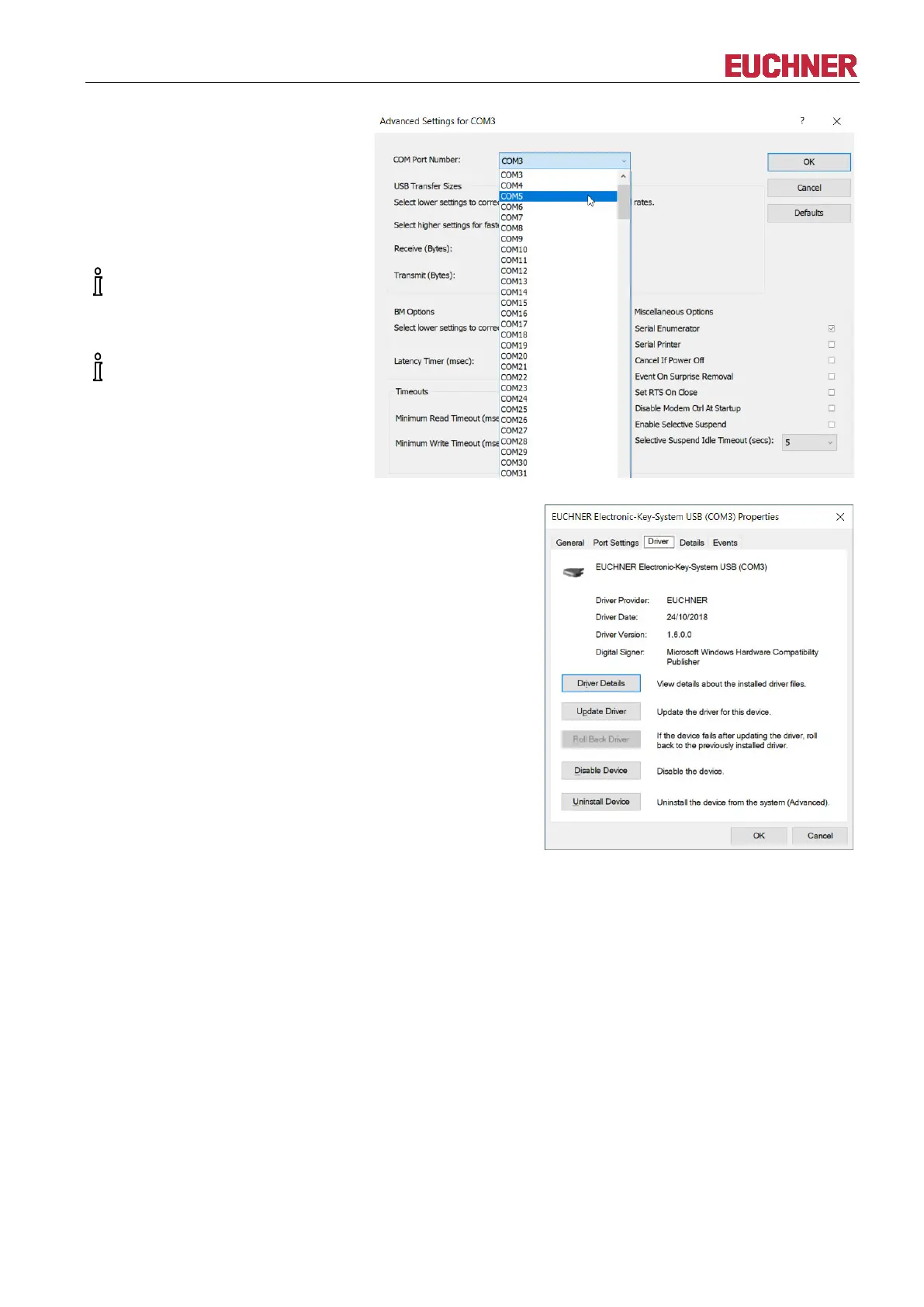
The required virtual COM port can
be selected from the COM Port
Number: selection field. Confirm
with OK.
The change is then immediately
visible and active in the Device
Manager.
The EKS communicates with the
user software over the COM port
selected here.
This COM port also must be
selected in the ActiveX module,
for example.
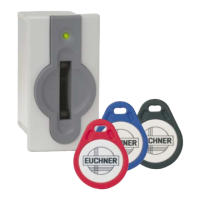
The Driver tab shows the installed
driver version (1.6.0.0 in this
example).


 To Next Page