!
To preserve natural resources, please recycle or dispose of expired battery
pack properly.
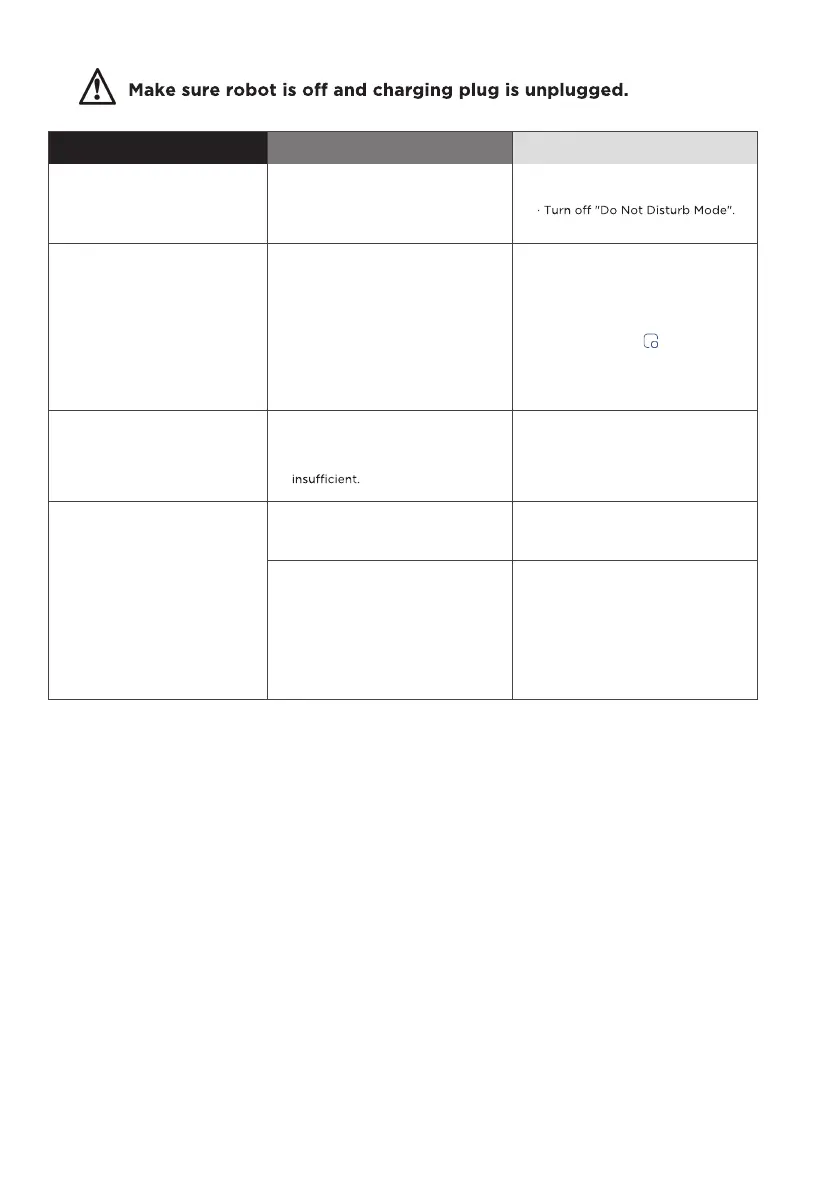
Troubleshooting
Faults
Possible Causes
Actions
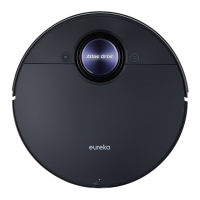
The robot vacuum has
no sound
· The sound is muted.
· The robot vacuum is in Do Not
Disturb Mode.
· Turn up the volume.
The App shows the
connection is
disconnected
· The phone is not connected
to the network normally.
· The router is not working
properly.
· The robot vacuum is not
turned on.
· The network is removed.
· Wireless network password or
network has been changed.
· Reconnect the phone network.
· Restart the router.
· Turn on the robot.
· Add new Appliances in the App.
· Reset the network by pressing
and holding the
" " button for
3 seconds
· Add the device again following
the phone's instructions.
App operation response
delays
· Wireless network signal is
weak.
· The network bandwidth is
· Restart the router to reduce the
number of access users.
· Check the phone settings.
· Increase the network bandwidth.
After the robot
vacuum returns to the
self-emptying base,
the self-emptying
process fails to start
automatically
The dust cup is full. Empty the dust.
· The lid of dust cup is not
closed.
· The dust cup is not installed
correctly.
· Close the lid.
· Reinstall the dust cup correctly.



 To Next Page