20
DAILY USE
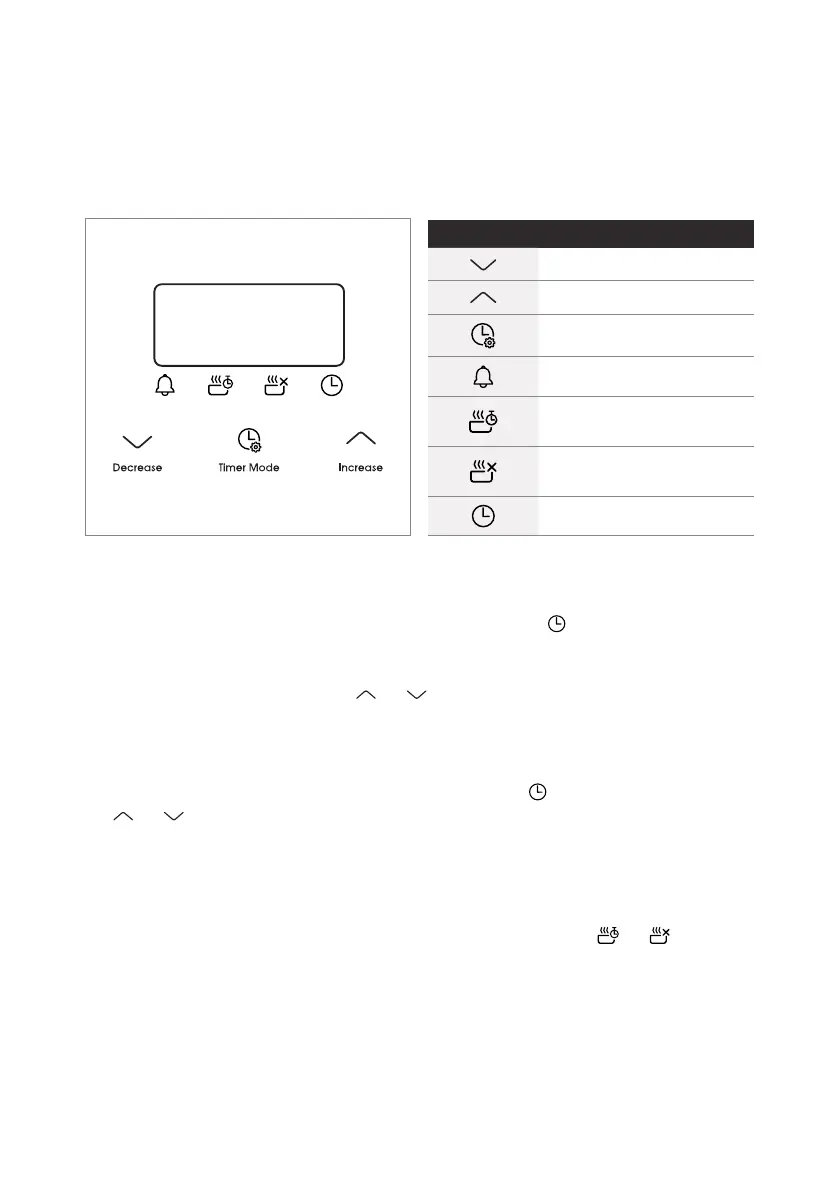
Touch Control Digital Timer
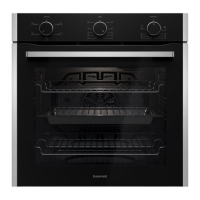
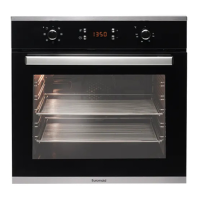
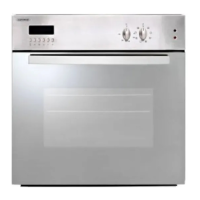
This model has a digital display, 24hr clock with 3 control buttons. When the power
is connected, the screen displays 12:00 and the bar above the symbol flashes.
Setting the time when power is first connected
• To set the correct time, press the or button to advance forward or backward
until the correct time is displayed. Aer 5 seconds the time will be locked in.
Adjusting the time
• Press the function button repeatedly until the bar above flashes, then press
or button to set the time. Aer 5 seconds the time will be locked in.
Manual operation setting
• When power is first connected, the oven will be in manual operation as soon as the
time is set. Manual operation will only be cancelled if the power to the oven is switched
o or if an automatic cooking time is selected and the bar above or is flashing.
See next section on automatic setting.
Button functions
Decrease time
Increase time
Timer mode
Timer
Set cooking time
(amount of time to cook)
End cooking time
(end time for cooking)
Set the time


 To Next Page