9
Factory Reset
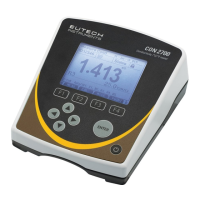
Select “YES” to reset the 2700 to the factory default settings except; Date & Time,
Temperature calibration, and data stored in memory.
Contrast Adjustment
Optimize the contrast setting of your 2700 display for best visibility in your
surrounding lighting conditions. Test various contrast settings for best results.
This setting will be applied to both backlight and non-backlight conditions.



 To Next Page