LT-101A User’s Manual
Copyright © EVERFINE, Copy or spread without authorization is prohibited. 27
software DPS_PC.exe., In "test setup" menu, users can set serial communication
number, choose whether to use the demonstrate mode or DPS control power supply. If
use DPS control power supply, please click button in main interface
to control the output of power supply; under the state of steady state test, power
supply will output the corresponding voltage automatically.
6.3.5 Check the testing results
There are detailed information and wave form for steady state and start-up test in test
results, and there are also comprehensive test results, users can select the content that
to be displayed.
Steady state test results: select "steady state test data" at the middle of the interface to
view all the steady state test data.
Start-up test results: select "start-up test data" at the middle of the interface to view all
the start-up test data.
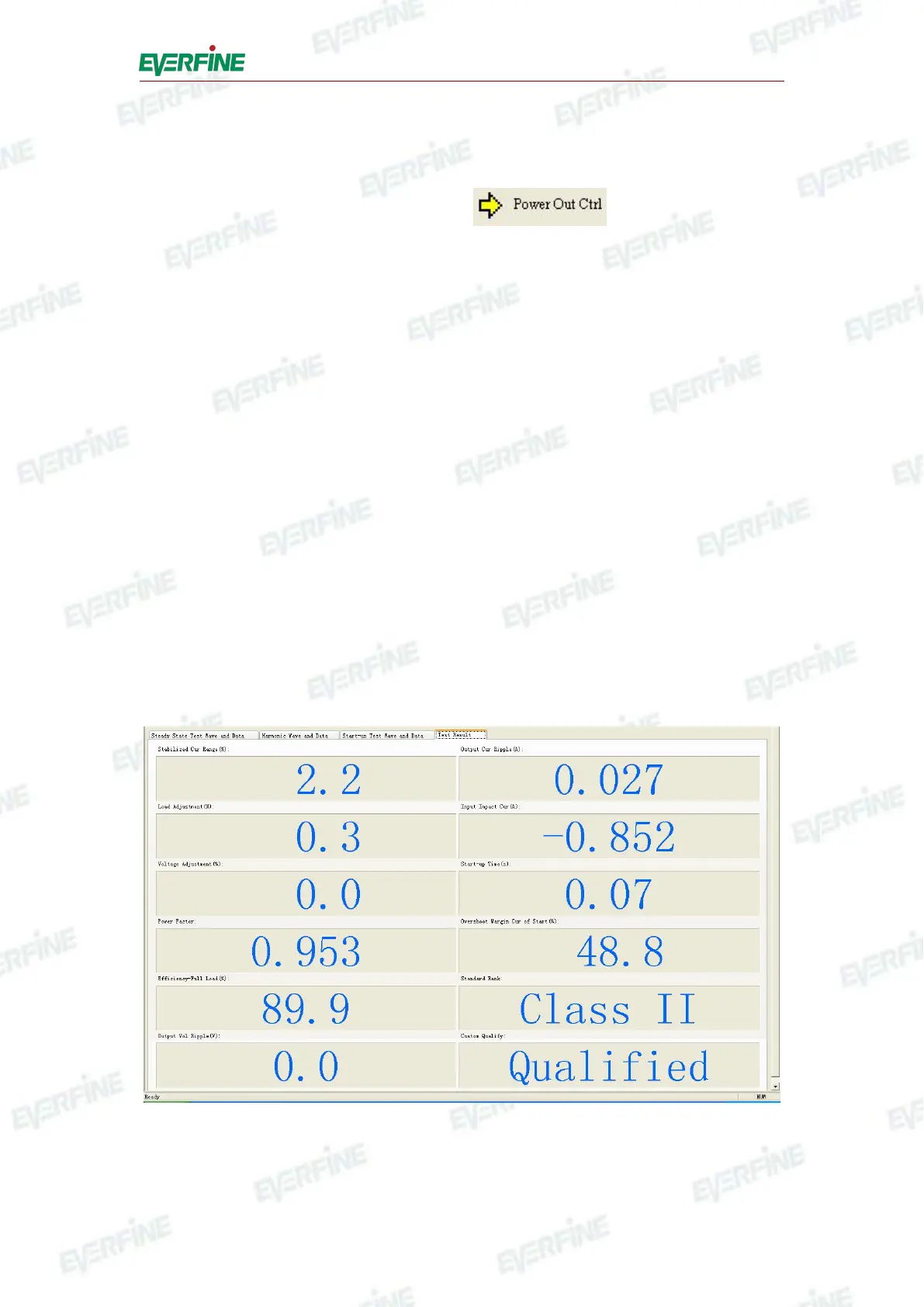
Comprehensive test results: select "test result" at the middle of the interface to view
all the test data.
Fig.6.6 Comprehensive test results
Wave form data: Click the radio button in combo box of steady state test and start-up



 To Next Page