ECOR960 4F2 / 8F2 / 16F2
4.8 Logout
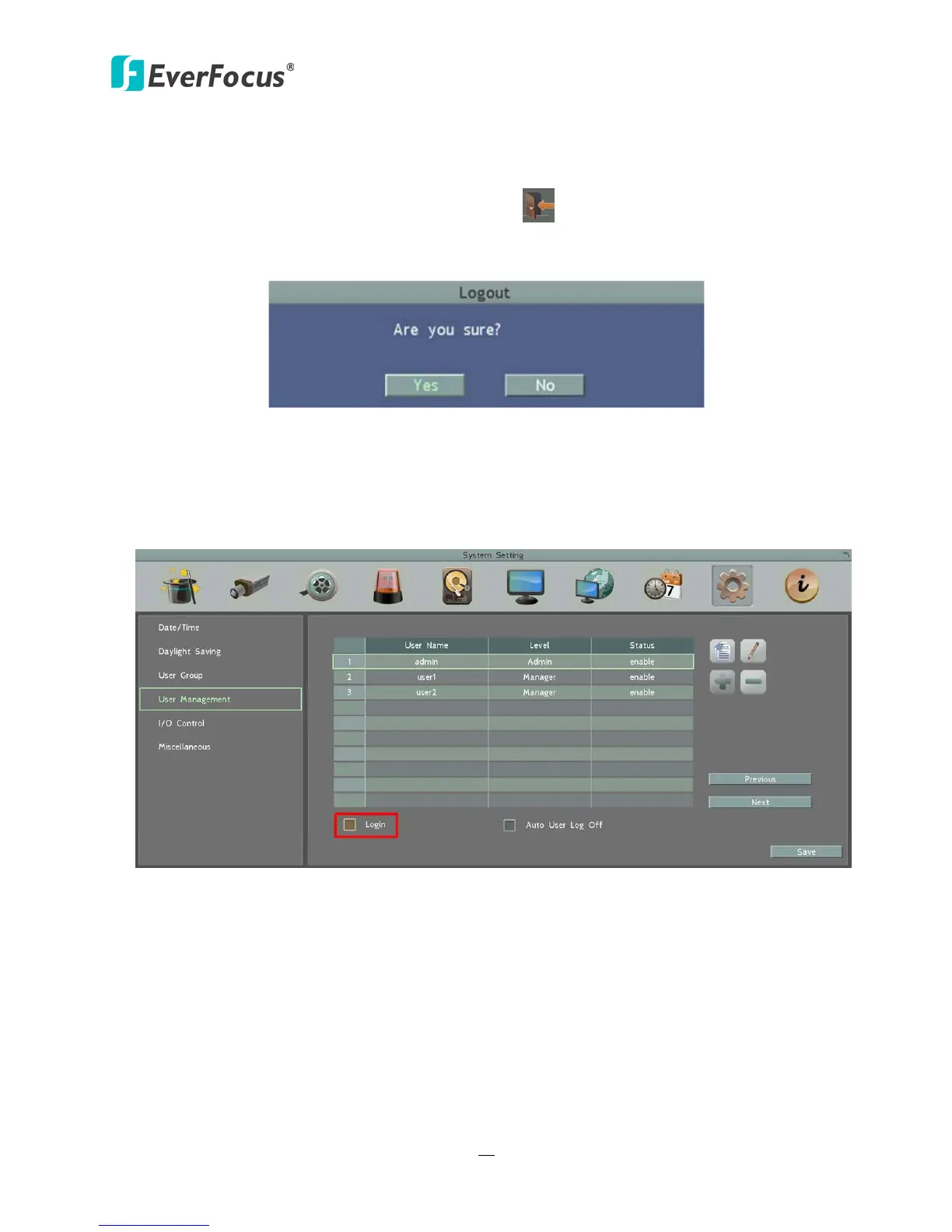
You can log out the DVR by clicking the Logout icon on the OSD Root Menu to bring up the
Logout Confirmation window as Figure 4-9. Press “Yes” when you are ready to logout of the
system. You will need to login again before accessing the OSD Root Menu.
Figure 4-9
If you do not need the Login / Logout step before entering the Root Menu, please uncheck the
Login box in the User Management setting page. For more details, please refer to 6.9.4 User
Management.
Figure 4-10















 To Next Page