ECOR960 4F2 / 8F2 / 16F2
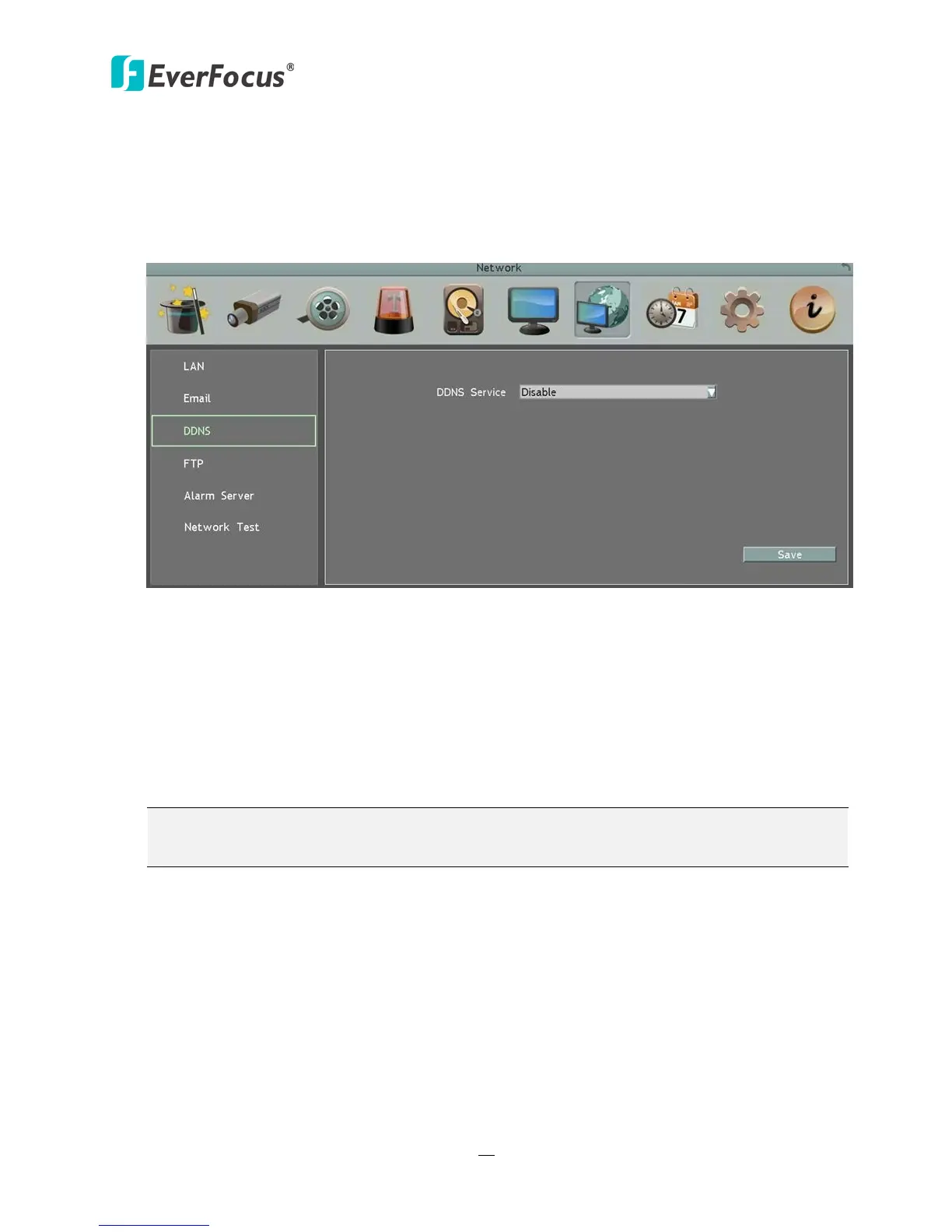
6.7.3 DDNS
DDNS (Dynamic Domain Name System) is a service used to map a domain name to the
dynamic IP address of a network device. You can set up the DDNS service for remote access to
the DVR.
Figure 6-24
DDNS assigns a domain name (URL) to the DVR, so that the user does not need to go through
the trouble of checking if the IP address assigned by DHCP Server has changed. Once the IP is
changed, the DVR will automatically update the information to the DDNS to ensure it is
always available for remote access.
Before enabling the following DDNS function, user should have applied for a host name from
the DDS service provider’s website. We support four DDNS server providers:
www.everfocusddns.com and www.dyndns.com.
Note: We highly recommend that you use xxxx.everfocusddns.com for the simplicity of
setting up your DVR.















 To Next Page