ED710/730 Ultra 720+ TVL Dome Camera
11
7. Connect the camera to the 12 VDC or 24 VAC power source and a DVR or monitor.
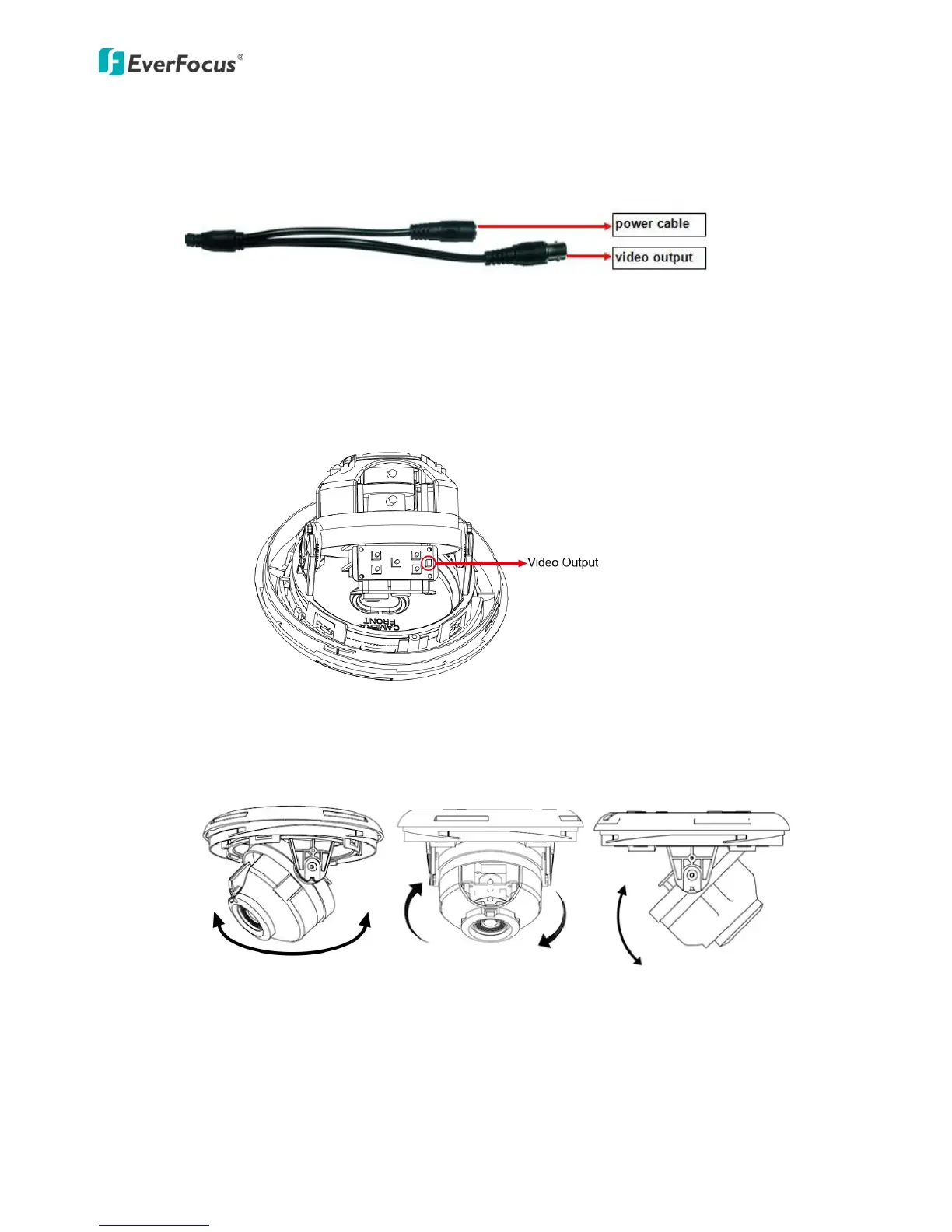
8. Optionally connect the camera to a monitor using the supplied Test Lead for adjusting
camera angles, focus, zoom and configuring OSD menu
a. Connect one end of the Test Lead to the camera and the other end to a monitor.
b. To adjust camera angles, simply tilt, pan or rotate the camera.



 To Next Page