10
4 OPERATION
4.1 Assigning Windows functions with JoyMap - application
NOTE: The EverFocus JoyMapper application will only work correctly with connected EKB200 keyboards.
Other joystick devices are not supported. If no EKB200 is connected, the application will show
after start: "DEVICE: No EKB200 found".
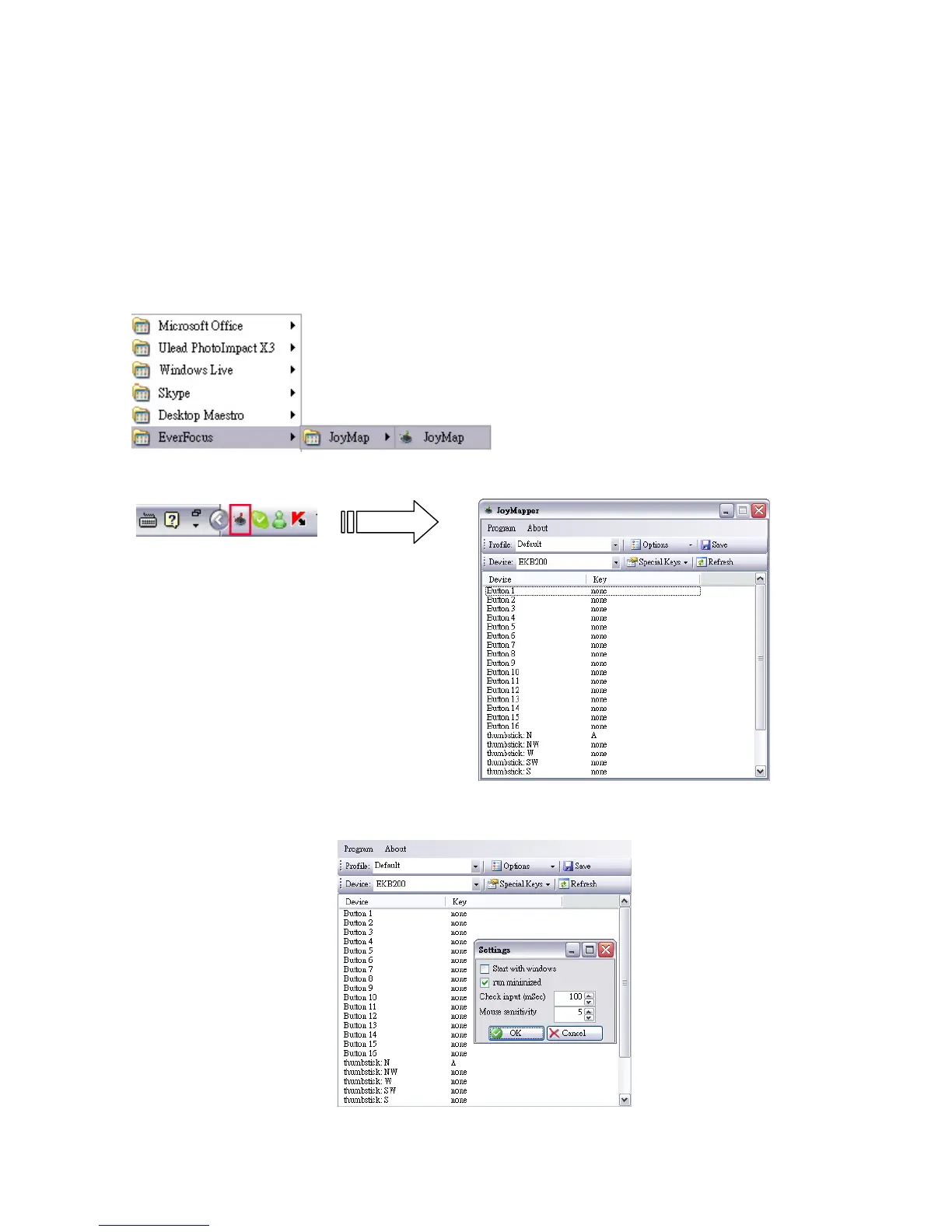
1. Go to “Start” -> “Program” -> “EverFocus” -> “JoyMap” -> “JoyMap”.
2. Double click the JoyMap icon in the task bar to open JoyMap window.
3. Press “Program” -> “Settings” for general EKB200 parameters.



 To Next Page