8
3.5 Installation of JoyMap
The JoyMap tool allows the assignment of standard windows operations to the EKB-200.
Installation steps of JoyMap for EKB200:
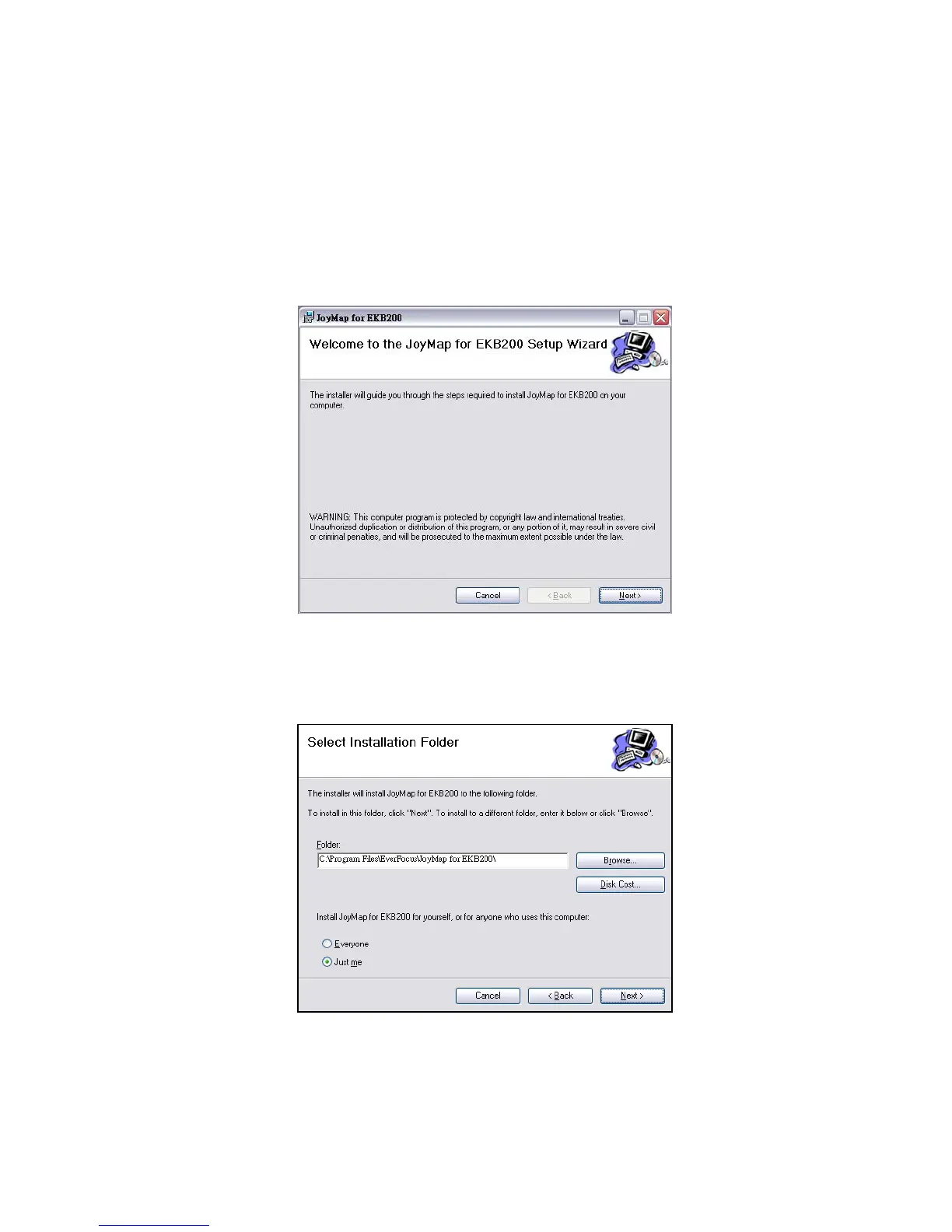
Double click “Setup.exe” file.
The installer will guide you through the steps required to install JoyMap for EKB200 on your computer. Click
“Next” to continue.
3. Direct to the folder where you wish to install the program by pressing “Browse”. If you wish to install JoyMap
for yourself, select “Just Me”. If you allow anyone using this computer to use JoyMap, select “Everyone”. Click
“Next” to confirm.
4. The installer is ready to install JoyMap for EKB200 on your computer. Click “Next” to start the installation.



 To Next Page