7
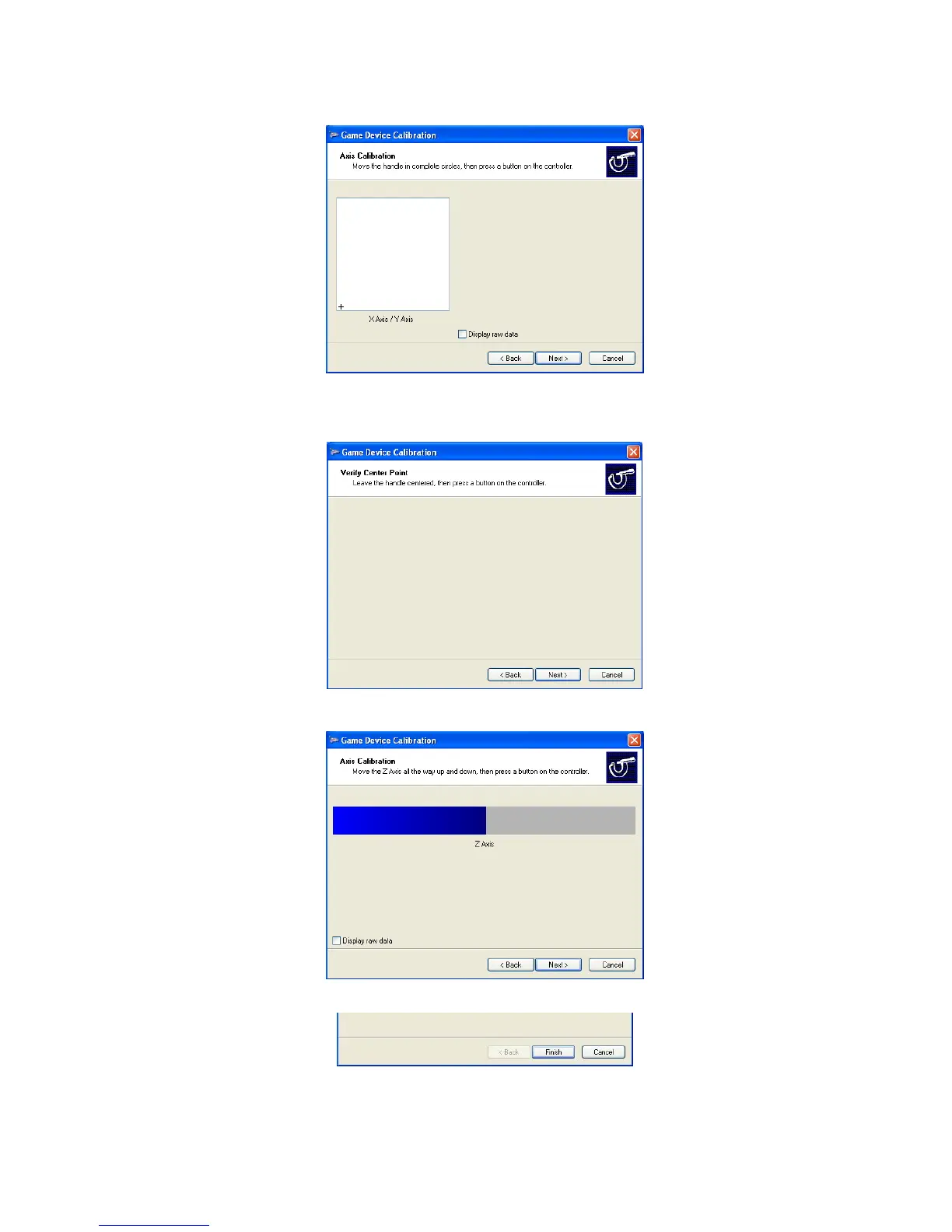
6. Move the handle in complete circles, then press a button on the controller. Click “Next” to continue.
7. To verify center point, leave the handle centered, then press a button on the controller. Click “Next” to
continue.
8. Move the Z axis all the way up and down, then press a button on the controller. Click “Next” to continue.
9. Calibration is completed. To save your calibration, click “Finish”.
10. Finally, click “Apply” button to apply the settings to EKB200.



 To Next Page