14
4.2 EKB-200 Operation with PowerCon Management Software
The EKB-200 keyboard is supported in PowerCon management software from version 4.3.
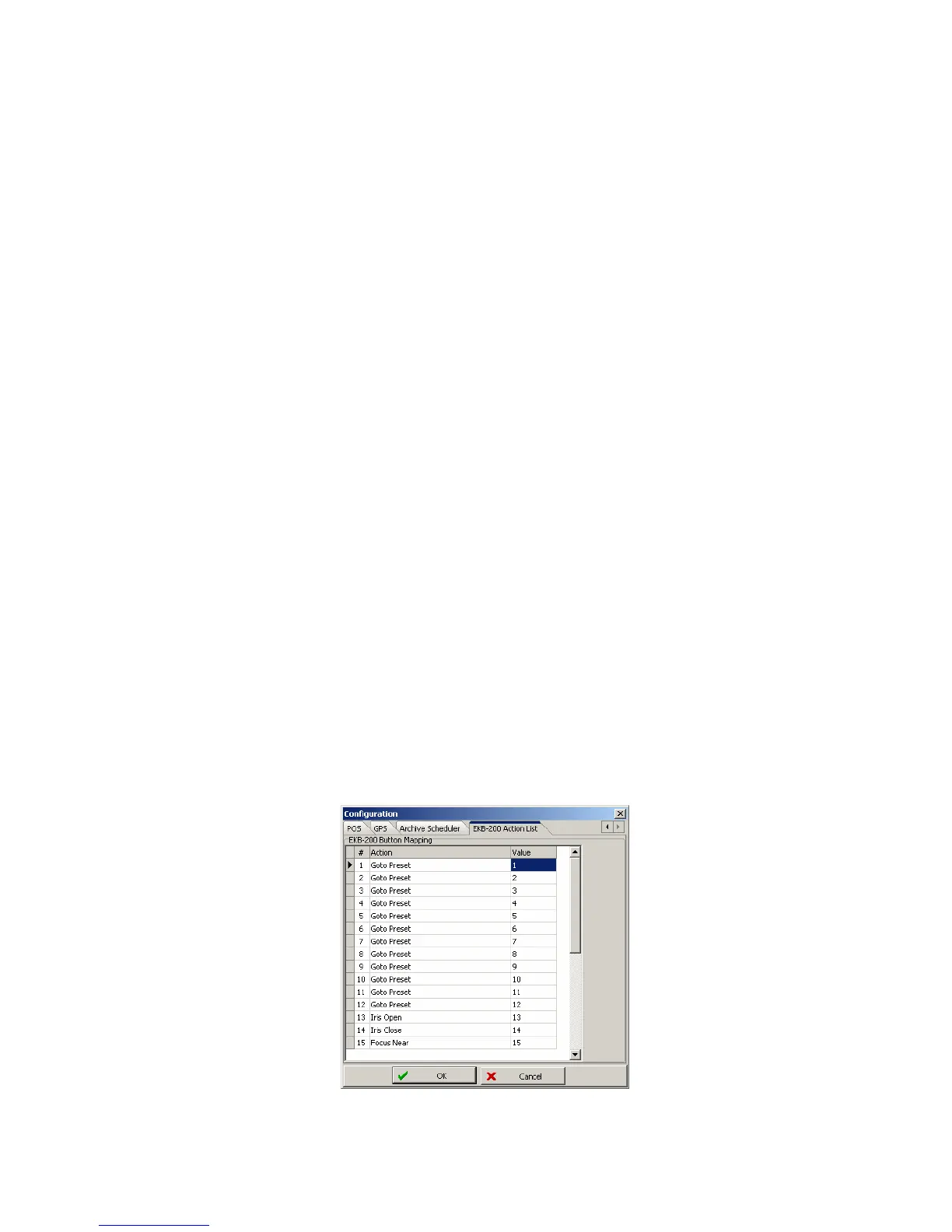
In factory settings, the keys are assigned to following PTZ functions:
Key Function
Joystick Pan / Tilt / Zoom (fixed function)
1 Goto Preset 1
2 Goto Preset 2
3 Goto Preset 3
4 Goto Preset 4
5 Goto Preset 5
6 Goto Preset 6
7 Goto Preset 7
8 Goto Preset 8
9 Goto Preset 9
10 Goto Preset 10
11 Goto Preset 11
12 Goto Preset 12
13 Iris Open
14 Iris Close
15 Focus Near
16 Focus Far
For editing the key settings, go to menu bar > System > Configuration > Tab EKB-200 Action List:



 To Next Page