15
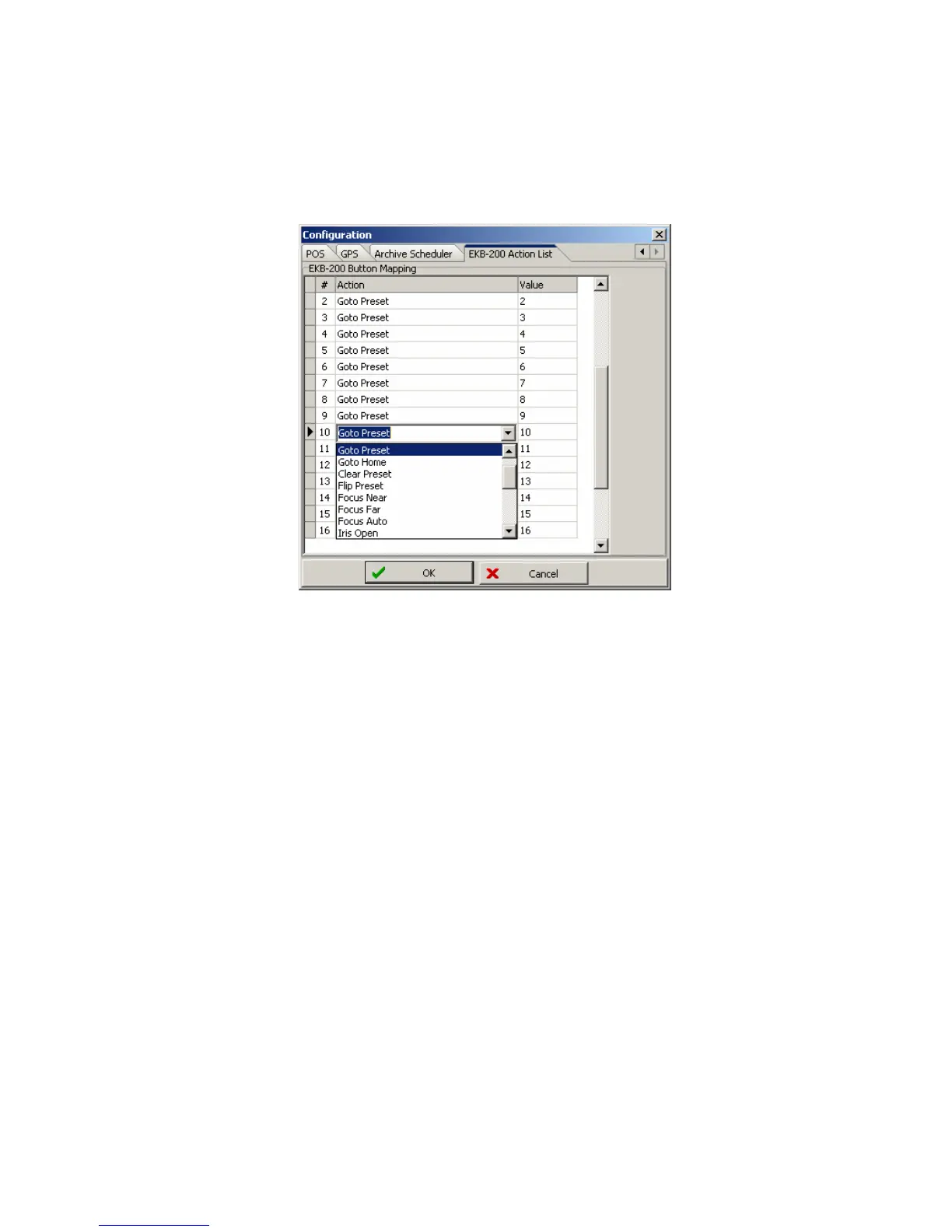
Select a key in the list. Right click in the right corner of any field in the "Action" Column to open a context
menu with a selection of available PTZ commands.
If the command requires a value, such as GoTo Preset [x] or Tour [x], enter the number [x] in the field "Value".
"OK" saves the changes and closes Configuration menu, "CANCEL" closes menu without saving the
changes.



 To Next Page