5
3.3 Key labels
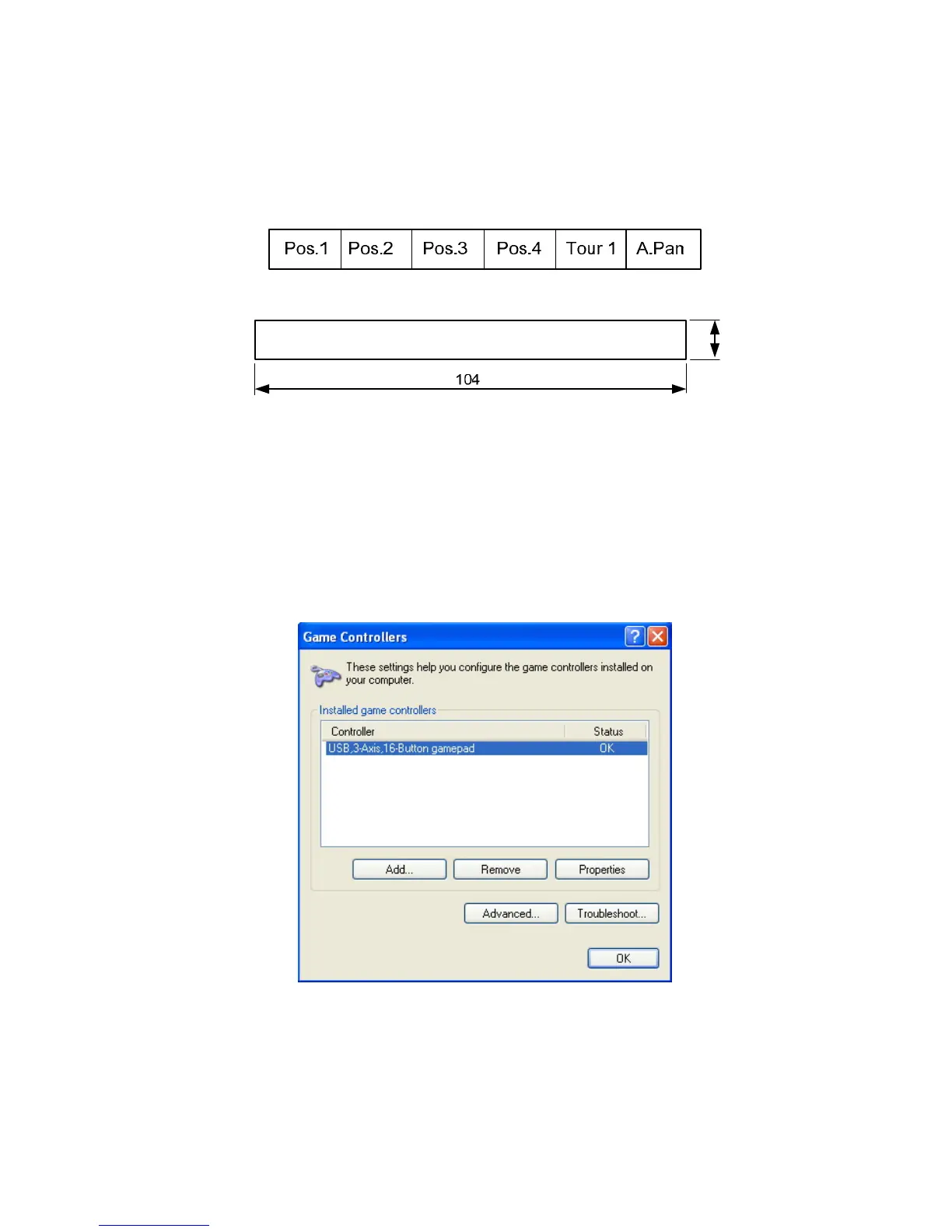
The EKB-200 provides exchangable key description labels. This allows the user to customize the key labels to
his application and the assigned key functions.
Example:
The label sheets have a size of 104 x 9.5 mm.
9.5
A key lable template form in *.doc and *.rtf format can be found at the service CD in the EKB-200 package.
3.4 Function check and Calibration at PC
In case of any problems with keys or joystick provides Microsoft Windows
®
provides a check and calibration
option in control panel.
1. Go to “Start” -> “Control Panel” -> “Printers and Other Hardware” -> “Game Controllers”.
2. Select “Properties”. In test mode, you can test the EKB200 controller by moving the joystick towards all end
stops including the third axis (X-axis, Y-axis & Z-axis) and pressing the buttons. If the controller is not
functioning properly, it may need to be calibrated. To calibrate it, go to the Settings page.



 To Next Page