ELUX16x2 FHD Hybrid DVR
19
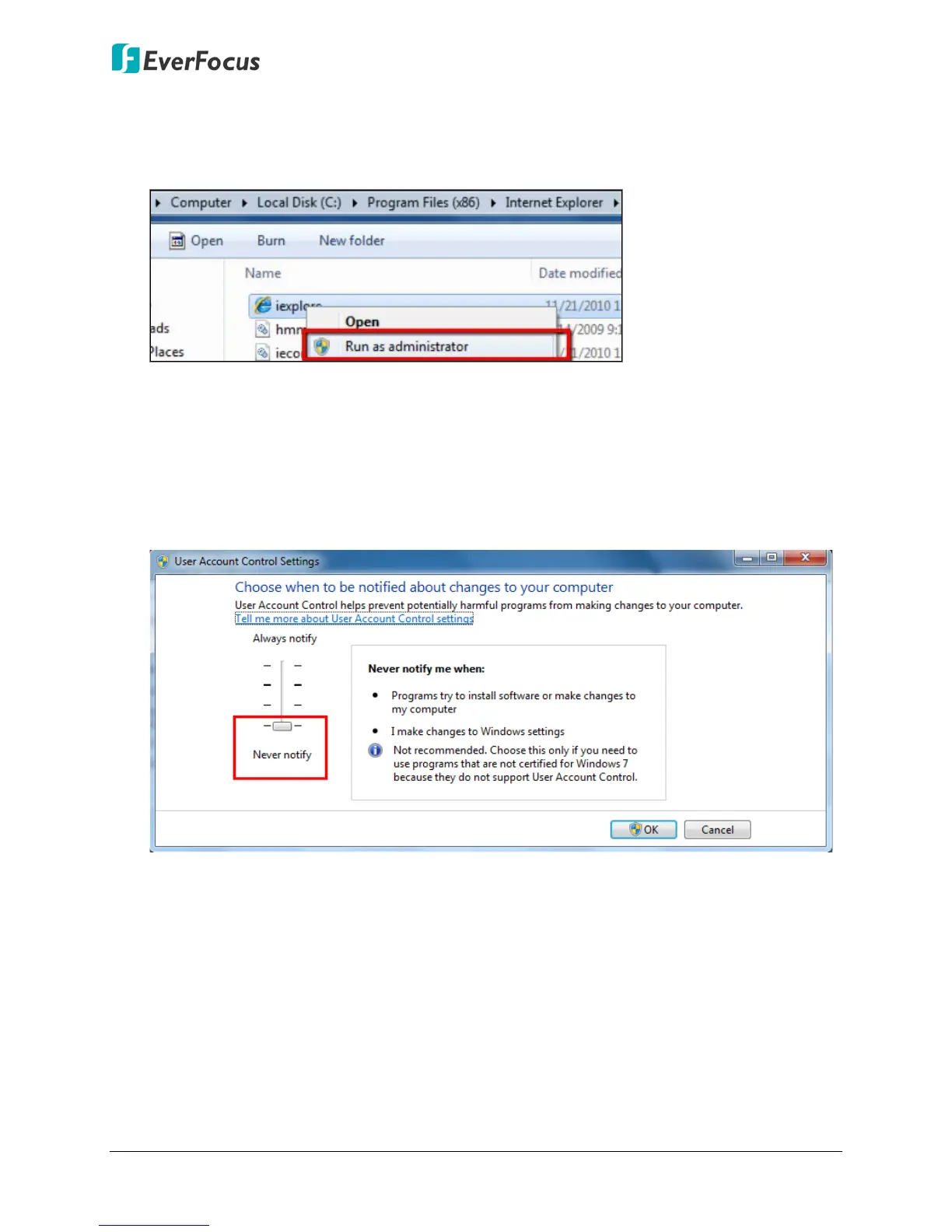
If your PC or laptop is running with Windows, it’s required to run the browser as
administrator when first entering the remote web page of the device. Go to C:\Program
Files (x86)\Internet Explorer, right-click the browser and then click Run as administrator.
You may need to turn off the firewall and turn User Account Control off if you still can’t
see the Remote Live View.
To turn User Account Control off, on the computer, click Start > Control Panel > System
and Security > Action Center (click Change User Account Control Settings), the User
Account Control Settings window appears. Adjust the slide bar to Never Notify and then
click OK. Restart your computer if requested.












 To Next Page