ELUX16x2 FHD Hybrid DVR
8
2. Basic Installation
2.1 Hard Disk Installation
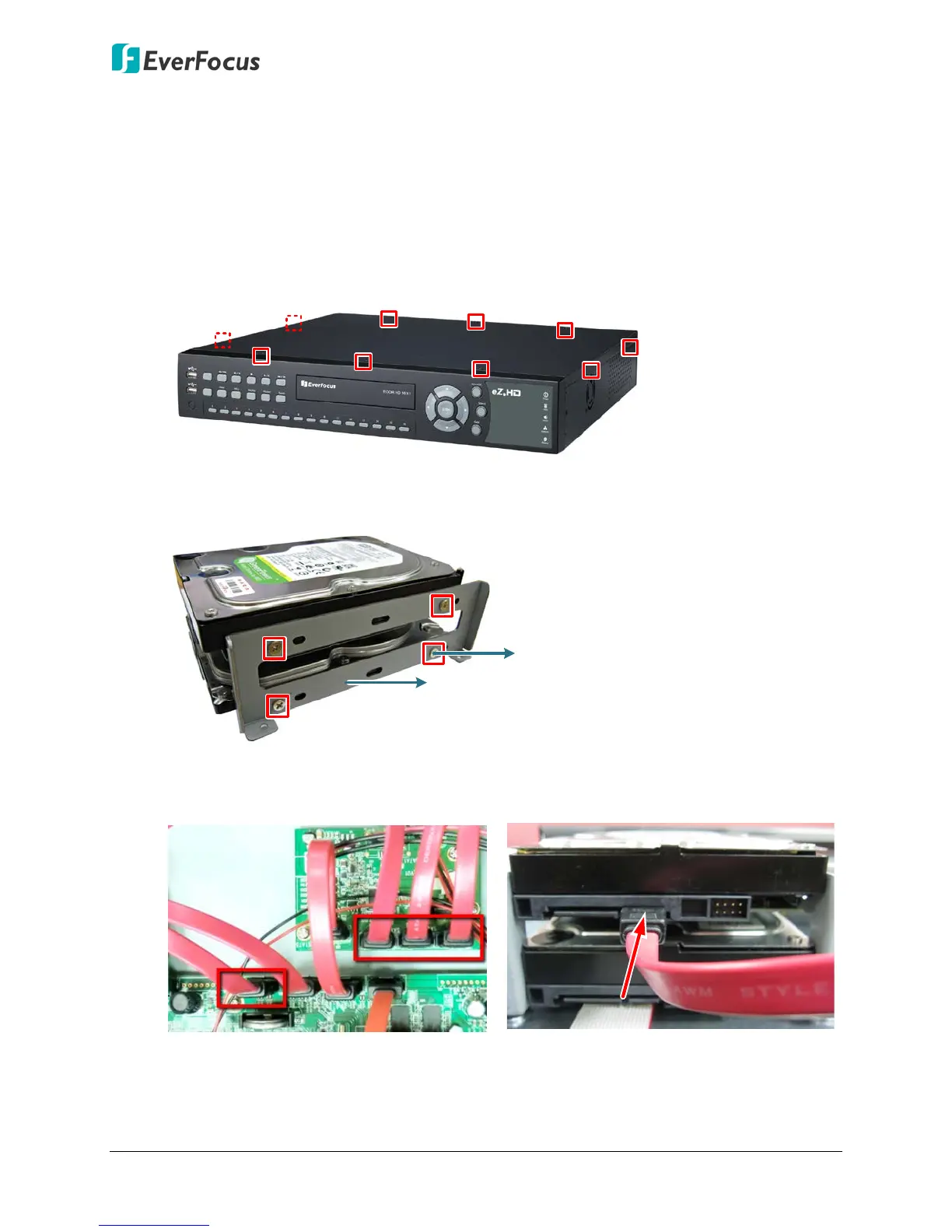
You can optionally install four 3.5” HDDs inside the DVR for recording videos.
1. Make sure the DVR is power-off.
2. Unscrew the ten housing screws of the DVR and remove the housing cover.
3. Screw two HDD brackets on both sides of the HDDs using the Sliver Screws.
4. Use the SATA Cable, and connect one end to either one of the four SATA ports on the
PCB inside the DVR, and the other end to the SATA port on the HDD.












 To Next Page