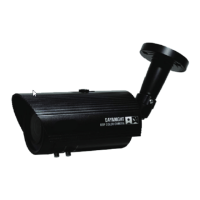
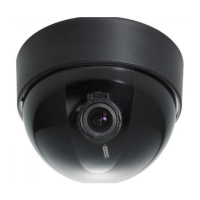
EZN268
7
5. ConnecttheLAN/PoEcabletothecamera.
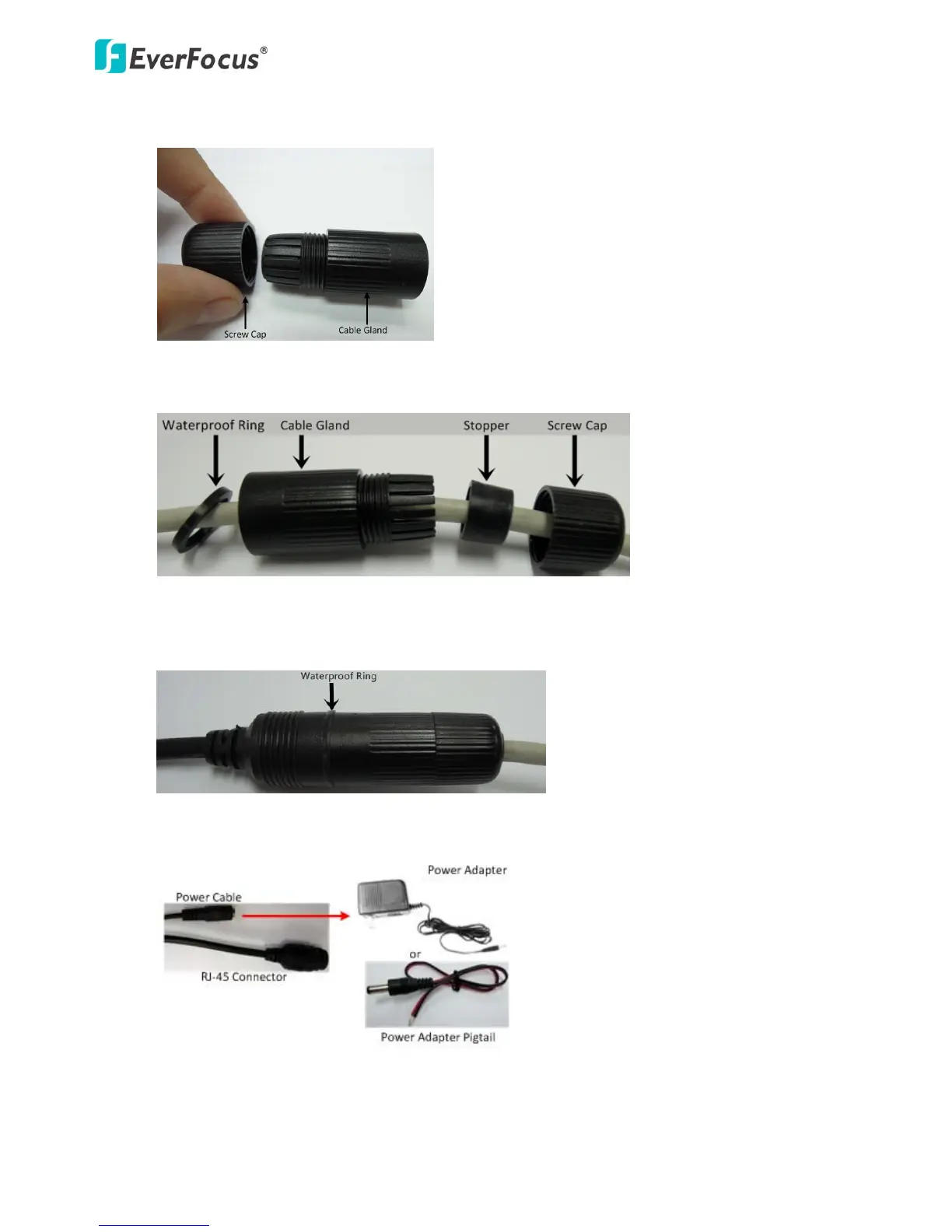
a. RemovetheScrewCapfromtheCableGland.
b. InsertaRJ‐45networkcable(withouttheRJ‐45connectorontheoneend)throughtheCable
GlandandScrewCap.
c. PlacetheWaterproofRingintotheLAN / PoEcable.ConnecttheRJ‐45cabletotheRJ‐45
ConnectorCable.TightlyscrewtheCableGlandandScrewCaptotheRJ‐45Connector
Cable.
d. Optionallyconnectthecameratothe 12VDCpowersourceusingthesuppliedPowerAdapter
Pigtailorapoweradapte r.



 To Next Page